Kenshin Himura - Flux.1 dev
プロンプト
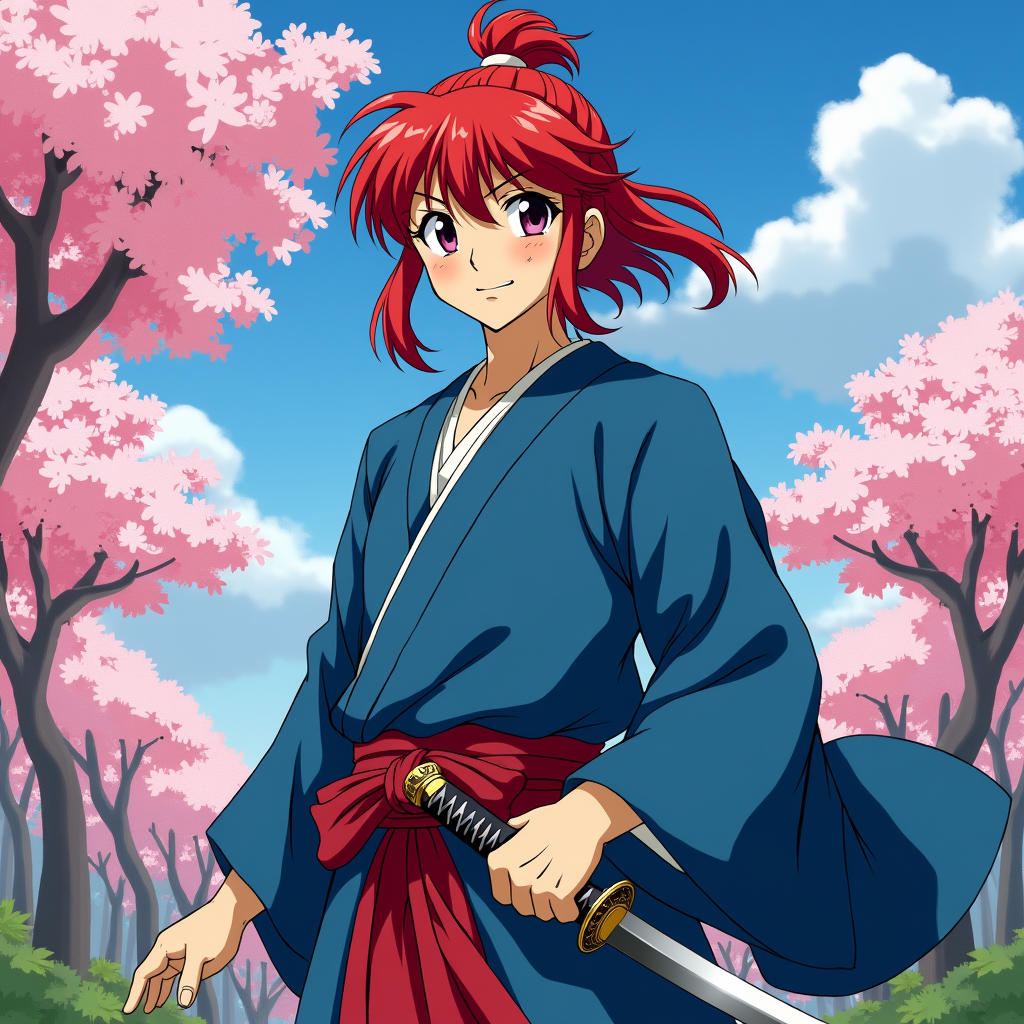
Create an image of Kenshin Himura in a vibrant anime style, showcasing his iconic red hair tied in a bun with loose strands framing his face. He wears a traditional, flowing blue kimono with a white undershirt, complemented by a crimson sash. His expression is a mix of determination and kindness, with a slight smile that hints at his gentle nature. Kenshin stands in a dynamic pose, one hand resting on the hilt of his sheathed reverse-blade sword, ready for action. The background features a serene rural landscape with cherry blossom trees in full bloom, symbolizing peace and renewal. The art style should be colorful and expressive, capturing the essence of classic anime with bold outlines and vibrant colors. Include signature elements like the scar on his cheek and the subtle glow of his sword, emphasizing his warrior spirit and dedication to protecting others.
Flyne AI画像プロンプトの詳細分析
Flyne AI Image Generatorで画像生成に使用された詳細なプロンプトを分析します。
Flux AI画像生成のプロンプトを探索
Flyne AI Image Generatorで画像を生成する方法 Flux.1 dev
以下の4つの簡単なステップに従って、希望する画像を作成してください。
ステップ 1: テキストを入力 (より良い結果のためにプロンプトを調整してください)
ステップ 2: 画像のアスペクト比を選択
ステップ 3: 画像モデルを選択:
ステップ 4: 生成ボタンをクリックして数秒待ち、画像を取得
画像生成プロンプトに関連するFlyne AIツール Flux.1 dev
Flyne AIの高度なツールを見つけて、クリエイティブなワークフローを強化しましょう。