Neon Dreams: A Cyberpunk Tapestry - Flux.1 schnell
Eingabe
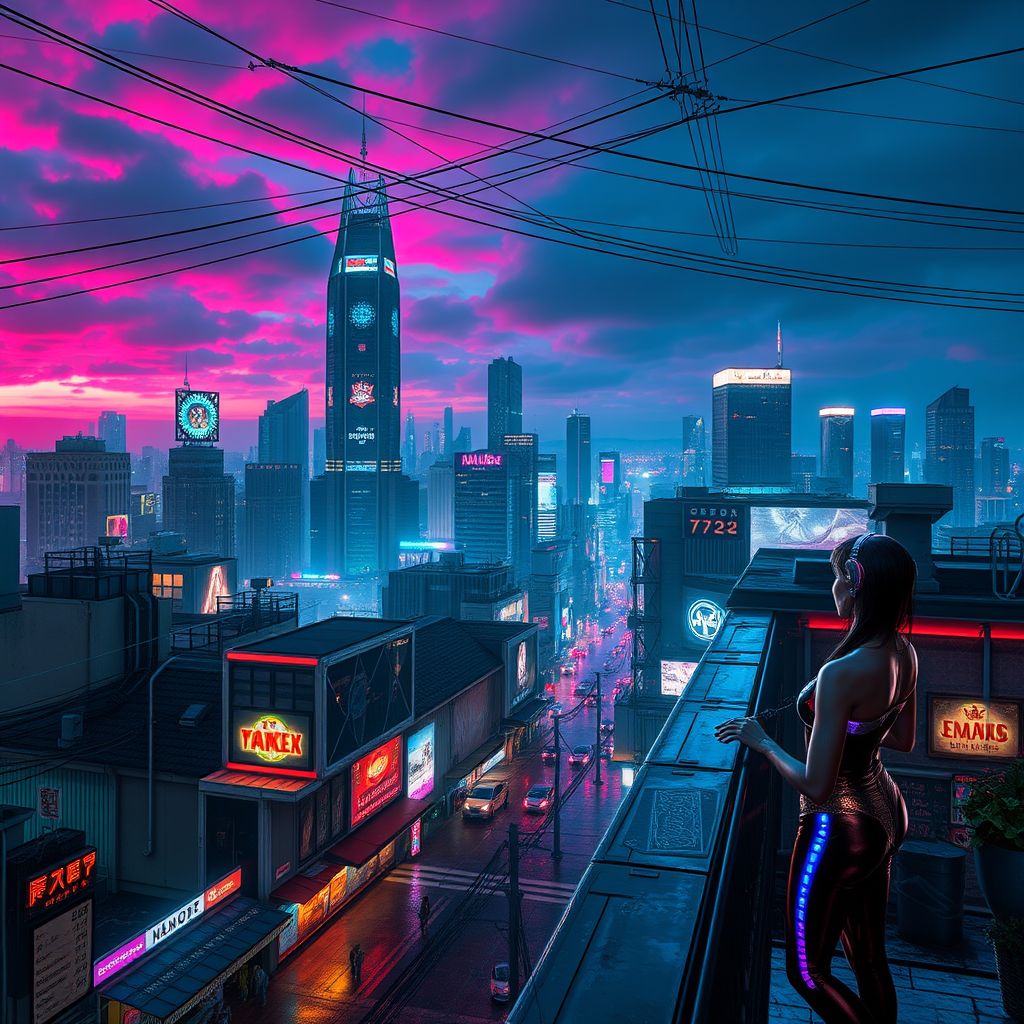
In a sprawling cyberpunk metropolis, the neon-lit rooftops glisten under a twilight sky, awash in hues of electric blue and vibrant magenta. Jagged skyscrapers loom like titans, their surfaces adorned with pulsating holograms and flickering advertisements that cast an otherworldly glow. A network of glowing cables crisscrosses above, humming with energy as augmented dreamers, clad in sleek, iridescent attire, gather at the edge of a rooftop garden, sharing visions through electric whispers. Their eyes shimmer with augmented reality lenses, reflecting swirling data streams and fractal patterns. Below, the streets pulse with life, where rain-soaked pavement mirrors the kaleidoscope of colors above. Wisps of vapor rise from street vendors, mingling with the scent of exotic street food, while distant sirens and the low thrum of hovercrafts create a symphony of urban sound. The atmosphere is charged with anticipation, as the dreamers connect, their hands gesturing, weaving together a tapestry of shared dreams that flicker and pulse like the city itself.
Detaillierte Analyse des Flyne AI Bild-Prompts
Analysiere den detaillierten Prompt, der zur Erstellung des Bildes mit dem Flyne AI Image Generator verwendet wurde.
Flux-Prompts für den KI-Bildgenerator erkunden
So erzeugst du Bilder mit dem Flyne AI Image Generator Flux.1 schnell
Folge diesen vier einfachen Schritten, um das gewünschte Bild zu erstellen.
Schritt 1: Gib deinen Text ein (Fühle dich frei, deinen Prompt für bessere Ergebnisse zu verfeinern)
Schritt 2: Wähle das Bildseitenverhältnis
Schritt 3: Wähle dein Bildmodell:
Schritt 4: Klicke auf die Generieren-Schaltfläche und warte ein paar Sekunden auf dein Bild
Verwandte Flyne AI Tools für Prompts zur Bilderzeugung Flux.1 schnell
Entdecke fortschrittliche Tools von Flyne AI, um deinen kreativen Workflow zu verbessern.