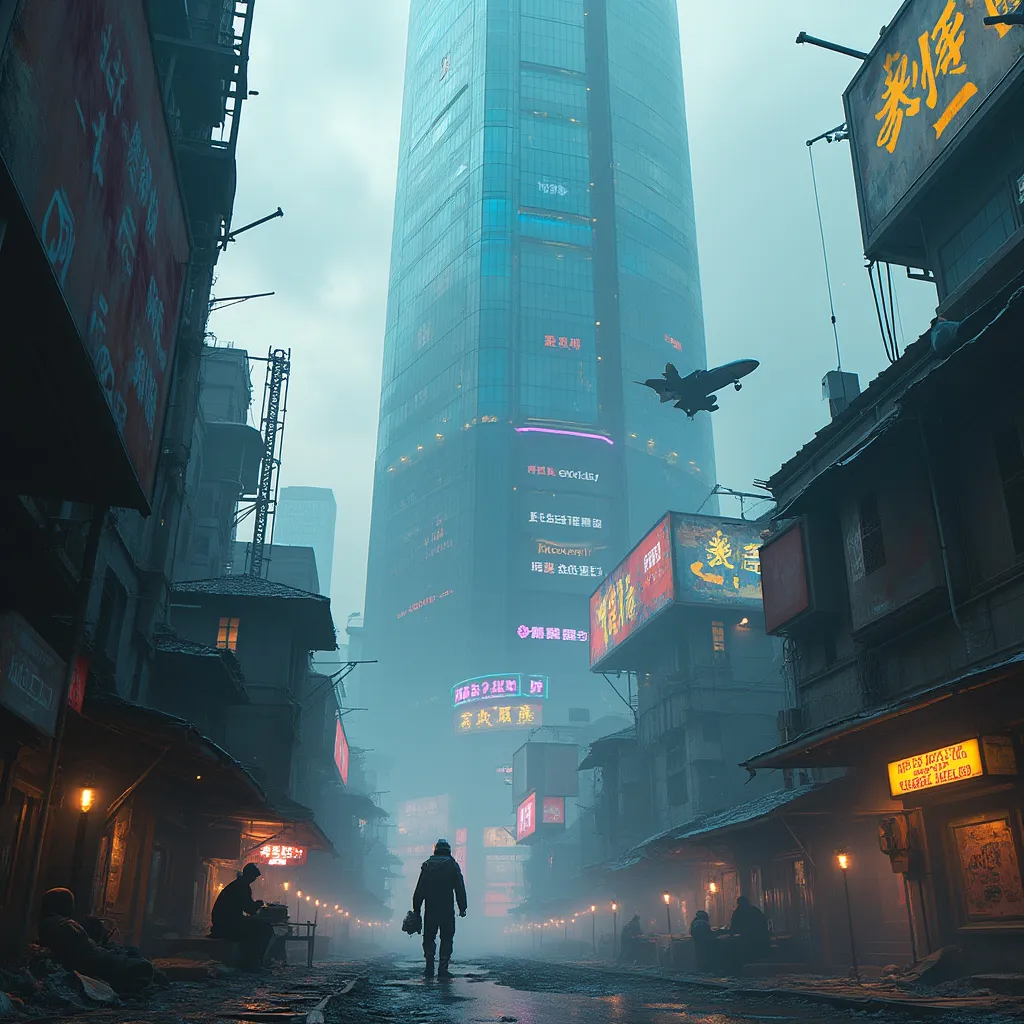
Neon Shadows: Rogue Code Rising - Flux.1 pro
프롬프트
A colossal corporate monolith pierces neon-streaked smog, its mirrored surface reflecting a chaotic sprawl of dilapidated hovels suspended by crackling electromagnetic fields. Holographic billboards flicker erratically, casting an eerie glow on rain-slicked alleys below. Rogue technomancers, faces obscured by augmented-reality visors, huddle around makeshift terminals in shadowy corners. Their fingers dance across glowing keypads, weaving intricate code that ripples through the city's neural network. Sparks fly from exposed circuitry as they siphon power from the megacorp's grid. In the distance, a swarm of surveillance drones buzz ominously, searching for dissidents. Threadbare clothes and cybernetic implants blend seamlessly on the bodies of off-grid denizens, their silhouettes backlit by the pulsing azure heartbeat of illicit power conduits. A stolen corporate shuttle streaks across the polluted sky, leaving a trail of iridescent exhaust as it ferries black-market tech between the floating favelas.
Flyne AI 이미지 프롬프트 상세 분석
Flyne AI Image Generator로 이미지를 생성하는 데 사용된 상세 프롬프트를 분석합니다.
Flux AI 이미지 생성기 프롬프트 탐색
Flyne AI Image Generator로 이미지를 생성하는 방법 Flux.1 pro
원하는 이미지를 만들기 위해 다음 네 가지 간단한 단계를 따르세요.
단계 1: 텍스트 입력 (더 나은 결과를 위해 프롬프트를 자유롭게 수정하세요)
단계 2: 이미지 종횡비 선택
단계 3: 이미지 모델 선택:
단계 4: 생성 버튼을 클릭하고 몇 초간 기다려 이미지를 받으세요
이미지 생성 프롬프트와 관련된 Flyne AI 도구 Flux.1 pro
Flyne AI의 고급 도구를 살펴보고 창의적인 작업 흐름을 향상시키세요.