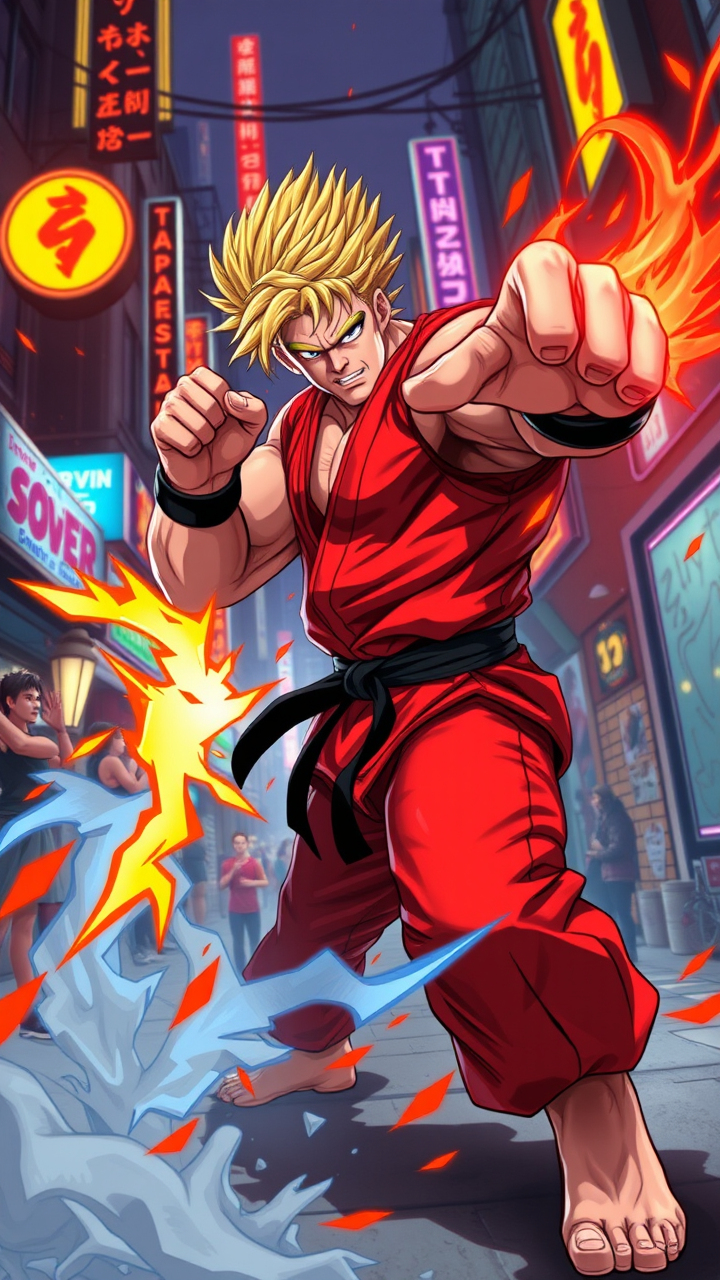
Ken's Fiery Shoryuken Showdown - Flux.1 schnell
프롬프트
**Image Generation Prompt:** Create a dynamic and vibrant scene inspired by the fighting game genre, specifically "Street Fighter II." Focus on Ken Masters, a muscular fighter with spiky blonde hair, wearing a red gi and black belt, showcasing his fierce determination. Capture his signature Shoryuken pose, surrounded by a flurry of energy and flames. The background features an iconic urban setting, with neon lights and a bustling street, evoking the essence of 90s arcade culture. Include elements like a cheering crowd and graffiti-covered walls to enhance the atmosphere. The overall mood should be intense and electrifying, reflecting the competitive spirit of street fighting, with a color palette rich in reds, blues, and yellows to emphasize action and excitement.
Flyne AI 이미지 프롬프트 상세 분석
Flyne AI Image Generator로 이미지를 생성하는 데 사용된 상세 프롬프트를 분석합니다.
Flux AI 이미지 생성기 프롬프트 탐색
Flyne AI Image Generator로 이미지를 생성하는 방법 Flux.1 schnell
원하는 이미지를 만들기 위해 다음 네 가지 간단한 단계를 따르세요.
단계 1: 텍스트 입력 (더 나은 결과를 위해 프롬프트를 자유롭게 수정하세요)
단계 2: 이미지 종횡비 선택
단계 3: 이미지 모델 선택:
단계 4: 생성 버튼을 클릭하고 몇 초간 기다려 이미지를 받으세요
이미지 생성 프롬프트와 관련된 Flyne AI 도구 Flux.1 schnell
Flyne AI의 고급 도구를 살펴보고 창의적인 작업 흐름을 향상시키세요.