Neon Shadows: Data Dance in Decay - Flux.1.1 pro
프롬프트
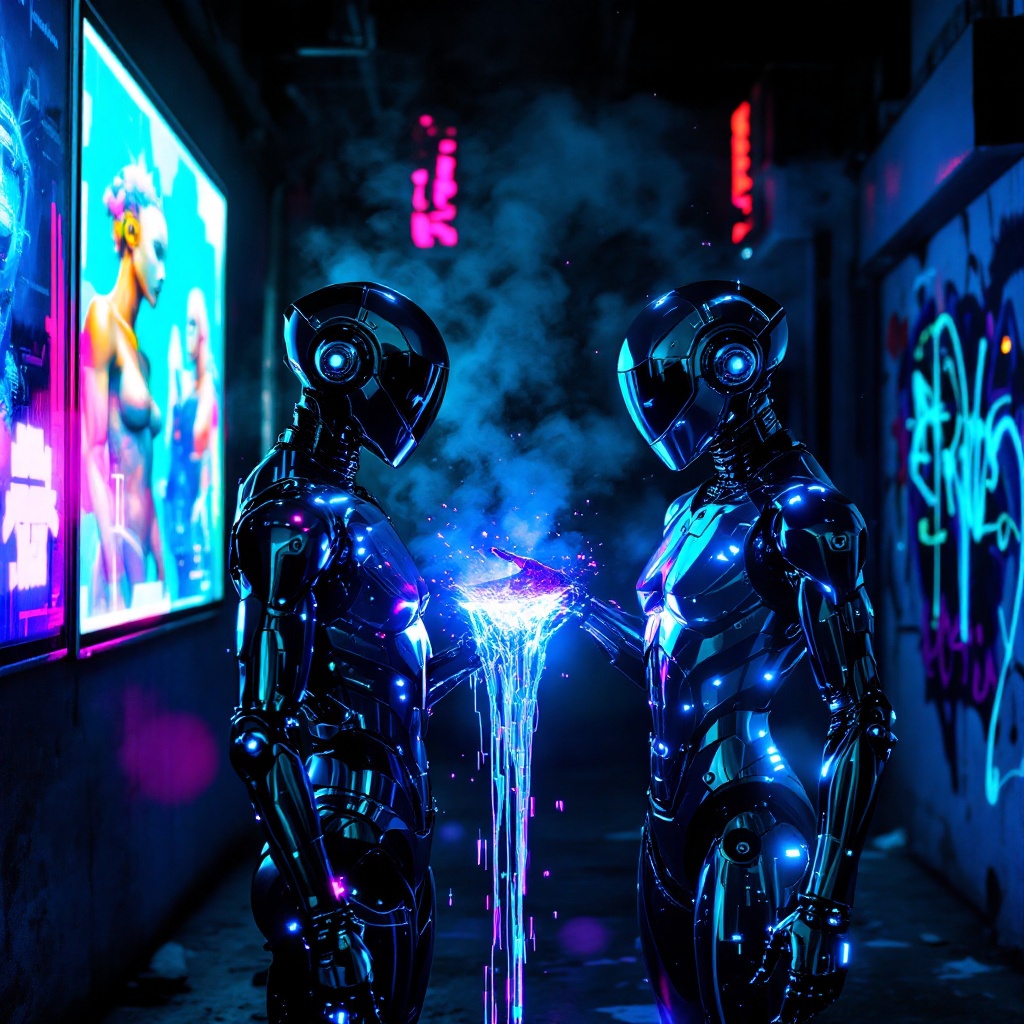
In a neon-drenched alleyway, two sleek, chromed figures stand illuminated by flickering holographic billboards, their metallic surfaces reflecting vibrant hues of electric blue and pulsating magenta. The air is thick with a haze of vapor, swirling around them as synth music thumps rhythmically, reverberating off the damp concrete walls. One figure, with angular features and glowing circuitry etched into its skin, extends a hand, projecting a stream of iridescent data that dances like liquid light between them. Shadows loom in the background, where graffiti art glows under ultraviolet light, depicting cybernetic creatures and abstract designs. The atmosphere is charged with an electric tension, a fusion of technology and urban decay, as the figures exchange encrypted information, their expressions hidden behind visors that shimmer with digital readouts, creating a surreal tableau of connection amidst the chaos of a dystopian night.
Flyne AI 이미지 프롬프트 상세 분석
Flyne AI Image Generator로 이미지를 생성하는 데 사용된 상세 프롬프트를 분석합니다.
Flux AI 이미지 생성기 프롬프트 탐색
Flyne AI Image Generator로 이미지를 생성하는 방법 Flux.1.1 pro
원하는 이미지를 만들기 위해 다음 네 가지 간단한 단계를 따르세요.
단계 1: 텍스트 입력 (더 나은 결과를 위해 프롬프트를 자유롭게 수정하세요)
단계 2: 이미지 종횡비 선택
단계 3: 이미지 모델 선택:
단계 4: 생성 버튼을 클릭하고 몇 초간 기다려 이미지를 받으세요
이미지 생성 프롬프트와 관련된 Flyne AI 도구 Flux.1.1 pro
Flyne AI의 고급 도구를 살펴보고 창의적인 작업 흐름을 향상시키세요.