Baklava - Flux.1 dev
프롬프트
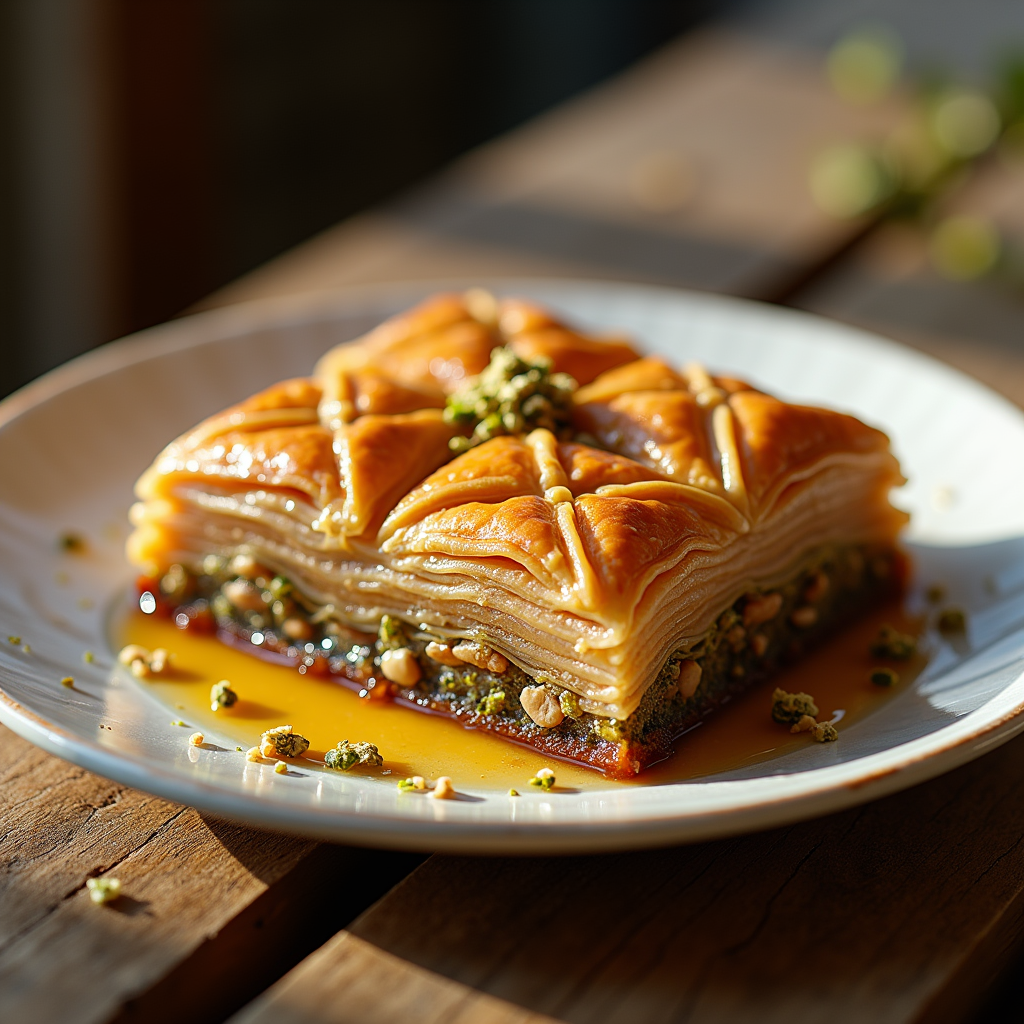
Capture a close-up macro photograph of a golden-brown baklava, its layers of flaky phyllo pastry glistening with a honey syrup that reflects warm amber hues. The intricate, diamond-shaped cuts reveal the rich, nutty filling of finely chopped walnuts and pistachios, speckled with hints of green and brown. Set against a rustic wooden table, the baklava is artfully arranged on a delicate white porcelain plate, garnished with a sprinkle of crushed pistachios and a drizzle of honey cascading down the sides. Soft, warm, natural light filters through a nearby window, casting gentle shadows that enhance the textures of the pastry. The scene evokes a sense of warmth and comfort, inviting the viewer to imagine the sweet, nutty aroma wafting through the air, mingling with the soft crunch of the first bite.
Flyne AI 이미지 프롬프트 상세 분석
Flyne AI Image Generator로 이미지를 생성하는 데 사용된 상세 프롬프트를 분석합니다.
Flux AI 이미지 생성기 프롬프트 탐색
Flyne AI Image Generator로 이미지를 생성하는 방법
원하는 이미지를 만들기 위해 다음 네 가지 간단한 단계를 따르세요.
단계 1: 텍스트 입력 (더 나은 결과를 위해 프롬프트를 자유롭게 수정하세요)
단계 2: 이미지 종횡비 선택
단계 3: 이미지 모델 선택:
단계 4: 생성 버튼을 클릭하고 몇 초간 기다려 이미지를 받으세요
이미지 생성 프롬프트와 관련된 Flyne AI 도구
Flyne AI의 고급 도구를 살펴보고 창의적인 작업 흐름을 향상시키세요.