Brain Buffering: Chaos Unleashed! - Flux.1 dev
提示
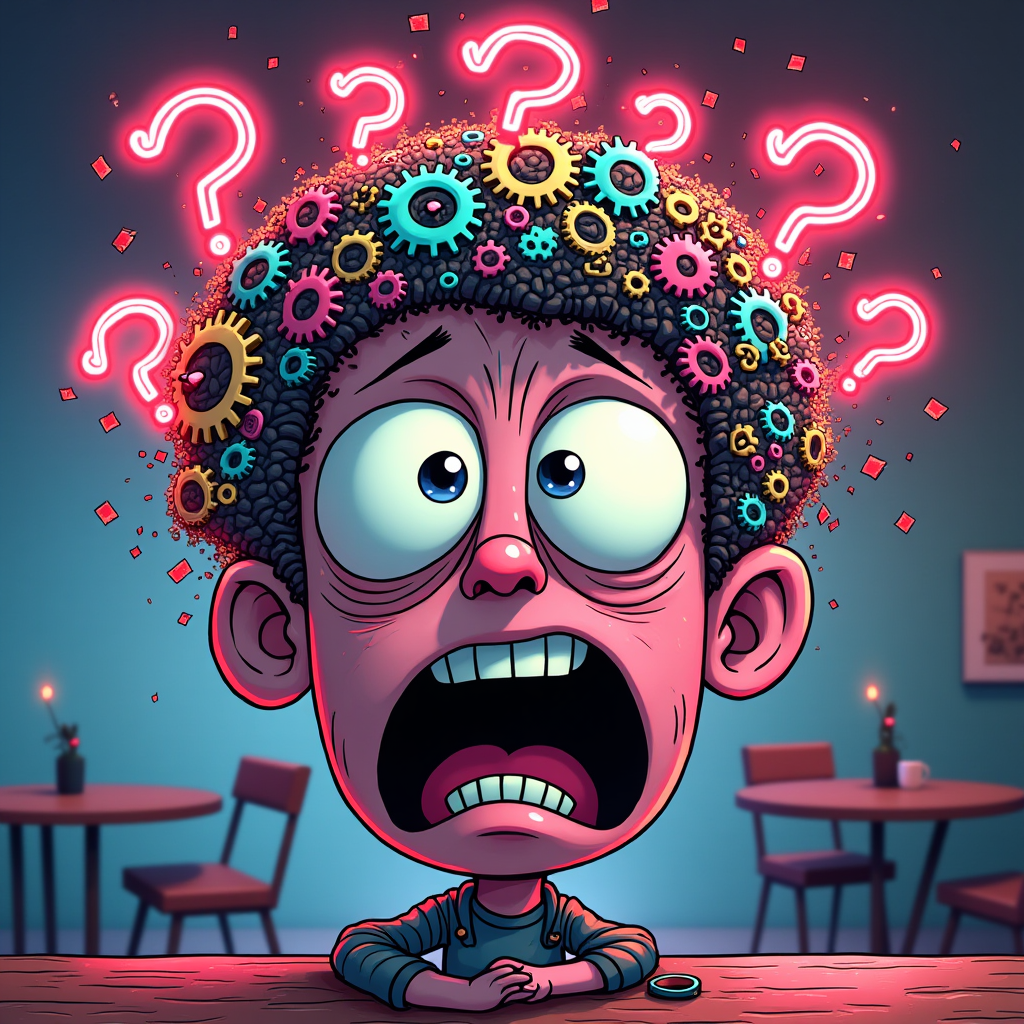
Create an image depicting a chaotic scene representing the concept "When your brain buffers during a simple conversation." The foreground features a cartoonish character with wide, bewildered eyes and a gaping mouth, surrounded by swirling question marks and exclamation points. Their head is a jumble of colorful gears and glitching pixels, symbolizing a brain in overload. In the background, a blurred café setting with distorted tables and chairs adds to the disarray. Use a vibrant color palette of neon pinks, electric blues, and bright yellows to evoke a sense of frenetic energy. Incorporate dynamic lines and motion blurs to emphasize chaos. The lighting should be dramatic, with sharp contrasts casting exaggerated shadows. Consider a blend of surrealism and pop art styles to enhance the visual impact, making the scene playful yet overwhelming.
Flyne AI 图像提示的详细分析
分析用于通过 Flyne AI Image Generator 生成图像的详细提示。
探索Flux AI图像生成器的提示词
如何通过 Flyne AI Image Generator 生成图像 Flux.1 dev
按照以下四个简单步骤创建您想要的图像。
步骤 1:输入您的文字 (可以优化您的提示以获得更好的结果)
步骤 2:选择图片宽高比
步骤 3:选择您的图像模型:
步骤 4:点击生成按钮,等待几秒钟获取您的图像
与图像生成提示相关的 Flyne AI 工具 Flux.1 dev
发现来自 Flyne AI 的高级工具,提升您的创意工作流程。