Stingray - Flux.1.1 pro
提示
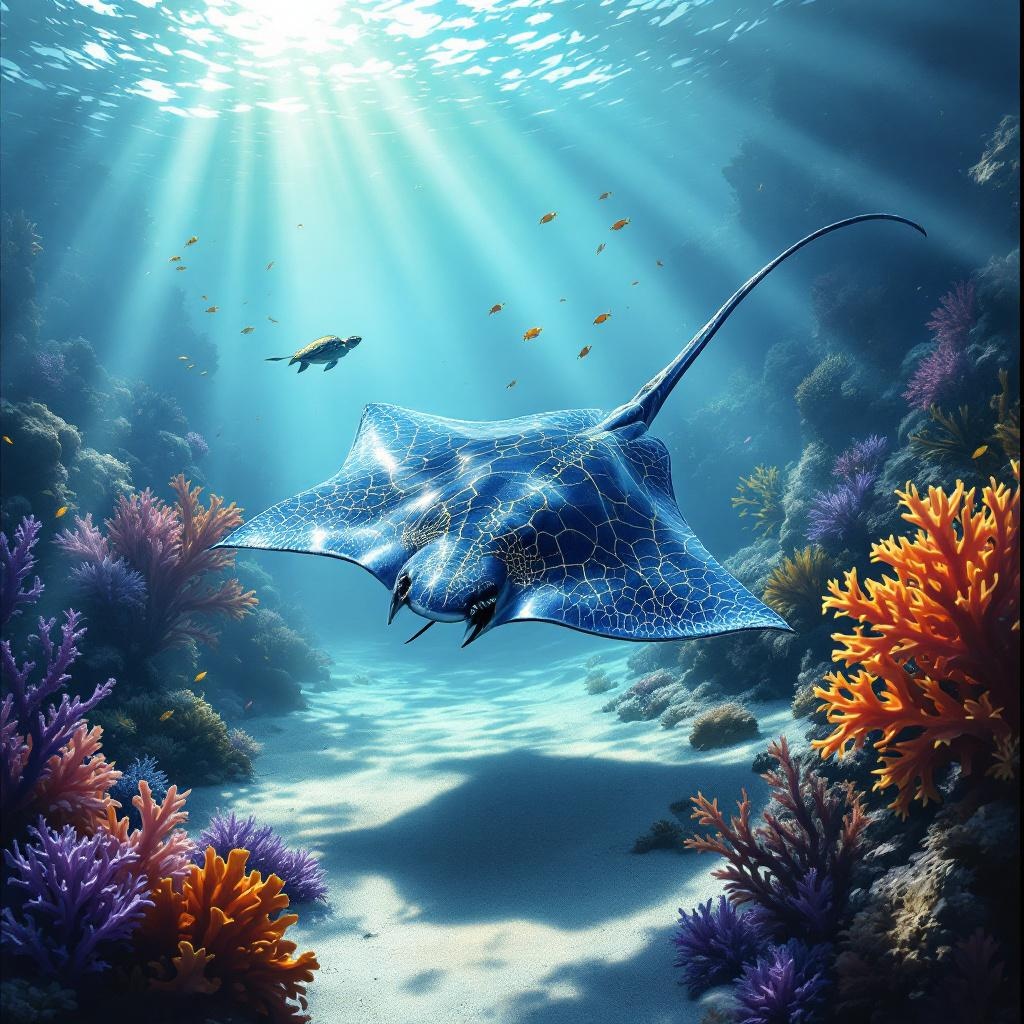
**Image Prompt:** A majestic stingray glides gracefully through a sunlit coral reef, its wide, diamond-shaped body shimmering with iridescent blues and silvers. Delicate patterns of golden veins trace its wings, while its long, whip-like tail trails behind. The reef bursts with vibrant colors—fiery orange corals, swaying purple sea fans, and schools of tiny neon fish darting around. Sunbeams pierce the crystal-clear water, casting dappled light on the sandy ocean floor. The scene is rendered in a semi-realistic digital painting style, blending intricate detail with soft, dreamlike textures. The mood is serene yet awe-inspiring, evoking the quiet beauty of the ocean depths. Shot from a low angle to emphasize the stingray’s grandeur, with a slightly blurred background to enhance depth. A lone sea turtle drifts in the distance, adding scale and harmony to the composition.
Flyne AI 图像提示的详细分析
分析用于通过 Flyne AI Image Generator 生成图像的详细提示。
探索Flux AI图像生成器的提示词
如何通过 Flyne AI Image Generator 生成图像 Flux.1.1 pro
按照以下四个简单步骤创建您想要的图像。
步骤 1:输入您的文字 (可以优化您的提示以获得更好的结果)
步骤 2:选择图片宽高比
步骤 3:选择您的图像模型:
步骤 4:点击生成按钮,等待几秒钟获取您的图像
与图像生成提示相关的 Flyne AI 工具 Flux.1.1 pro
发现来自 Flyne AI 的高级工具,提升您的创意工作流程。