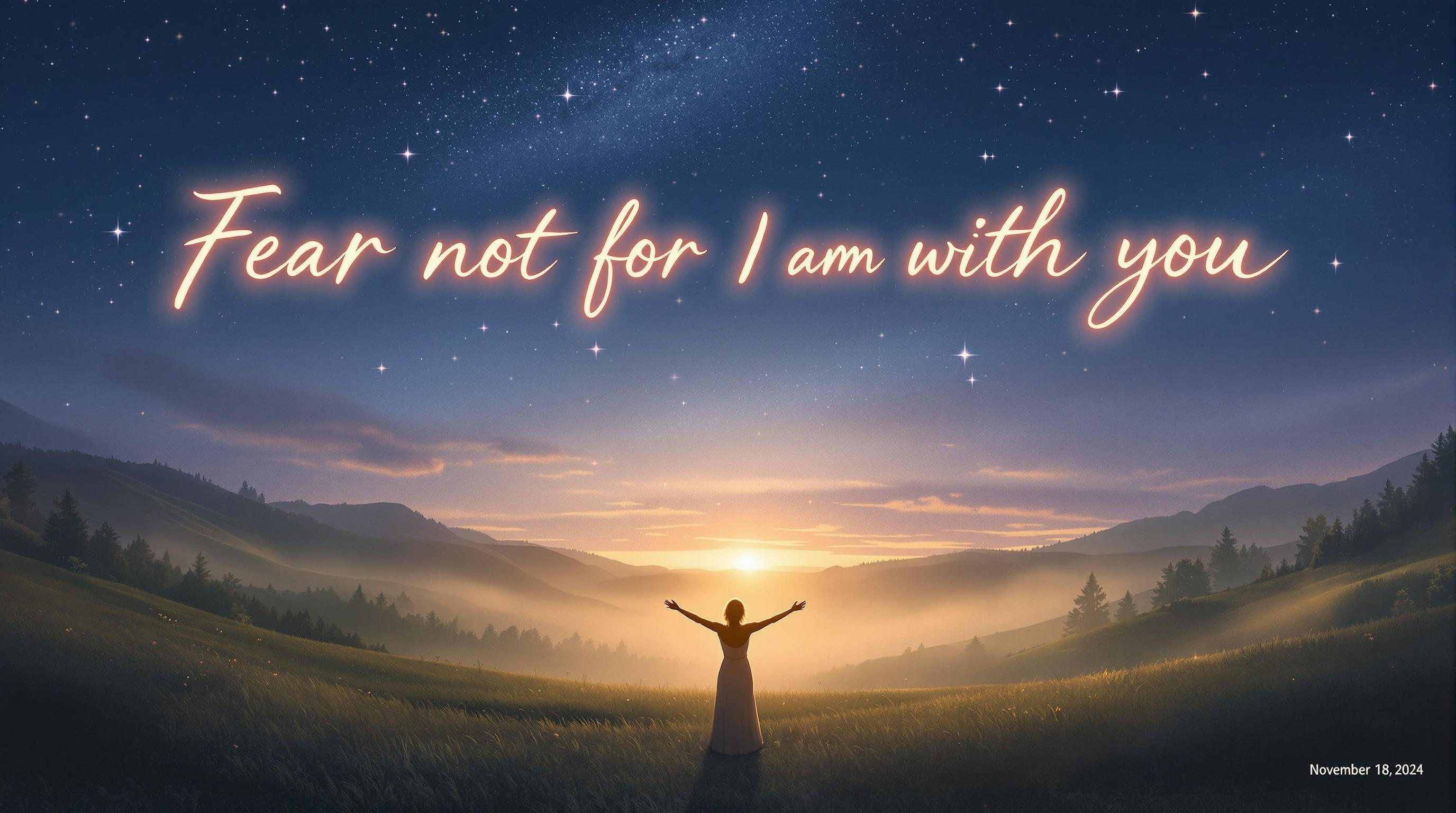
Divine Light in Twilight's Embrace - Flux.1.1 pro
提示
A serene landscape at twilight, where a gentle, golden light spills over a tranquil valley. In the foreground, a figure stands with arms outstretched, embodying peace and reassurance, surrounded by soft, ethereal wisps of mist. Above, the sky is a canvas of deep indigos and purples, speckled with shimmering stars, symbolizing divine presence. The phrase “Fear not, for I am with you; be not dismayed, for I am your God.-November 18, 2024” is elegantly scripted in luminous, flowing letters across the sky, glowing softly as if illuminated by celestial light. The overall mood is one of calmness and hope, evoking a sense of divine companionship. The artistic style draws inspiration from impressionism, with soft brush strokes and a focus on light and color harmony, creating a dreamlike quality that invites contemplation and solace.
Flyne AI 图像提示的详细分析
分析用于通过 Flyne AI Image Generator 生成图像的详细提示。
探索Flux AI图像生成器的提示词
如何通过 Flyne AI Image Generator 生成图像
按照以下四个简单步骤创建您想要的图像。
步骤 1:输入您的文字 (可以优化您的提示以获得更好的结果)
步骤 2:选择图片宽高比
步骤 3:选择您的图像模型:
步骤 4:点击生成按钮,等待几秒钟获取您的图像
与图像生成提示相关的 Flyne AI 工具
发现来自 Flyne AI 的高级工具,提升您的创意工作流程。