Dynamic Strength in Motion - Flux.1.1 pro
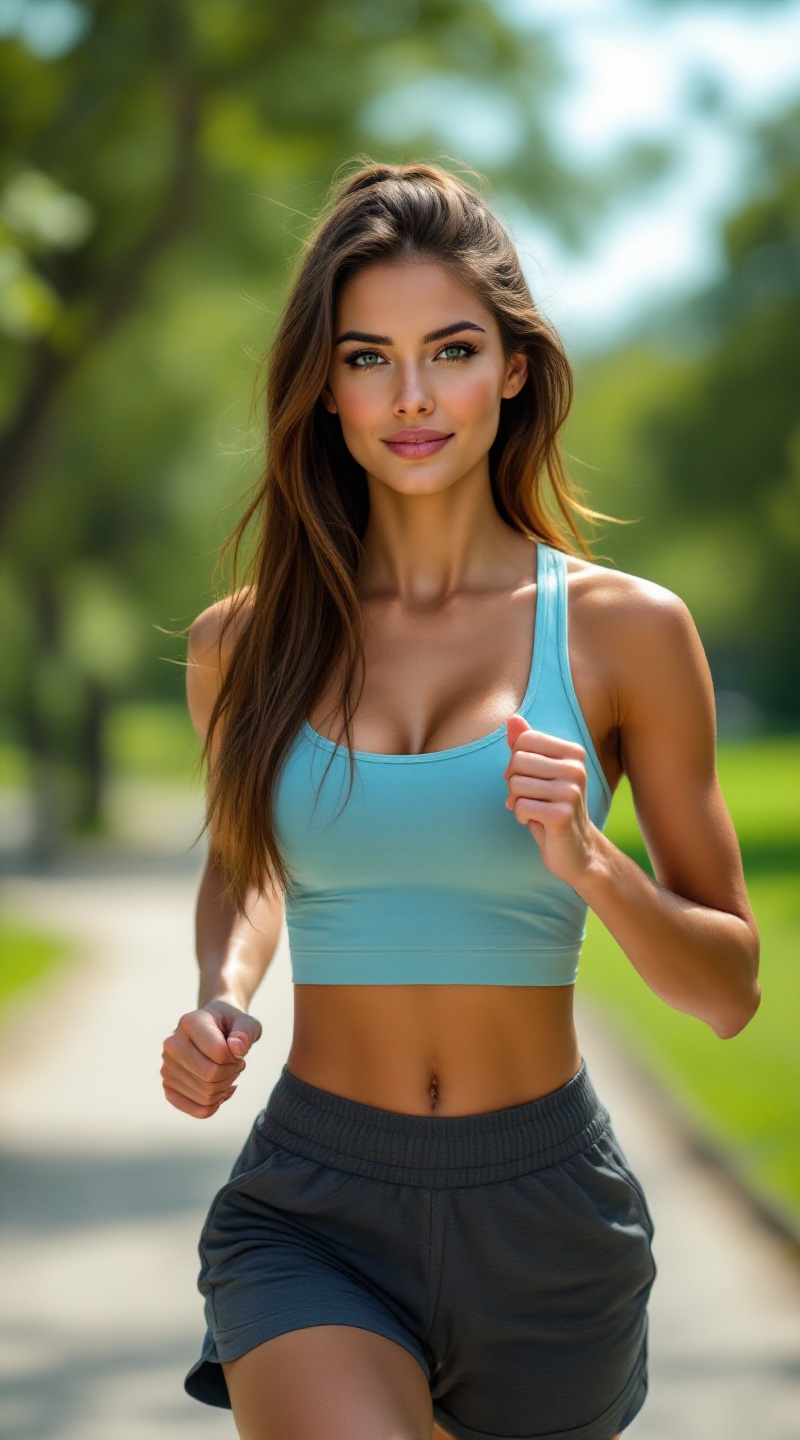
提示
Create an image of an athletic woman with long, straight chestnut brown hair that cascades down her back. She has a sun-kissed, medium skin tone, complemented by a heart-shaped face featuring high cheekbones and bright green eyes. Her physique is toned and athletic, with defined arms and legs, and a balanced, proportionate body shape. She is wearing a fitted, light blue tank top that highlights her shoulders, paired with casual, dark gray shorts that fall mid-thigh. The shorts have a subtle, sporty design. Her expression is confident and focused, with a slight smile suggesting determination. She is in a dynamic pose, mid-stride, as if jogging in a park, with her arms pumping and a relaxed yet energetic demeanor. The background features a lush green landscape with trees and a paved path, capturing a vibrant, sunny day.
Flyne AI 图像提示的详细分析
分析用于通过 Flyne AI Image Generator 生成图像的详细提示。
探索Flux AI图像生成器的提示词
如何通过 Flyne AI Image Generator 生成图像
按照以下四个简单步骤创建您想要的图像。
步骤 1:输入您的文字 (可以优化您的提示以获得更好的结果)
步骤 2:选择图片宽高比
步骤 3:选择您的图像模型:
步骤 4:点击生成按钮,等待几秒钟获取您的图像
与图像生成提示相关的 Flyne AI 工具
发现来自 Flyne AI 的高级工具,提升您的创意工作流程。