Neon Duel: Data's Heartbeat - Flux.1.1 pro
Eingabe
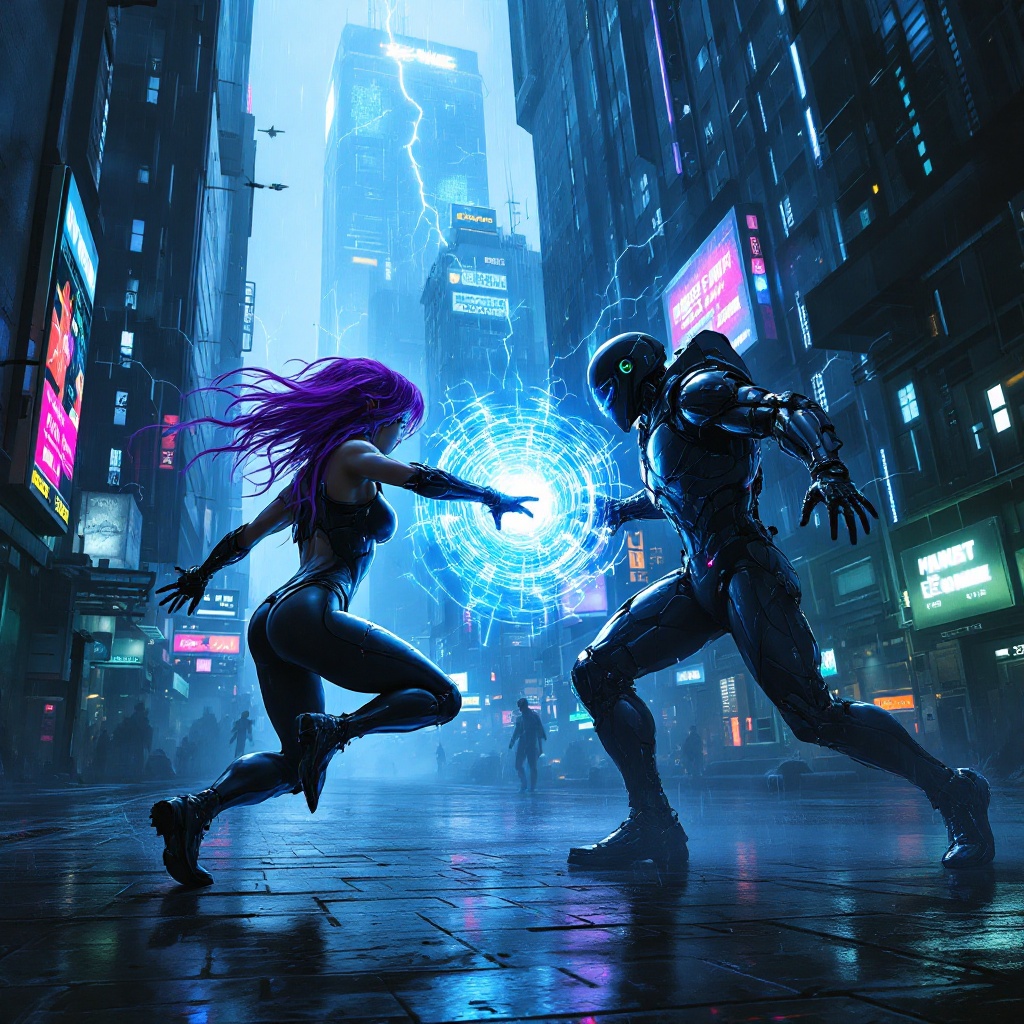
In a dimly lit cyberpunk metropolis, glistening circuits pulse with electric blue and neon green hues, casting an otherworldly glow on the rain-slicked streets below. Towering skyscrapers, adorned with flickering holograms and digital billboards, loom overhead, their surfaces alive with cascading streams of binary code. Amidst this technological chaos, two rogue netrunners, clad in sleek, reflective armor that shimmers like liquid metal, engage in a fierce battle of wits and skills. One, with a cascade of vibrant purple hair, manipulates swirling data streams that crackle with energy, while the other, sporting a cybernetic eye, unleashes a barrage of firewalls and digital traps. The atmosphere is charged with tension, illuminated by sporadic bursts of lightning and the distant hum of drones patrolling the skies, as they fight for control of a coveted data core, its core glowing like a pulsating heart in the center of the chaos.
Detaillierte Analyse des Flyne AI Bild-Prompts
Analysiere den detaillierten Prompt, der zur Erstellung des Bildes mit dem Flyne AI Image Generator verwendet wurde.
Flux-Prompts für den KI-Bildgenerator erkunden
So erzeugst du Bilder mit dem Flyne AI Image Generator
Folge diesen vier einfachen Schritten, um das gewünschte Bild zu erstellen.
Schritt 1: Gib deinen Text ein (Fühle dich frei, deinen Prompt für bessere Ergebnisse zu verfeinern)
Schritt 2: Wähle das Bildseitenverhältnis
Schritt 3: Wähle dein Bildmodell:
Schritt 4: Klicke auf die Generieren-Schaltfläche und warte ein paar Sekunden auf dein Bild
Verwandte Flyne AI Tools für Prompts zur Bilderzeugung
Entdecke fortschrittliche Tools von Flyne AI, um deinen kreativen Workflow zu verbessern.