Neon Duel: Data's Heartbeat - Flux.1.1 pro
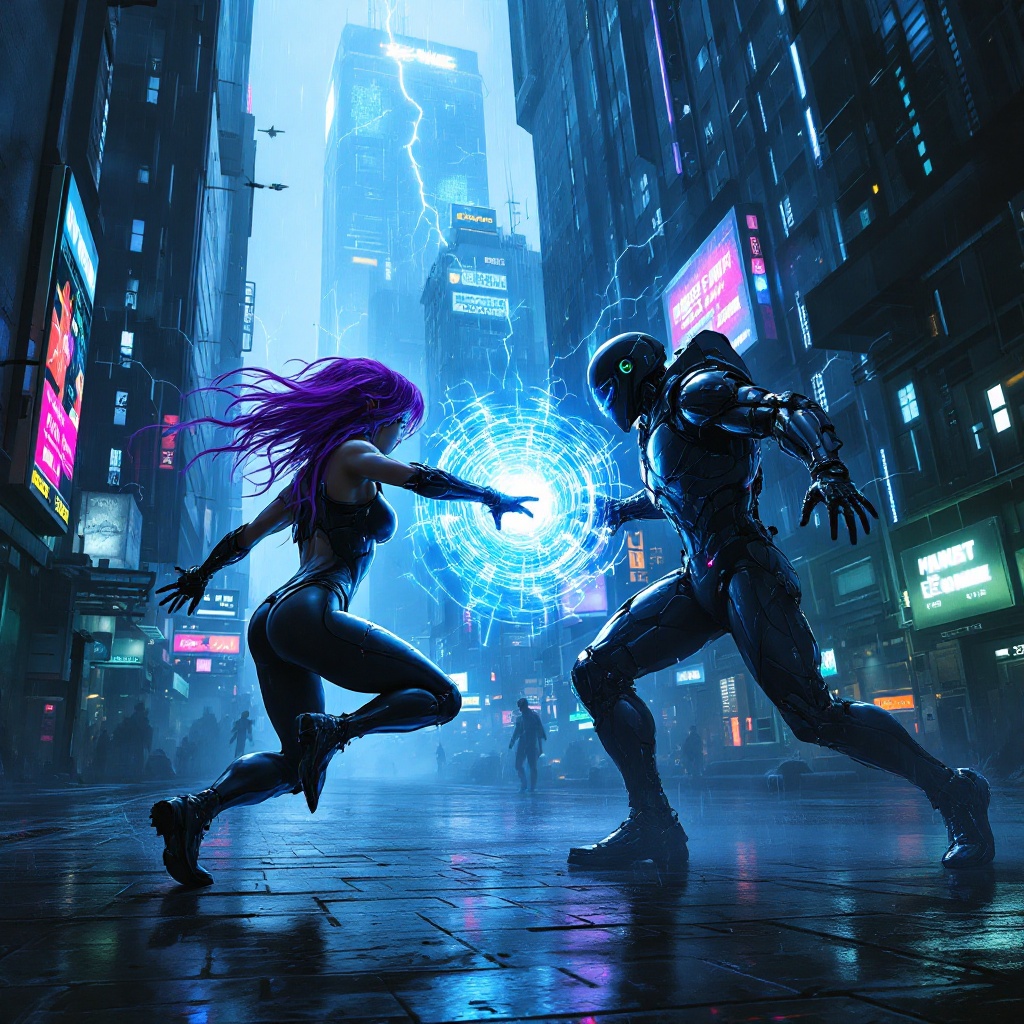
Prompt
In a dimly lit cyberpunk metropolis, glistening circuits pulse with electric blue and neon green hues, casting an otherworldly glow on the rain-slicked streets below. Towering skyscrapers, adorned with flickering holograms and digital billboards, loom overhead, their surfaces alive with cascading streams of binary code. Amidst this technological chaos, two rogue netrunners, clad in sleek, reflective armor that shimmers like liquid metal, engage in a fierce battle of wits and skills. One, with a cascade of vibrant purple hair, manipulates swirling data streams that crackle with energy, while the other, sporting a cybernetic eye, unleashes a barrage of firewalls and digital traps. The atmosphere is charged with tension, illuminated by sporadic bursts of lightning and the distant hum of drones patrolling the skies, as they fight for control of a coveted data core, its core glowing like a pulsating heart in the center of the chaos.
Análise detalhada do prompt de imagem Flyne AI
Analise o prompt detalhado usado para gerar a imagem com o Flyne AI Image Generator.
Explore Prompts Flux para o Gerador de Imagens
Como gerar imagens com o Flyne AI Image Generator
Siga estes quatro passos simples para criar a imagem desejada.
Passo 1: Insira seu texto (Sinta-se à vontade para refinar seu prompt para melhores resultados)
Passo 2: Escolha a proporção da imagem
Passo 3: Selecione seu modelo de imagem:
Passo 4: Clique no botão Gerar e aguarde alguns segundos para sua imagem
Ferramentas Flyne AI relacionadas a prompts de geração de imagens
Descubra ferramentas avançadas da Flyne AI para melhorar seu fluxo de trabalho criativo.