Neon Shadows: Rogue Mechanic's Realm - Flux.1 dev
프롬프트
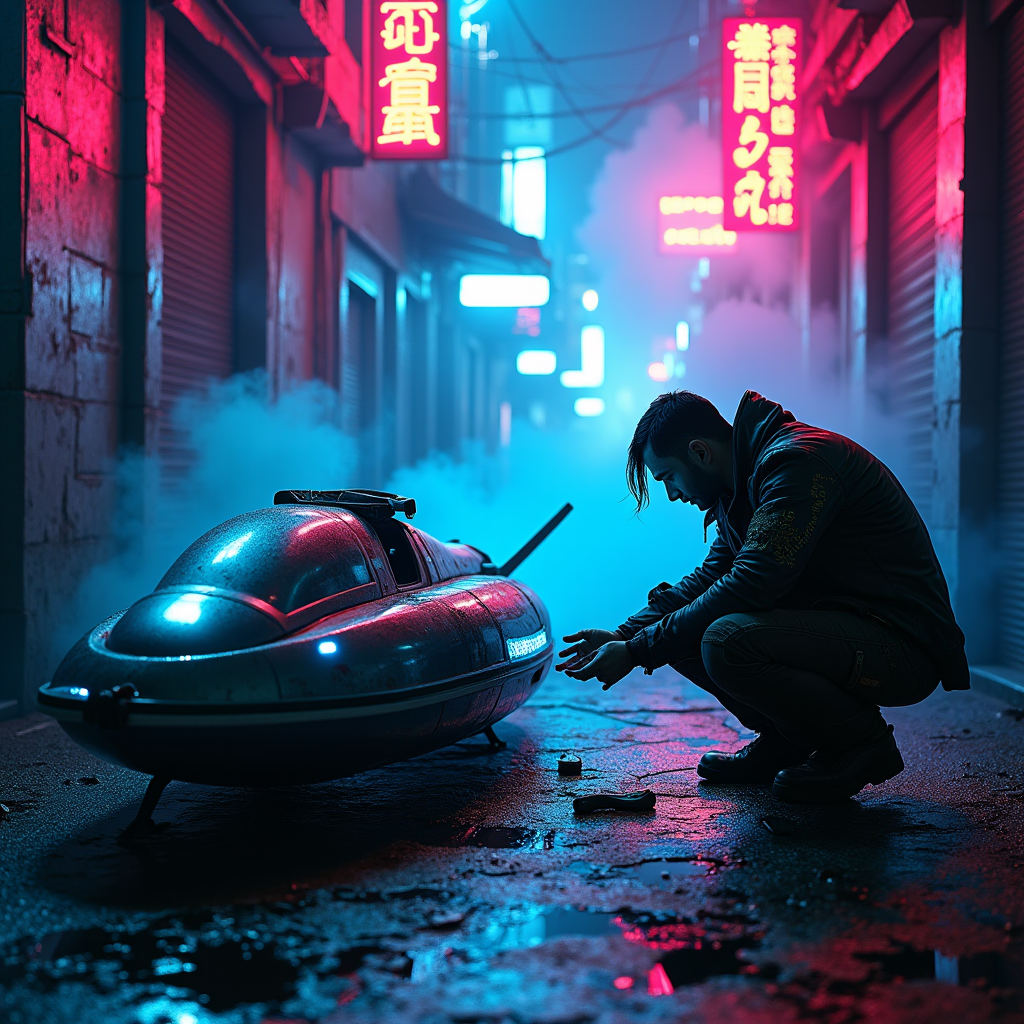
In a dimly lit cyberpunk alley, neon fog swirls around the cracked pavement, casting an ethereal glow in shades of electric blue and vibrant magenta. Shadows dance as a rogue mechanic, clad in a tattered leather jacket adorned with glowing circuit patterns, crouches beside a glitching hovercraft, its sleek metallic body flickering with erratic lights. The mechanic's hands, stained with oil and grime, deftly manipulate a holographic interface, surrounded by scattered tools and glowing gadgets. Above, flickering neon signs in foreign scripts illuminate the scene, their reflections shimmering in puddles on the ground. Wisps of fog curl around the mechanic's silhouette, enhancing the air of mystery, while distant sirens wail and the hum of the city pulses in the background, creating an atmosphere thick with tension and possibility, inviting the viewer to step into this dystopian world of innovation and rebellion.
Flyne AI 이미지 프롬프트 상세 분석
Flyne AI Image Generator로 이미지를 생성하는 데 사용된 상세 프롬프트를 분석합니다.
Flux AI 이미지 생성기 프롬프트 탐색
Flyne AI Image Generator로 이미지를 생성하는 방법
원하는 이미지를 만들기 위해 다음 네 가지 간단한 단계를 따르세요.
단계 1: 텍스트 입력 (더 나은 결과를 위해 프롬프트를 자유롭게 수정하세요)
단계 2: 이미지 종횡비 선택
단계 3: 이미지 모델 선택:
단계 4: 생성 버튼을 클릭하고 몇 초간 기다려 이미지를 받으세요
이미지 생성 프롬프트와 관련된 Flyne AI 도구
Flyne AI의 고급 도구를 살펴보고 창의적인 작업 흐름을 향상시키세요.