Neon Shadows: Rogue Mechanic's Realm - Flux.1 dev
Invite
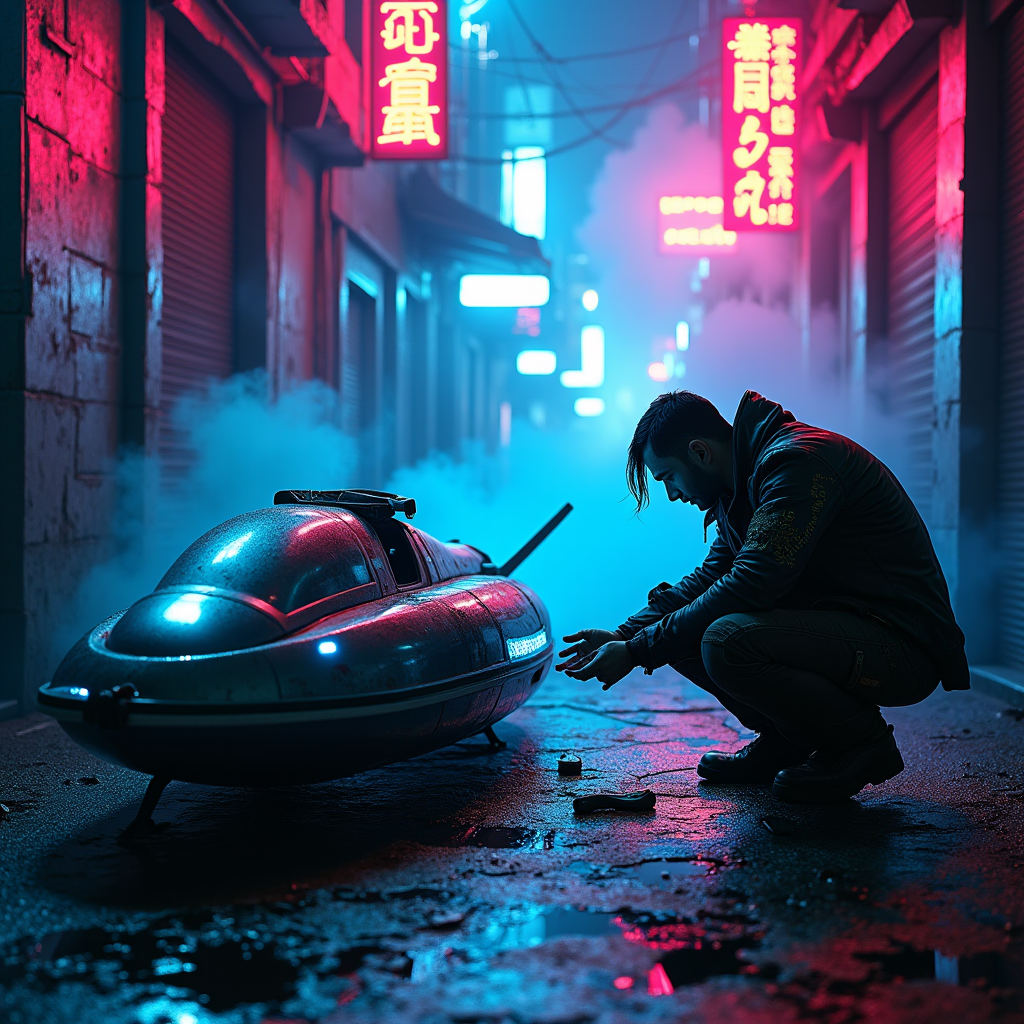
In a dimly lit cyberpunk alley, neon fog swirls around the cracked pavement, casting an ethereal glow in shades of electric blue and vibrant magenta. Shadows dance as a rogue mechanic, clad in a tattered leather jacket adorned with glowing circuit patterns, crouches beside a glitching hovercraft, its sleek metallic body flickering with erratic lights. The mechanic's hands, stained with oil and grime, deftly manipulate a holographic interface, surrounded by scattered tools and glowing gadgets. Above, flickering neon signs in foreign scripts illuminate the scene, their reflections shimmering in puddles on the ground. Wisps of fog curl around the mechanic's silhouette, enhancing the air of mystery, while distant sirens wail and the hum of the city pulses in the background, creating an atmosphere thick with tension and possibility, inviting the viewer to step into this dystopian world of innovation and rebellion.
Analyse détaillée du prompt d'image Flyne AI
Analysez le prompt détaillé utilisé pour générer l'image avec Flyne AI Image Generator.
Explorez les invites Flux IA
Comment générer des images avec Flyne AI Image Generator
Suivez ces quatre étapes simples pour créer l'image désirée.
Étape 1 : Entrez votre texte (N'hésitez pas à affiner votre prompt pour de meilleurs résultats)
Étape 2 : Choisissez le ratio d'aspect de l'image
Étape 3 : Sélectionnez votre modèle d'image :
Étape 4 : Cliquez sur le bouton Générer et attendez quelques secondes pour votre image
Outils Flyne AI liés aux prompts de génération d'images
Découvrez des outils avancés de Flyne AI pour booster votre flux de travail créatif.