Echoes of a Pizza Dream - Flux.1.1 pro
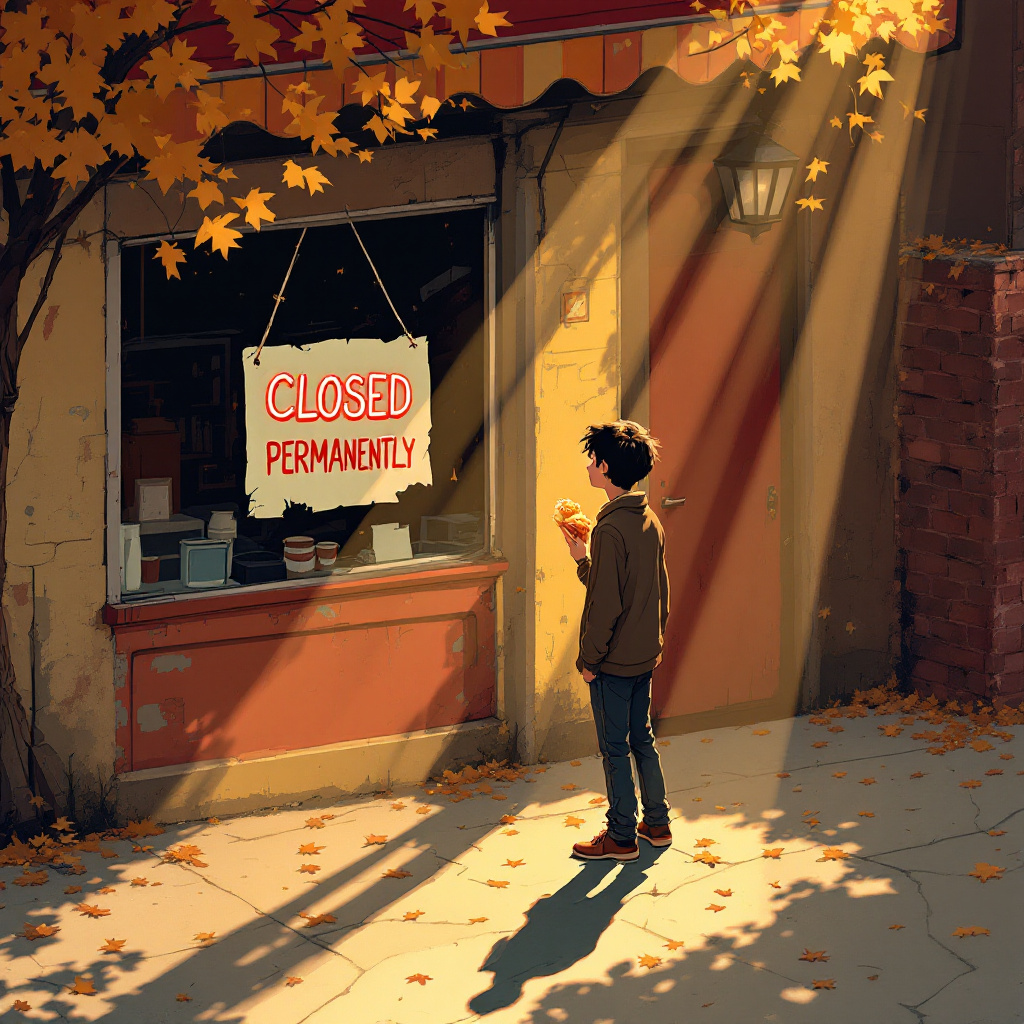
프롬프트
Create a poignant scene of a small, beloved pizza place with a "Closed Permanently" sign hanging crookedly in the window. The exterior features peeling paint in warm reds and yellows, with a flickering neon pizza sign that casts a nostalgic glow. The sidewalk is cracked and littered with fallen leaves, hinting at autumn. A single figure, a young adult with a forlorn expression, stands in front, holding a half-eaten slice of pizza, their shadow stretching long in the golden hour light. Soft rays of sunlight filter through the trees, creating dappled patterns on the ground. The atmosphere is heavy with nostalgia and loss, evoking a sense of longing. Use a painterly style, reminiscent of impressionism, to capture the emotional weight and warmth of the scene, blending colors softly to enhance the bittersweet mood.
Flyne AI 이미지 프롬프트 상세 분석
Flyne AI Image Generator로 이미지를 생성하는 데 사용된 상세 프롬프트를 분석합니다.
Flux AI 이미지 생성기 프롬프트 탐색
Flyne AI Image Generator로 이미지를 생성하는 방법
원하는 이미지를 만들기 위해 다음 네 가지 간단한 단계를 따르세요.
단계 1: 텍스트 입력 (더 나은 결과를 위해 프롬프트를 자유롭게 수정하세요)
단계 2: 이미지 종횡비 선택
단계 3: 이미지 모델 선택:
단계 4: 생성 버튼을 클릭하고 몇 초간 기다려 이미지를 받으세요
이미지 생성 프롬프트와 관련된 Flyne AI 도구
Flyne AI의 고급 도구를 살펴보고 창의적인 작업 흐름을 향상시키세요.