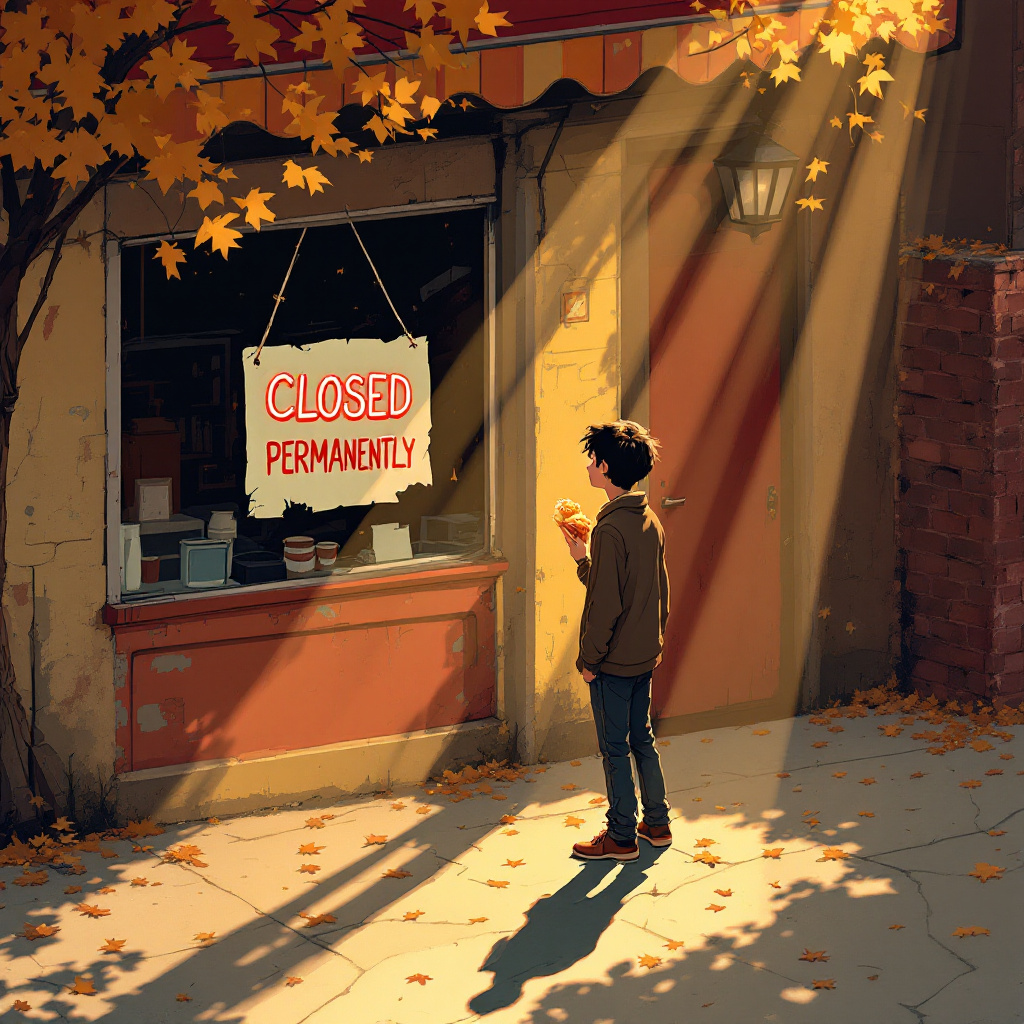
Echoes of a Pizza Dream - Flux.1.1 pro
プロンプト
Create a poignant scene of a small, beloved pizza place with a "Closed Permanently" sign hanging crookedly in the window. The exterior features peeling paint in warm reds and yellows, with a flickering neon pizza sign that casts a nostalgic glow. The sidewalk is cracked and littered with fallen leaves, hinting at autumn. A single figure, a young adult with a forlorn expression, stands in front, holding a half-eaten slice of pizza, their shadow stretching long in the golden hour light. Soft rays of sunlight filter through the trees, creating dappled patterns on the ground. The atmosphere is heavy with nostalgia and loss, evoking a sense of longing. Use a painterly style, reminiscent of impressionism, to capture the emotional weight and warmth of the scene, blending colors softly to enhance the bittersweet mood.
Flyne AI画像プロンプトの詳細分析
Flyne AI Image Generatorで画像生成に使用された詳細なプロンプトを分析します。
Flux AI画像生成のプロンプトを探索
Flyne AI Image Generatorで画像を生成する方法
以下の4つの簡単なステップに従って、希望する画像を作成してください。
ステップ 1: テキストを入力 (より良い結果のためにプロンプトを調整してください)
ステップ 2: 画像のアスペクト比を選択
ステップ 3: 画像モデルを選択:
ステップ 4: 生成ボタンをクリックして数秒待ち、画像を取得
画像生成プロンプトに関連するFlyne AIツール
Flyne AIの高度なツールを見つけて、クリエイティブなワークフローを強化しましょう。