Olympic Games - Flux.1 schnell
프롬프트
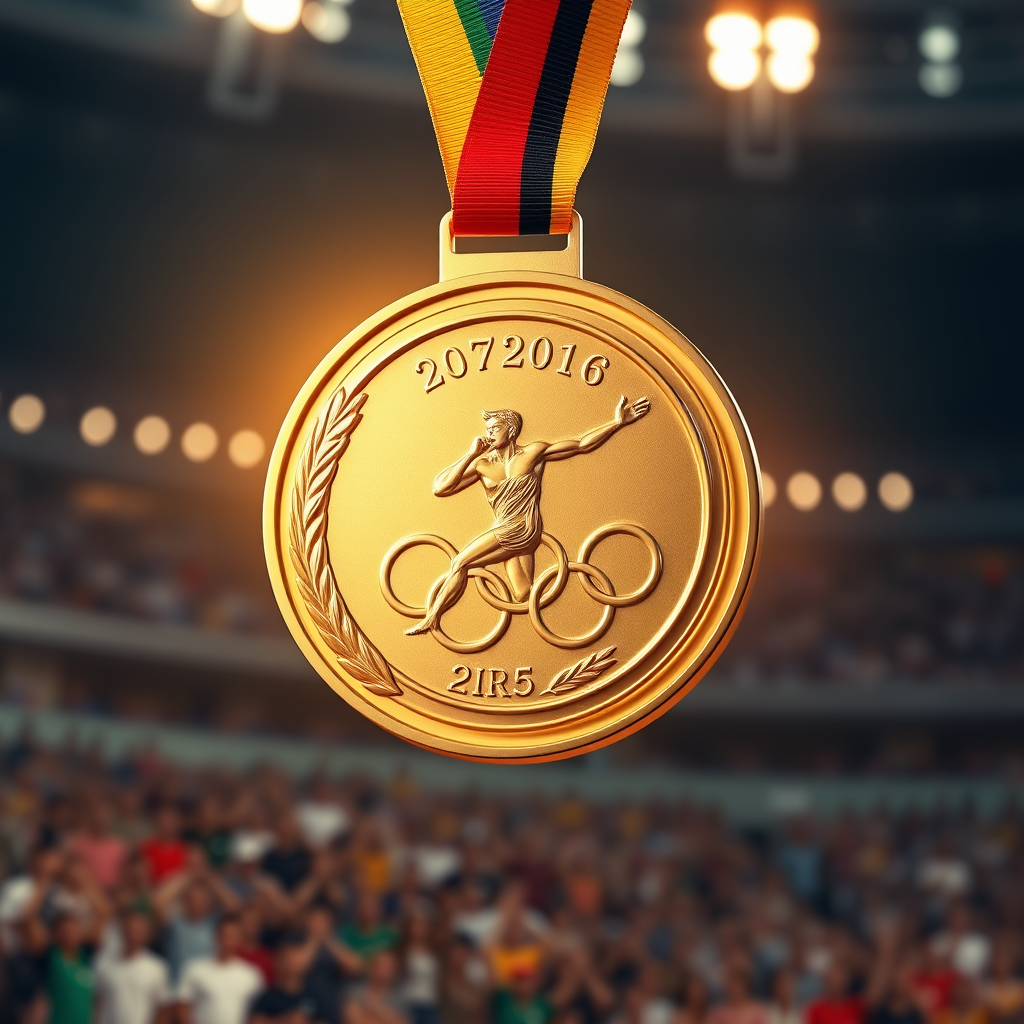
Create a high-resolution image of an Olympic medal, showcasing a circular design with a diameter of 5 inches, crafted from polished gold with intricate engravings. The front features a dynamic depiction of an athlete in motion, framed by laurel leaves, symbolizing victory. The reverse side displays the Olympic rings, elegantly embossed. The medal is suspended from a vibrant ribbon, 2 inches wide, adorned with the colors of the Olympic flag: blue, yellow, black, green, and red, seamlessly blending into a gradient. Illuminate the scene with soft, warm lighting to enhance the medal's shine, set against a blurred background of a cheering crowd in a stadium. Capture the medal from a slightly elevated angle, emphasizing its grandeur and the intricate details of both the medal and ribbon.
Flyne AI 이미지 프롬프트 상세 분석
Flyne AI Image Generator로 이미지를 생성하는 데 사용된 상세 프롬프트를 분석합니다.
Flux AI 이미지 생성기 프롬프트 탐색
Flyne AI Image Generator로 이미지를 생성하는 방법
원하는 이미지를 만들기 위해 다음 네 가지 간단한 단계를 따르세요.
단계 1: 텍스트 입력 (더 나은 결과를 위해 프롬프트를 자유롭게 수정하세요)
단계 2: 이미지 종횡비 선택
단계 3: 이미지 모델 선택:
단계 4: 생성 버튼을 클릭하고 몇 초간 기다려 이미지를 받으세요
이미지 생성 프롬프트와 관련된 Flyne AI 도구
Flyne AI의 고급 도구를 살펴보고 창의적인 작업 흐름을 향상시키세요.