Olympic Games - Flux.1 schnell
พรอมต์
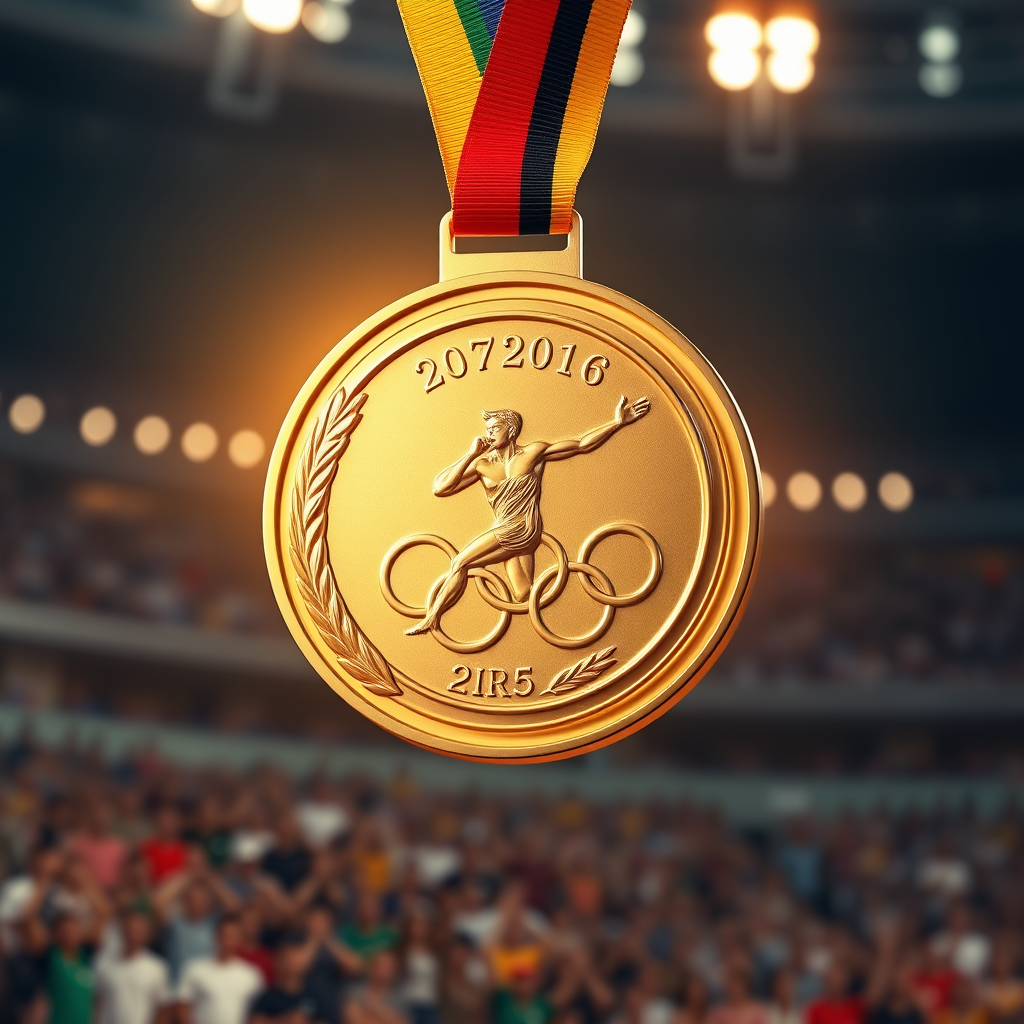
Create a high-resolution image of an Olympic medal, showcasing a circular design with a diameter of 5 inches, crafted from polished gold with intricate engravings. The front features a dynamic depiction of an athlete in motion, framed by laurel leaves, symbolizing victory. The reverse side displays the Olympic rings, elegantly embossed. The medal is suspended from a vibrant ribbon, 2 inches wide, adorned with the colors of the Olympic flag: blue, yellow, black, green, and red, seamlessly blending into a gradient. Illuminate the scene with soft, warm lighting to enhance the medal's shine, set against a blurred background of a cheering crowd in a stadium. Capture the medal from a slightly elevated angle, emphasizing its grandeur and the intricate details of both the medal and ribbon.
การวิเคราะห์รายละเอียดของ Prompt ภาพ Flyne AI
วิเคราะห์ Prompt รายละเอียดที่ใช้ในการสร้างภาพด้วย Flyne AI Image Generator.
สำรวจคำแนะนำ Flux สำหรับตัวสร้างภาพ AI
วิธีสร้างภาพด้วย Flyne AI Image Generator
ติดตามขั้นตอนง่าย ๆ สี่ขั้นตอนเพื่อสร้างภาพที่คุณต้องการ.
ขั้นตอนที่ 1: ป้อนข้อความของคุณ (สามารถปรับแต่ง Prompt ของคุณเพื่อผลลัพธ์ที่ดียิ่งขึ้น)
ขั้นตอนที่ 2: เลือกอัตราส่วนภาพ
ขั้นตอนที่ 3: เลือกโมเดลภาพของคุณ:
ขั้นตอนที่ 4: คลิกปุ่มสร้างและรอสักครู่เพื่อรับภาพของคุณ
เครื่องมือ Flyne AI ที่เกี่ยวข้องกับ Prompt สำหรับการสร้างภาพ
ค้นพบเครื่องมือขั้นสูงจาก Flyne AI เพื่อเพิ่มประสิทธิภาพการทำงานสร้างสรรค์ของคุณ.