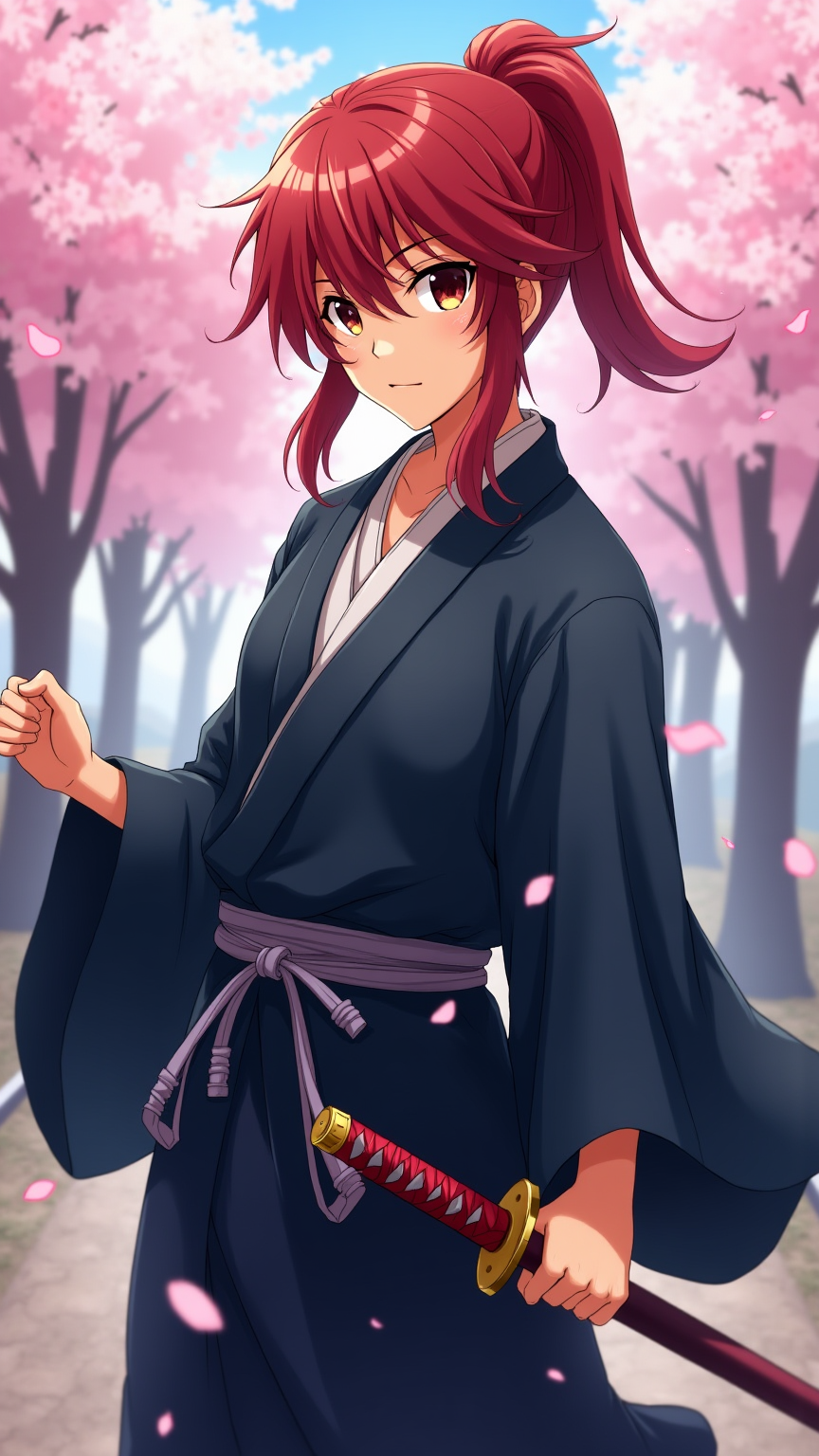
Kenshin Himura - Flux.1 dev
Prompt
Generate an image of Kenshin Himura in a vibrant anime style, showcasing his iconic red hair tied in a loose ponytail, with a few strands framing his face. He wears a traditional, flowing dark blue kimono with a white undergarment, cinched at the waist by a simple obi. His signature sakabatō (reverse-blade sword) is sheathed at his side, with the hilt slightly visible. Capture his determined yet gentle expression, with bright amber eyes that reflect a deep sense of compassion and resolve. Pose him in a dynamic stance, one hand resting on the hilt of his sword, ready but calm. Set the scene against a serene backdrop of cherry blossom trees in full bloom, petals gently falling around him, symbolizing peace and renewal. Use a colorful, cel-shaded anime art style with soft shading, emphasizing the character's youthful features and the delicate details of his attire. Include subtle hints of wind to convey motion and life in the setting.
Análise detalhada do prompt de imagem Flyne AI
Analise o prompt detalhado usado para gerar a imagem com o Flyne AI Image Generator.
Explore Prompts Flux para o Gerador de Imagens
Como gerar imagens com o Flyne AI Image Generator Flux.1 dev
Siga estes quatro passos simples para criar a imagem desejada.
Passo 1: Insira seu texto (Sinta-se à vontade para refinar seu prompt para melhores resultados)
Passo 2: Escolha a proporção da imagem
Passo 3: Selecione seu modelo de imagem:
Passo 4: Clique no botão Gerar e aguarde alguns segundos para sua imagem
Ferramentas Flyne AI relacionadas a prompts de geração de imagens Flux.1 dev
Descubra ferramentas avançadas da Flyne AI para melhorar seu fluxo de trabalho criativo.