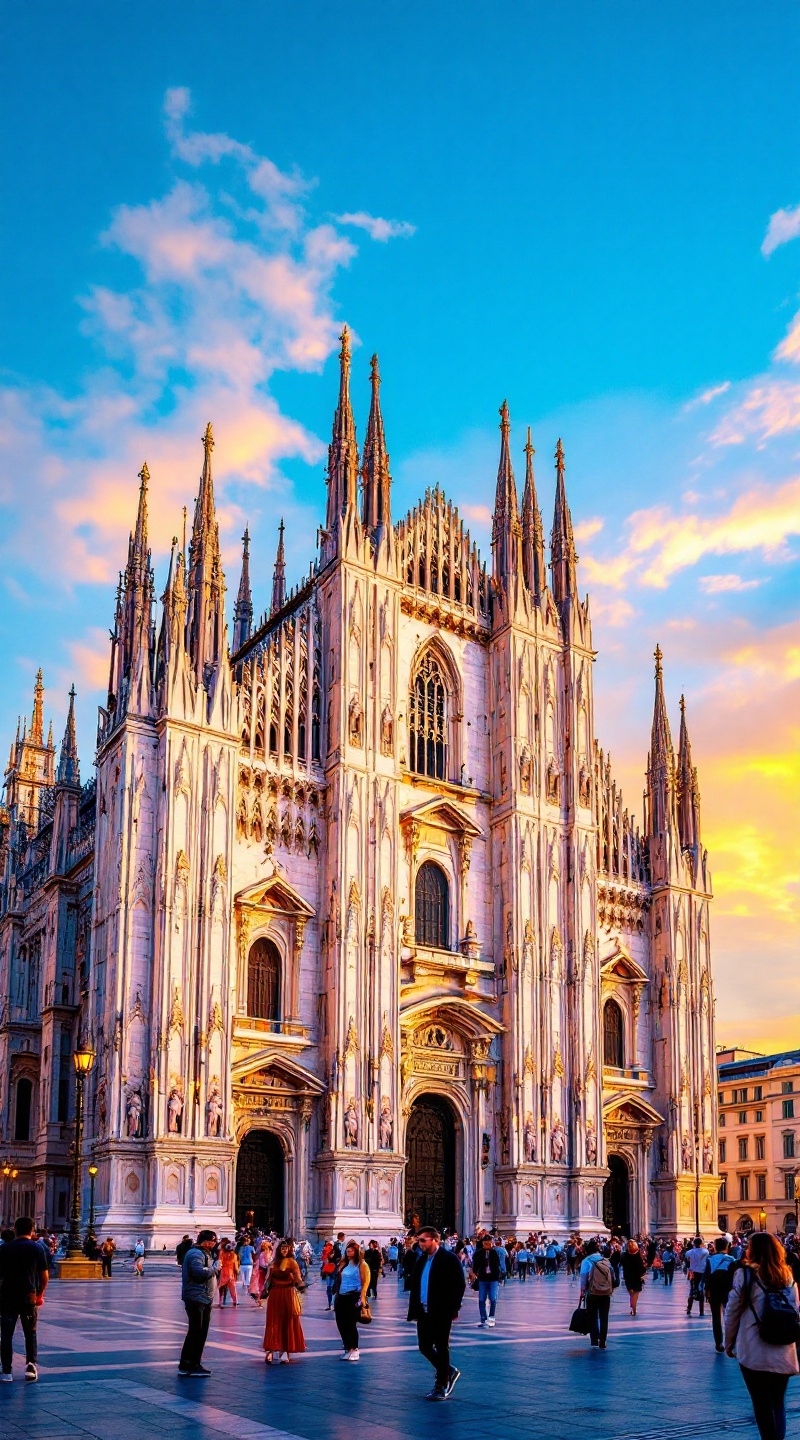
Milan Cathedral - Flux.1.1 pro
Prompt
**Prompt for AI Image Generation:** Create a stunning image of Milan Cathedral, showcasing its intricate Gothic architecture with soaring spires and detailed sculptures. Highlight the cathedral's façade, adorned with white Candoglia marble that glistens under the soft golden light of sunset. Capture the delicate interplay of shadows and highlights on the ornate carvings, emphasizing the cathedral's grandeur. Surround the building with the bustling Piazza del Duomo, where visitors admire the structure, adding a sense of scale and life to the scene. Include the vibrant colors of the sky transitioning from blue to warm hues, reflecting the historical significance of this iconic landmark. Opt for a wide-angle perspective to encompass both the cathedral and the lively atmosphere of the square, evoking a sense of awe and reverence. Use a high-resolution, realistic photographic style to bring out the textures and details of this architectural masterpiece.
Análise detalhada do prompt de imagem Flyne AI
Analise o prompt detalhado usado para gerar a imagem com o Flyne AI Image Generator.
Explore Prompts Flux para o Gerador de Imagens
Como gerar imagens com o Flyne AI Image Generator Flux.1.1 pro
Siga estes quatro passos simples para criar a imagem desejada.
Passo 1: Insira seu texto (Sinta-se à vontade para refinar seu prompt para melhores resultados)
Passo 2: Escolha a proporção da imagem
Passo 3: Selecione seu modelo de imagem:
Passo 4: Clique no botão Gerar e aguarde alguns segundos para sua imagem
Ferramentas Flyne AI relacionadas a prompts de geração de imagens Flux.1.1 pro
Descubra ferramentas avançadas da Flyne AI para melhorar seu fluxo de trabalho criativo.