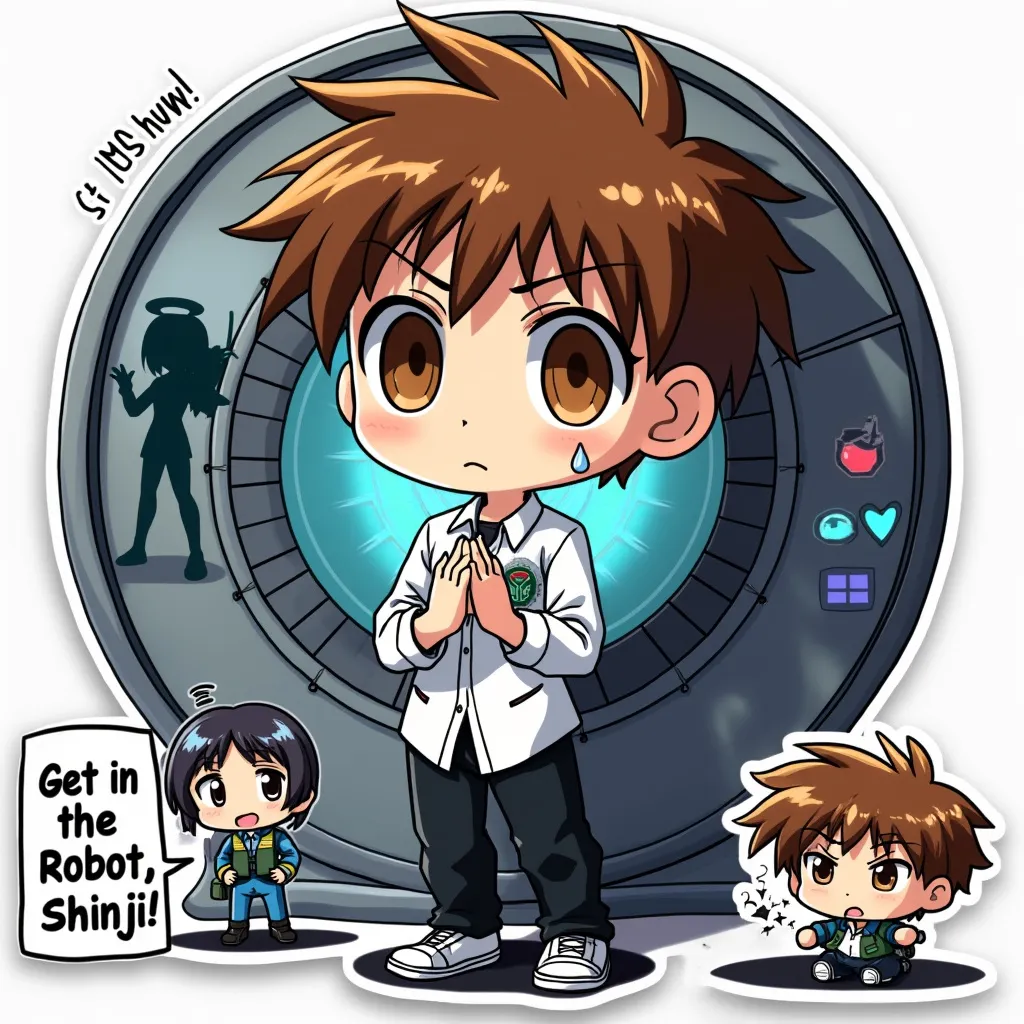
Shinji Ikari - Flux.1 pro
Prompt
Anime sticker style, Shinji Ikari from Neon Genesis Evangelion, chibi proportions, large expressive eyes, spiky brown hair, white collared shirt with blue undershirt, black pants, nervous expression with slight frown, hands clasped together, standing awkwardly, Eva Unit-01 silhouette in background, LCL-filled entry plug surroundings, holographic HUD elements, cute and simplified mecha details, bold outlines, vibrant colors, glossy finish, kawaii aesthetic, small sweat droplet on forehead, NERV logo patch on shirt collar, AT field hexagon pattern border, miniature Angel silhouette in corner, plug suit elements incorporated into casual attire, SD (super-deformed) style, flat color shading, minimal shadows, sticker-ready white outline, slight 3D effect with raised edges, emotional aura lines radiating from character, tiny Eva-01 eyes peeking from behind Shinji, "Get in the robot, Shinji!" text bubble, chibi Misato giving thumbs up in corner, peelable sticker appearance
Análise detalhada do prompt de imagem Flyne AI
Analise o prompt detalhado usado para gerar a imagem com o Flyne AI Image Generator.
Explore Prompts Flux para o Gerador de Imagens
Como gerar imagens com o Flyne AI Image Generator
Siga estes quatro passos simples para criar a imagem desejada.
Passo 1: Insira seu texto (Sinta-se à vontade para refinar seu prompt para melhores resultados)
Passo 2: Escolha a proporção da imagem
Passo 3: Selecione seu modelo de imagem:
Passo 4: Clique no botão Gerar e aguarde alguns segundos para sua imagem
Ferramentas Flyne AI relacionadas a prompts de geração de imagens
Descubra ferramentas avançadas da Flyne AI para melhorar seu fluxo de trabalho criativo.