Stonehenge - Flux.1 schnell
Eingabe
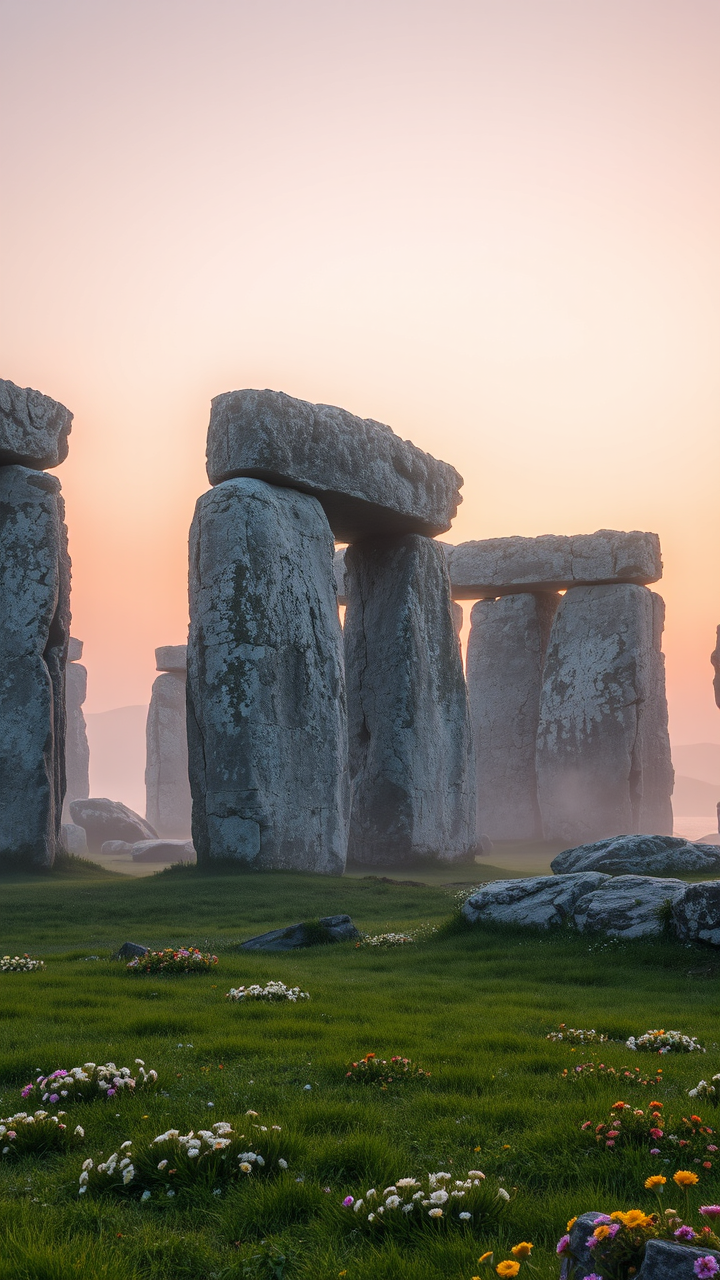
Create a captivating scene of Stonehenge at dawn, shrouded in a light mist that softens the edges of the ancient stones. The iconic sarsen stones, weathered and gray, stand tall and imposing against a backdrop of pale pink and orange hues as the sun rises. Highlight the intricate textures of the stones, showcasing their rough surfaces and lichen-covered details. Surrounding the monument, lush green grass and wildflowers bloom, adding vibrant splashes of color to the landscape. In the distance, rolling hills fade into the horizon, creating a sense of depth and tranquility. Capture the ethereal atmosphere with soft, diffused lighting that emphasizes the monument's historical significance as a site of ancient rituals. Use a wide-angle lens to encompass both the grandeur of Stonehenge and the serene beauty of its surroundings, evoking a sense of wonder and connection to the past.
Detaillierte Analyse des Flyne AI Bild-Prompts
Analysiere den detaillierten Prompt, der zur Erstellung des Bildes mit dem Flyne AI Image Generator verwendet wurde.
Flux-Prompts für den KI-Bildgenerator erkunden
So erzeugst du Bilder mit dem Flyne AI Image Generator
Folge diesen vier einfachen Schritten, um das gewünschte Bild zu erstellen.
Schritt 1: Gib deinen Text ein (Fühle dich frei, deinen Prompt für bessere Ergebnisse zu verfeinern)
Schritt 2: Wähle das Bildseitenverhältnis
Schritt 3: Wähle dein Bildmodell:
Schritt 4: Klicke auf die Generieren-Schaltfläche und warte ein paar Sekunden auf dein Bild
Verwandte Flyne AI Tools für Prompts zur Bilderzeugung
Entdecke fortschrittliche Tools von Flyne AI, um deinen kreativen Workflow zu verbessern.