Stonehenge - Flux.1 schnell
提示
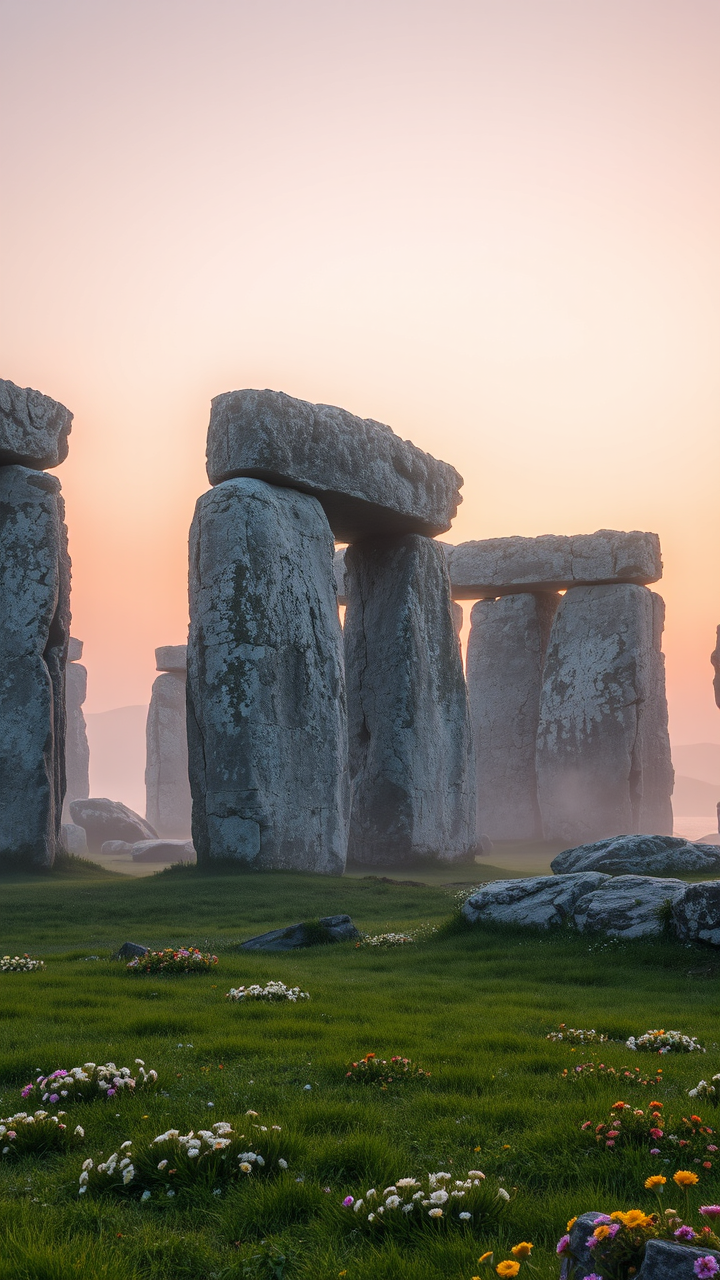
Create a captivating scene of Stonehenge at dawn, shrouded in a light mist that softens the edges of the ancient stones. The iconic sarsen stones, weathered and gray, stand tall and imposing against a backdrop of pale pink and orange hues as the sun rises. Highlight the intricate textures of the stones, showcasing their rough surfaces and lichen-covered details. Surrounding the monument, lush green grass and wildflowers bloom, adding vibrant splashes of color to the landscape. In the distance, rolling hills fade into the horizon, creating a sense of depth and tranquility. Capture the ethereal atmosphere with soft, diffused lighting that emphasizes the monument's historical significance as a site of ancient rituals. Use a wide-angle lens to encompass both the grandeur of Stonehenge and the serene beauty of its surroundings, evoking a sense of wonder and connection to the past.
Flyne AI 圖像提示的詳細分析
分析使用 Flyne AI Image Generator 生成圖像所用的詳細提示。
探索 Flux AI 圖像生成器的提示
如何使用 Flyne AI Image Generator 生成圖像
遵循以下四個簡單步驟來創建您想要的圖片。
步驟 1:輸入您的文字 (可自由調整提示以獲得更好的結果)
步驟 2:選擇圖片的縱橫比
步驟 3:選擇您的圖像模型:
步驟 4:點擊生成按鈕並等待幾秒鐘獲取您的圖片
與圖像生成提示相關的 Flyne AI 工具
發現來自 Flyne AI 的高級工具,提升您的創意工作流程。