Stonehenge - Flux.1 schnell
Invite
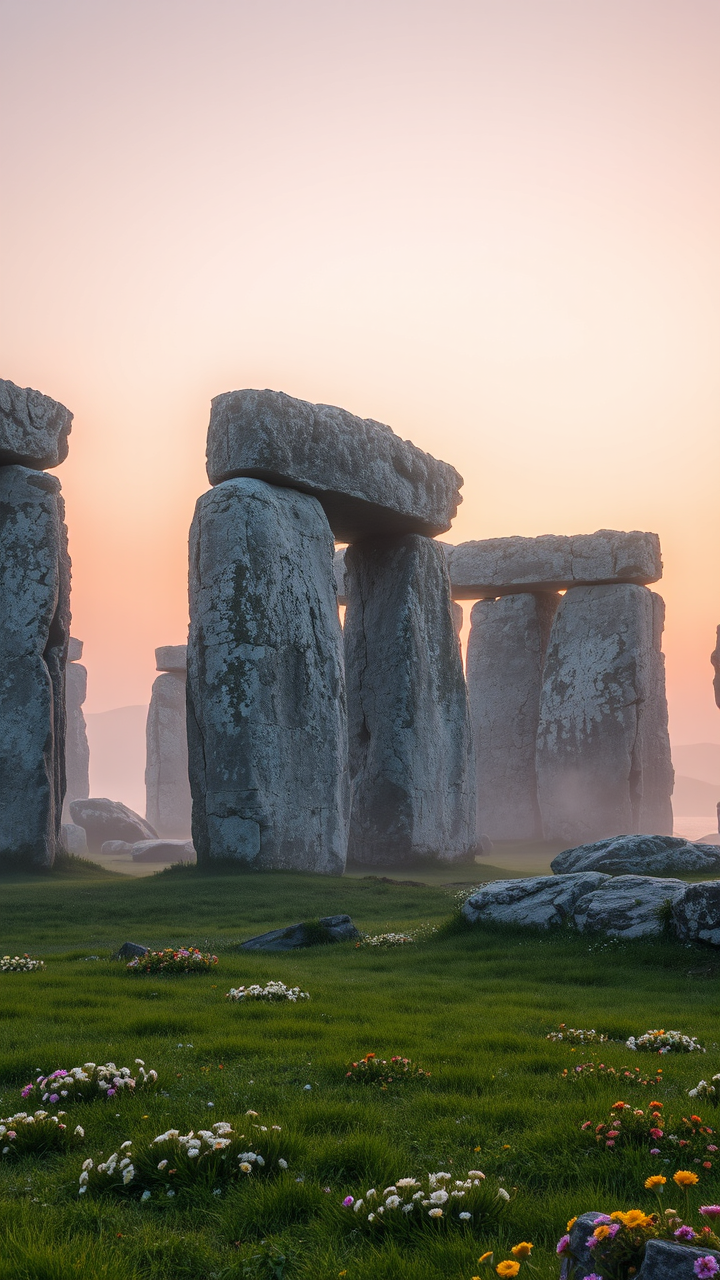
Create a captivating scene of Stonehenge at dawn, shrouded in a light mist that softens the edges of the ancient stones. The iconic sarsen stones, weathered and gray, stand tall and imposing against a backdrop of pale pink and orange hues as the sun rises. Highlight the intricate textures of the stones, showcasing their rough surfaces and lichen-covered details. Surrounding the monument, lush green grass and wildflowers bloom, adding vibrant splashes of color to the landscape. In the distance, rolling hills fade into the horizon, creating a sense of depth and tranquility. Capture the ethereal atmosphere with soft, diffused lighting that emphasizes the monument's historical significance as a site of ancient rituals. Use a wide-angle lens to encompass both the grandeur of Stonehenge and the serene beauty of its surroundings, evoking a sense of wonder and connection to the past.
Analyse détaillée du prompt d'image Flyne AI
Analysez le prompt détaillé utilisé pour générer l'image avec Flyne AI Image Generator.
Explorez les invites Flux IA
Comment générer des images avec Flyne AI Image Generator
Suivez ces quatre étapes simples pour créer l'image désirée.
Étape 1 : Entrez votre texte (N'hésitez pas à affiner votre prompt pour de meilleurs résultats)
Étape 2 : Choisissez le ratio d'aspect de l'image
Étape 3 : Sélectionnez votre modèle d'image :
Étape 4 : Cliquez sur le bouton Générer et attendez quelques secondes pour votre image
Outils Flyne AI liés aux prompts de génération d'images
Découvrez des outils avancés de Flyne AI pour booster votre flux de travail créatif.