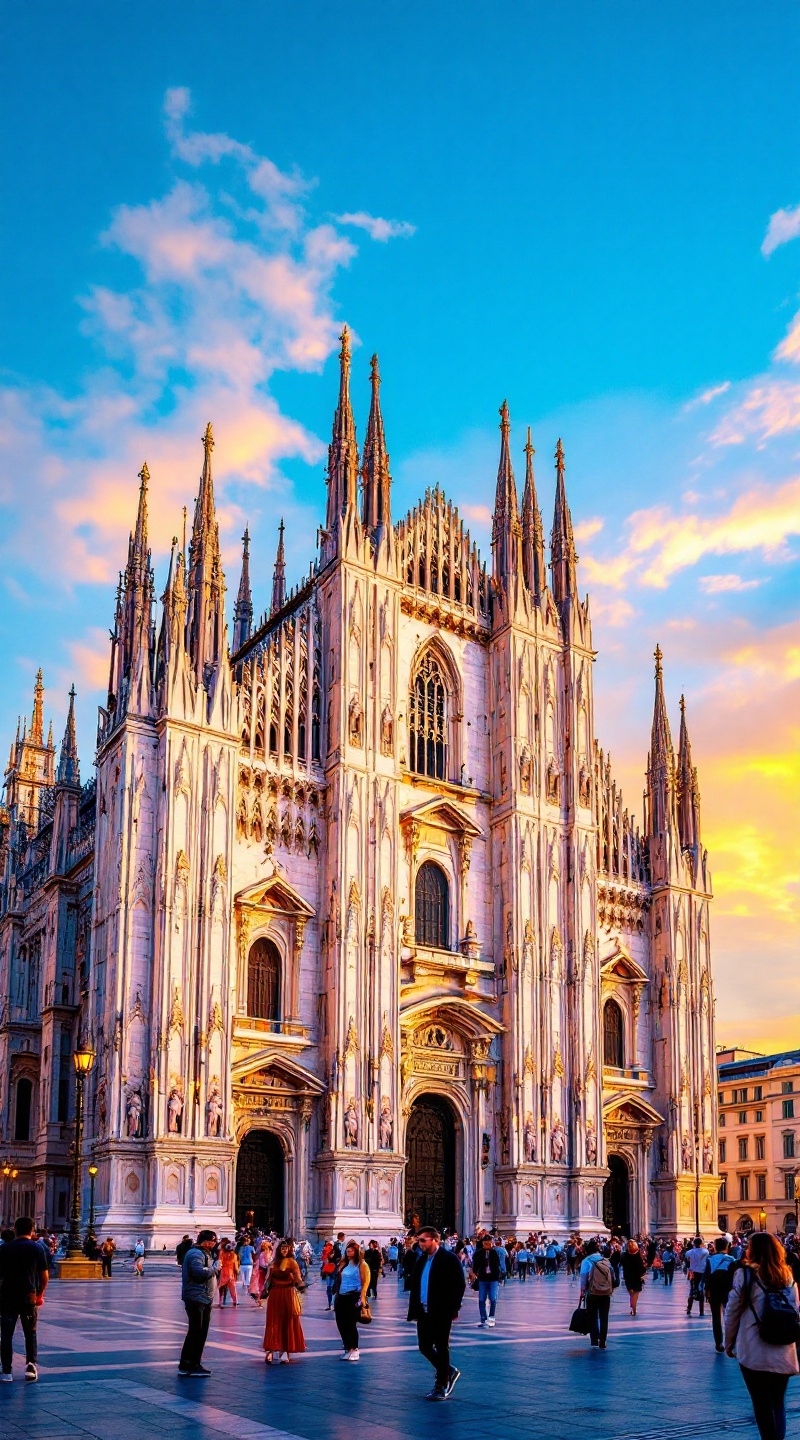
Milan Cathedral - Flux.1.1 pro
Indicador
**Prompt for AI Image Generation:** Create a stunning image of Milan Cathedral, showcasing its intricate Gothic architecture with soaring spires and detailed sculptures. Highlight the cathedral's façade, adorned with white Candoglia marble that glistens under the soft golden light of sunset. Capture the delicate interplay of shadows and highlights on the ornate carvings, emphasizing the cathedral's grandeur. Surround the building with the bustling Piazza del Duomo, where visitors admire the structure, adding a sense of scale and life to the scene. Include the vibrant colors of the sky transitioning from blue to warm hues, reflecting the historical significance of this iconic landmark. Opt for a wide-angle perspective to encompass both the cathedral and the lively atmosphere of the square, evoking a sense of awe and reverence. Use a high-resolution, realistic photographic style to bring out the textures and details of this architectural masterpiece.
Análisis detallado del prompt de imagen de Flyne AI
Analiza el prompt detallado utilizado para generar la imagen con Flyne AI Image Generator.
Explorar Mensajes para Flux IA
Cómo generar imágenes con Flyne AI Image Generator
Sigue estos cuatro sencillos pasos para crear la imagen que deseas.
Paso 1: Ingresa tu texto (No dudes en refinar tu prompt para mejores resultados)
Paso 2: Elige la relación de aspecto de la imagen
Paso 3: Selecciona tu modelo de imagen:
Paso 4: Haz clic en el botón Generar y espera unos segundos para tu imagen
Herramientas Flyne AI relacionadas con prompts de generación de imágenes
Descubre herramientas avanzadas de Flyne AI para potenciar tu flujo de trabajo creativo.