Ken's Fiery Shoryuken Showdown - Flux.1.1 pro
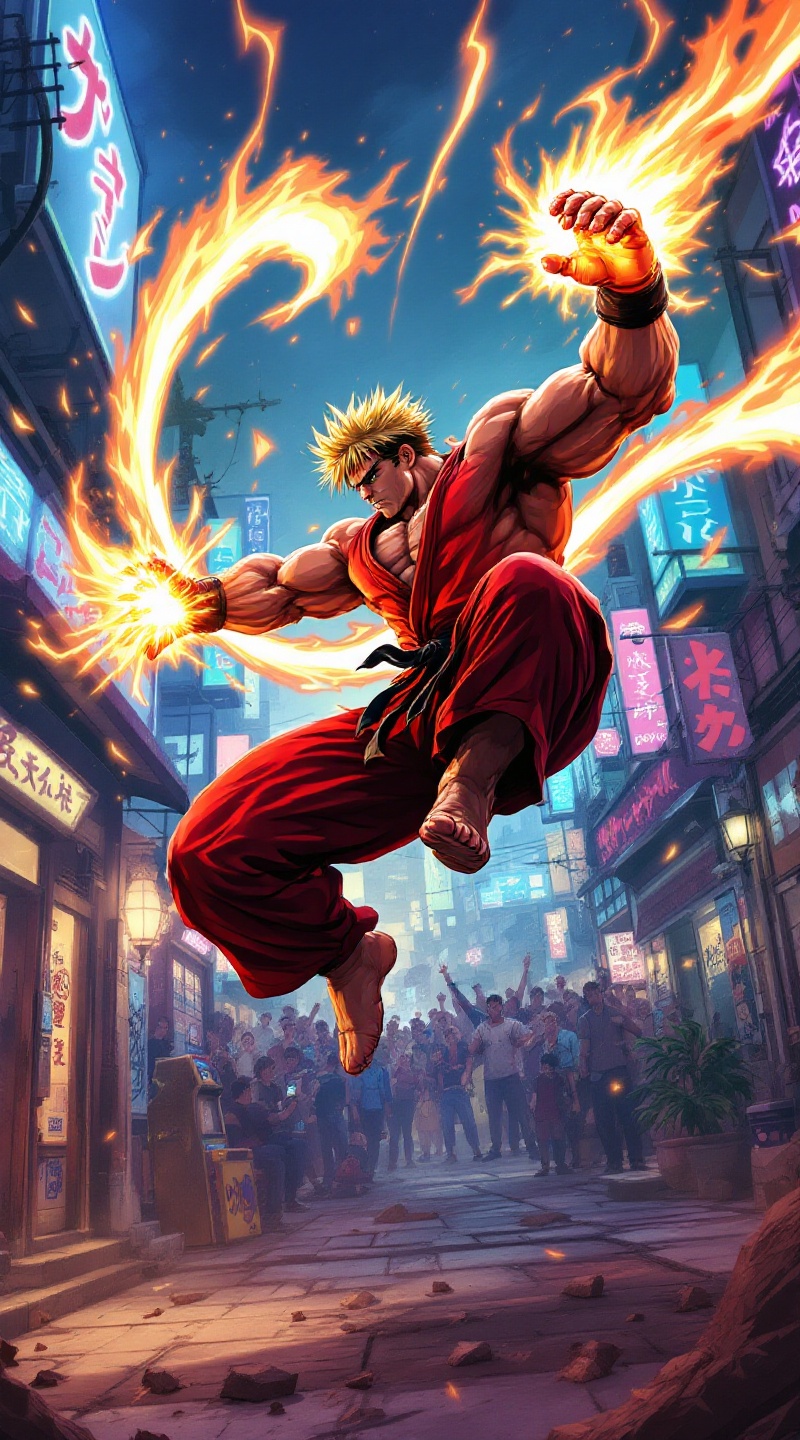
Prompt
**Prompt:** Create a dynamic and vibrant illustration inspired by the fighting game genre, specifically "Street Fighter II." Focus on Ken Masters, a muscular fighter with spiky blonde hair, wearing a red gi and black belt, showcasing his fierce determination. Capture his signature move, the Shoryuken, as he launches into the air, surrounded by a fiery aura. The background should depict an iconic urban setting, like a bustling street in Japan, with neon lights and a cheering crowd. Include elements like a classic arcade machine and graffiti art to enhance the atmosphere. The overall mood should be intense and energetic, reflecting the competitive spirit of the game, with bold colors and dramatic lighting to emphasize the action.
Análise detalhada do prompt de imagem Flyne AI
Analise o prompt detalhado usado para gerar a imagem com o Flyne AI Image Generator.
Explore Prompts Flux para o Gerador de Imagens
Como gerar imagens com o Flyne AI Image Generator
Siga estes quatro passos simples para criar a imagem desejada.
Passo 1: Insira seu texto (Sinta-se à vontade para refinar seu prompt para melhores resultados)
Passo 2: Escolha a proporção da imagem
Passo 3: Selecione seu modelo de imagem:
Passo 4: Clique no botão Gerar e aguarde alguns segundos para sua imagem
Ferramentas Flyne AI relacionadas a prompts de geração de imagens
Descubra ferramentas avançadas da Flyne AI para melhorar seu fluxo de trabalho criativo.