Neon Shadows: Data Dance in Decay - Flux.1.1 pro
Подсказка
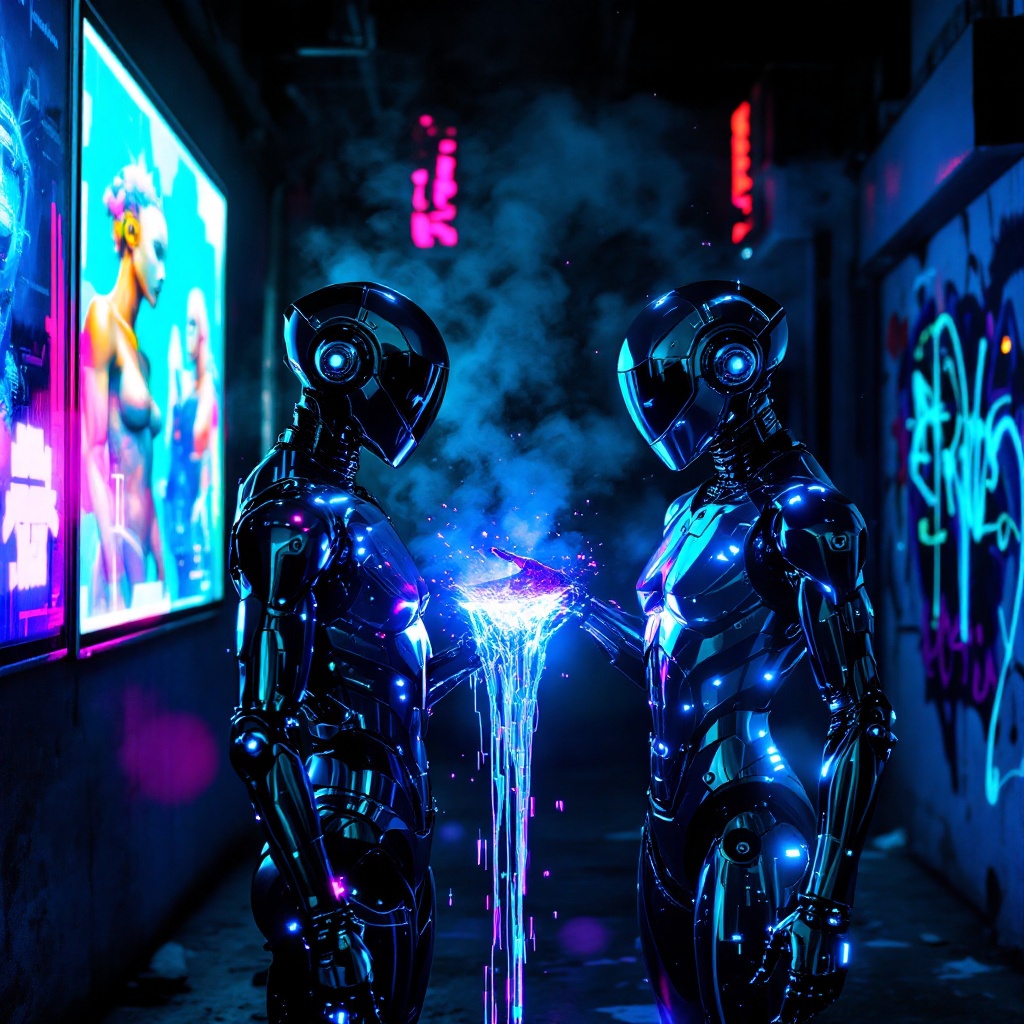
In a neon-drenched alleyway, two sleek, chromed figures stand illuminated by flickering holographic billboards, their metallic surfaces reflecting vibrant hues of electric blue and pulsating magenta. The air is thick with a haze of vapor, swirling around them as synth music thumps rhythmically, reverberating off the damp concrete walls. One figure, with angular features and glowing circuitry etched into its skin, extends a hand, projecting a stream of iridescent data that dances like liquid light between them. Shadows loom in the background, where graffiti art glows under ultraviolet light, depicting cybernetic creatures and abstract designs. The atmosphere is charged with an electric tension, a fusion of technology and urban decay, as the figures exchange encrypted information, their expressions hidden behind visors that shimmer with digital readouts, creating a surreal tableau of connection amidst the chaos of a dystopian night.
Подробный анализ промпта изображения Flyne AI
Проанализируйте детальный промпт, использованный для генерации изображения с помощью Flyne AI Image Generator.
Исследуйте подсказки Flux AI для генератора изображений
Как генерировать изображения с помощью Flyne AI Image Generator
Следуйте этим четырем простым шагам, чтобы создать желаемое изображение.
Шаг 1: Введите свой текст (Не стесняйтесь уточнять свой промпт для лучших результатов)
Шаг 2: Выберите соотношение сторон изображения
Шаг 3: Выберите модель изображения:
Шаг 4: Нажмите кнопку Генерировать и подождите несколько секунд для получения изображения
Связанные инструменты Flyne AI для промптов генерации изображений
Откройте для себя передовые инструменты Flyne AI, чтобы улучшить свой творческий рабочий процесс.