Neon Oracles in the Mist - Flux.1.1 pro
Eingabe
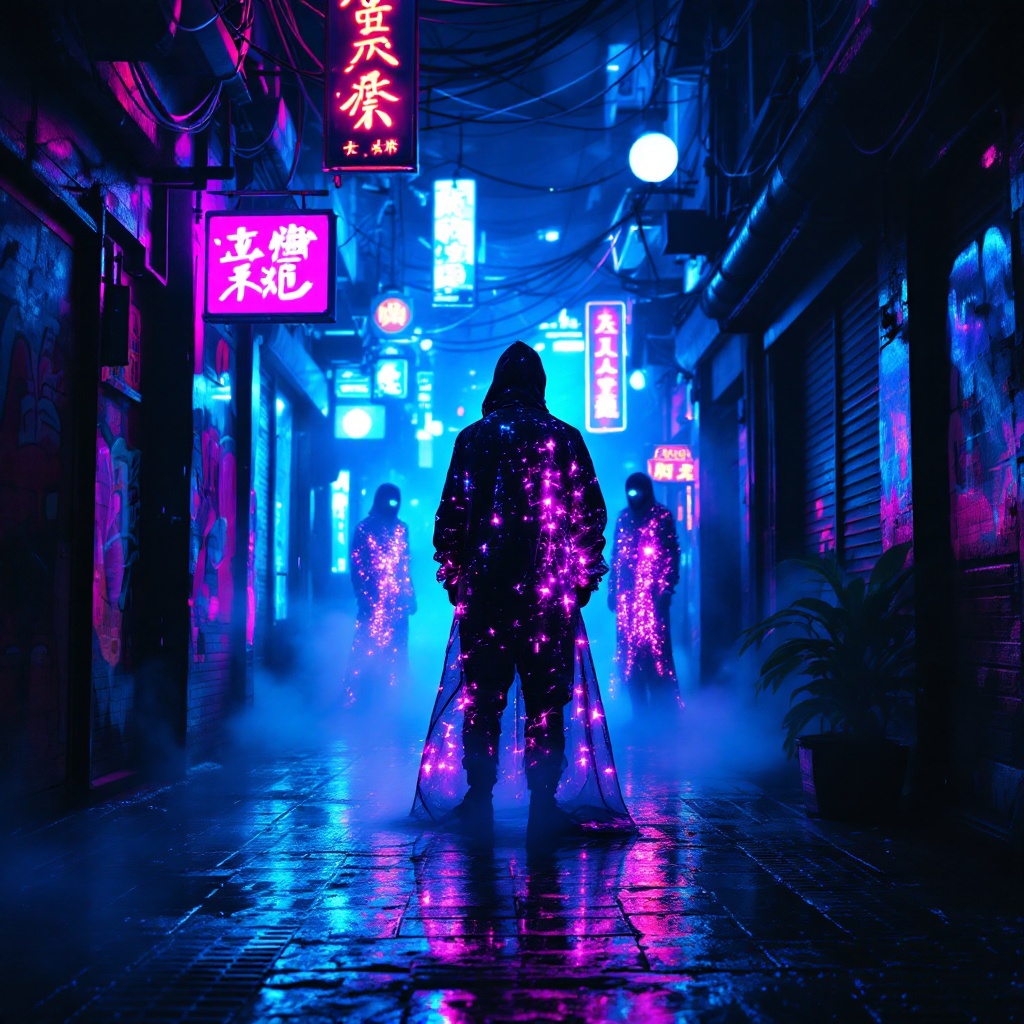
In a narrow, rain-soaked alleyway, vibrant neon lights flicker and pulse in shades of electric blue and hot pink, casting surreal reflections on the slick pavement. Shadows dance as augmented oracles, cloaked in shimmering holographic fabrics, stand amidst swirling mist, their eyes glowing with an otherworldly light. Wisps of steam rise from grates, mingling with the scent of wet asphalt and distant spices from a nearby street vendor. The air hums with the low thrum of electronic music, while the oracles whisper cryptic prophecies, their voices echoing softly against the graffiti-covered walls adorned with luminescent art. Above, a tangle of wires and neon signs creates a chaotic canopy, framing the scene in a kaleidoscope of colors. A lone figure, clad in a sleek, reflective jacket, pauses to listen, captivated by the ethereal atmosphere, as the city pulses with life and mystery in this cyberpunk dreamscape.
Detaillierte Analyse des Flyne AI Bild-Prompts
Analysiere den detaillierten Prompt, der zur Erstellung des Bildes mit dem Flyne AI Image Generator verwendet wurde.
Flux-Prompts für den KI-Bildgenerator erkunden
So erzeugst du Bilder mit dem Flyne AI Image Generator Flux.1.1 pro
Folge diesen vier einfachen Schritten, um das gewünschte Bild zu erstellen.
Schritt 1: Gib deinen Text ein (Fühle dich frei, deinen Prompt für bessere Ergebnisse zu verfeinern)
Schritt 2: Wähle das Bildseitenverhältnis
Schritt 3: Wähle dein Bildmodell:
Schritt 4: Klicke auf die Generieren-Schaltfläche und warte ein paar Sekunden auf dein Bild
Verwandte Flyne AI Tools für Prompts zur Bilderzeugung Flux.1.1 pro
Entdecke fortschrittliche Tools von Flyne AI, um deinen kreativen Workflow zu verbessern.