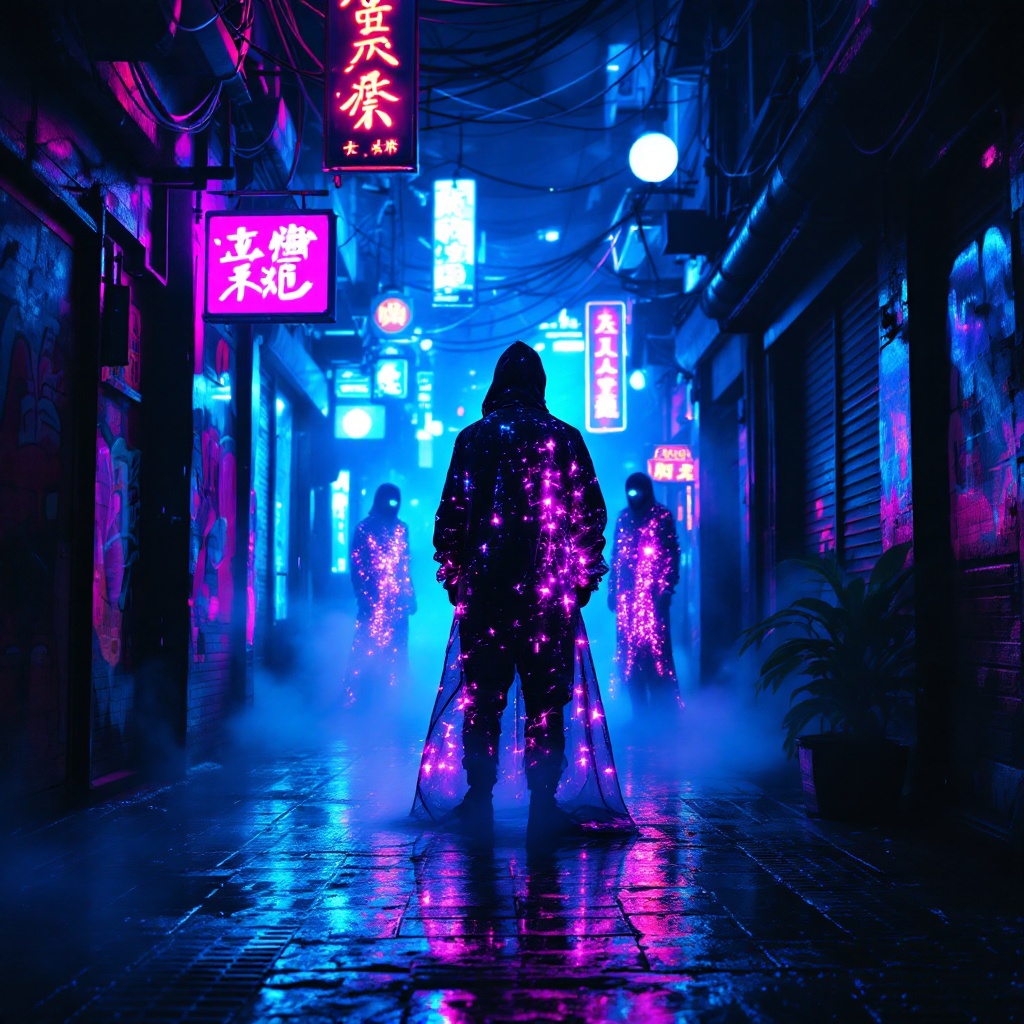
Neon Oracles in the Mist - Flux.1.1 pro
Indicador
In a narrow, rain-soaked alleyway, vibrant neon lights flicker and pulse in shades of electric blue and hot pink, casting surreal reflections on the slick pavement. Shadows dance as augmented oracles, cloaked in shimmering holographic fabrics, stand amidst swirling mist, their eyes glowing with an otherworldly light. Wisps of steam rise from grates, mingling with the scent of wet asphalt and distant spices from a nearby street vendor. The air hums with the low thrum of electronic music, while the oracles whisper cryptic prophecies, their voices echoing softly against the graffiti-covered walls adorned with luminescent art. Above, a tangle of wires and neon signs creates a chaotic canopy, framing the scene in a kaleidoscope of colors. A lone figure, clad in a sleek, reflective jacket, pauses to listen, captivated by the ethereal atmosphere, as the city pulses with life and mystery in this cyberpunk dreamscape.
Análisis detallado del prompt de imagen de Flyne AI
Analiza el prompt detallado utilizado para generar la imagen con Flyne AI Image Generator.
Explorar Mensajes para Flux IA
Cómo generar imágenes con Flyne AI Image Generator Flux.1.1 pro
Sigue estos cuatro sencillos pasos para crear la imagen que deseas.
Paso 1: Ingresa tu texto (No dudes en refinar tu prompt para mejores resultados)
Paso 2: Elige la relación de aspecto de la imagen
Paso 3: Selecciona tu modelo de imagen:
Paso 4: Haz clic en el botón Generar y espera unos segundos para tu imagen
Herramientas Flyne AI relacionadas con prompts de generación de imágenes Flux.1.1 pro
Descubre herramientas avanzadas de Flyne AI para potenciar tu flujo de trabajo creativo.