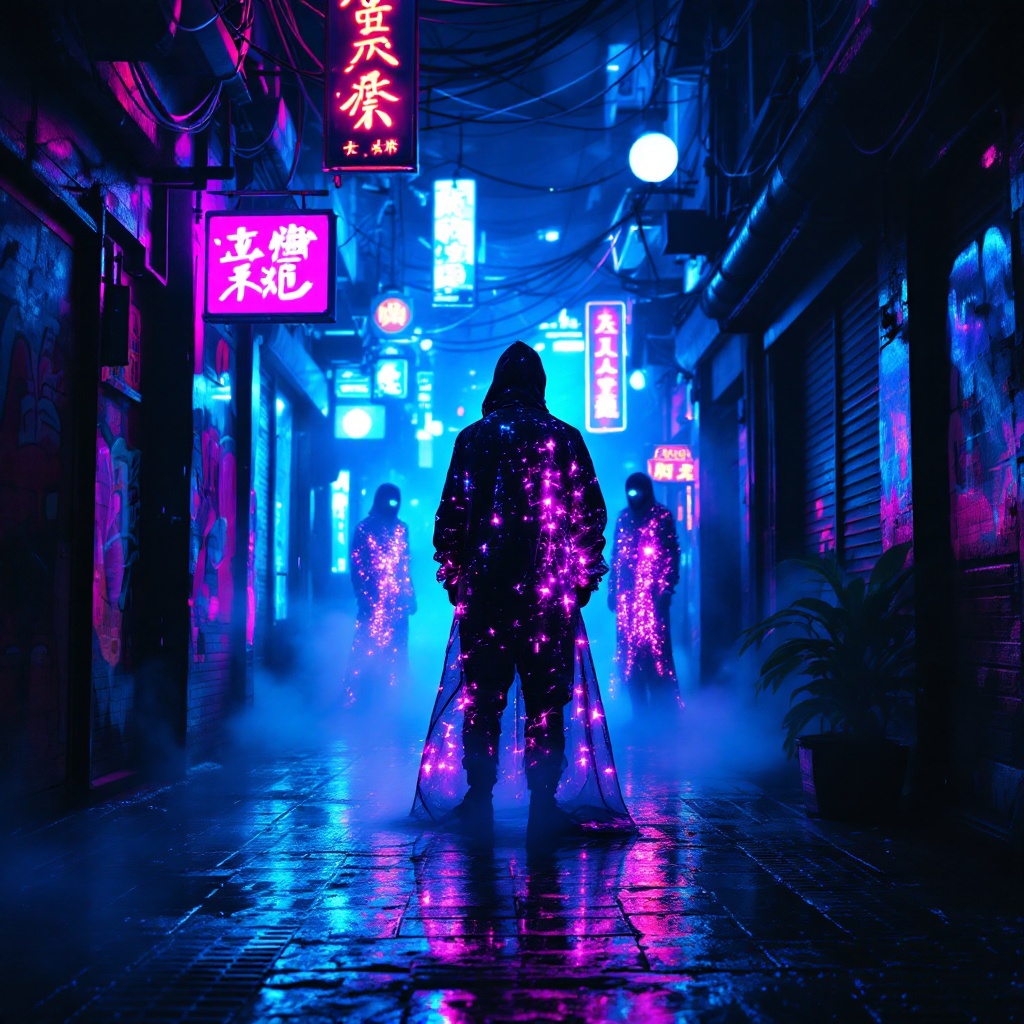
Neon Oracles in the Mist - Flux.1.1 pro
Prompt
In a narrow, rain-soaked alleyway, vibrant neon lights flicker and pulse in shades of electric blue and hot pink, casting surreal reflections on the slick pavement. Shadows dance as augmented oracles, cloaked in shimmering holographic fabrics, stand amidst swirling mist, their eyes glowing with an otherworldly light. Wisps of steam rise from grates, mingling with the scent of wet asphalt and distant spices from a nearby street vendor. The air hums with the low thrum of electronic music, while the oracles whisper cryptic prophecies, their voices echoing softly against the graffiti-covered walls adorned with luminescent art. Above, a tangle of wires and neon signs creates a chaotic canopy, framing the scene in a kaleidoscope of colors. A lone figure, clad in a sleek, reflective jacket, pauses to listen, captivated by the ethereal atmosphere, as the city pulses with life and mystery in this cyberpunk dreamscape.
Análise detalhada do prompt de imagem Flyne AI
Analise o prompt detalhado usado para gerar a imagem com o Flyne AI Image Generator.
Explore Prompts Flux para o Gerador de Imagens
Como gerar imagens com o Flyne AI Image Generator Flux.1.1 pro
Siga estes quatro passos simples para criar a imagem desejada.
Passo 1: Insira seu texto (Sinta-se à vontade para refinar seu prompt para melhores resultados)
Passo 2: Escolha a proporção da imagem
Passo 3: Selecione seu modelo de imagem:
Passo 4: Clique no botão Gerar e aguarde alguns segundos para sua imagem
Ferramentas Flyne AI relacionadas a prompts de geração de imagens Flux.1.1 pro
Descubra ferramentas avançadas da Flyne AI para melhorar seu fluxo de trabalho criativo.