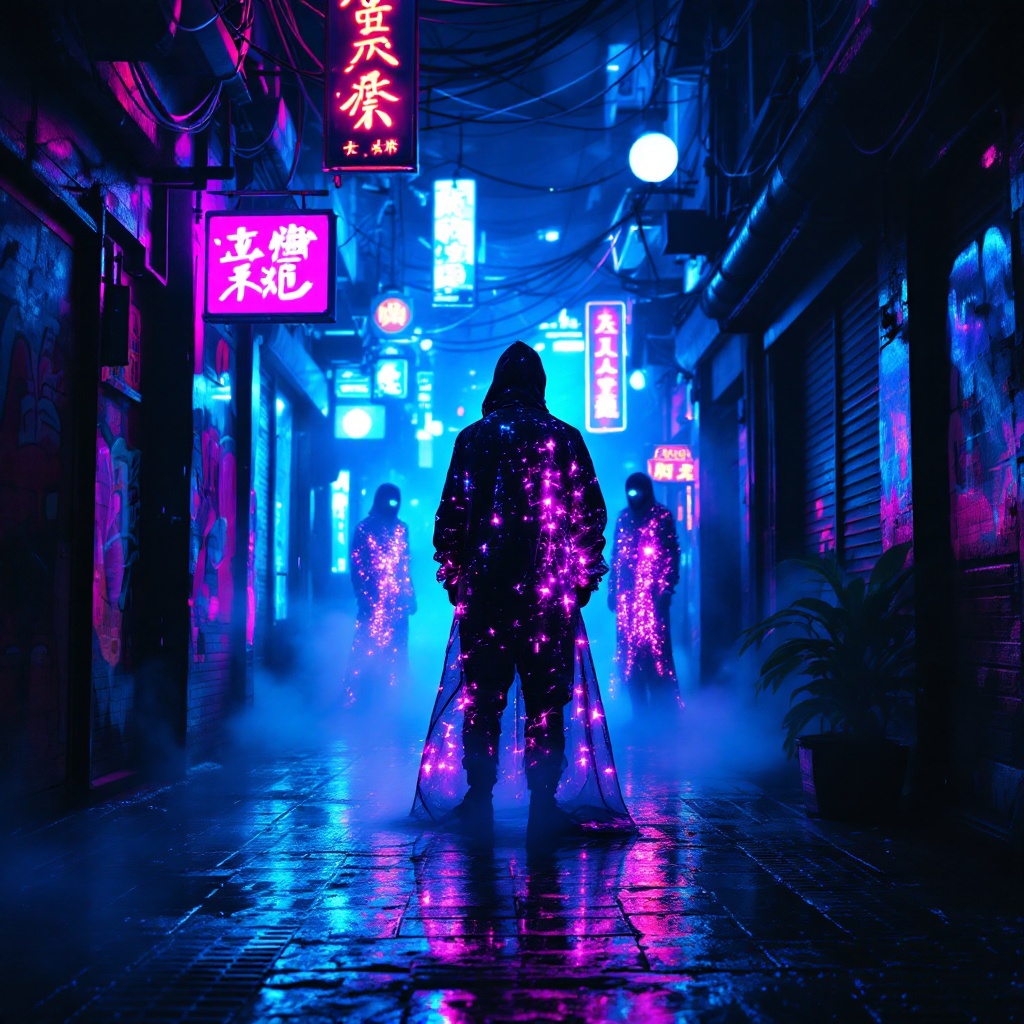
Neon Oracles in the Mist - Flux.1.1 pro
prompt
In a narrow, rain-soaked alleyway, vibrant neon lights flicker and pulse in shades of electric blue and hot pink, casting surreal reflections on the slick pavement. Shadows dance as augmented oracles, cloaked in shimmering holographic fabrics, stand amidst swirling mist, their eyes glowing with an otherworldly light. Wisps of steam rise from grates, mingling with the scent of wet asphalt and distant spices from a nearby street vendor. The air hums with the low thrum of electronic music, while the oracles whisper cryptic prophecies, their voices echoing softly against the graffiti-covered walls adorned with luminescent art. Above, a tangle of wires and neon signs creates a chaotic canopy, framing the scene in a kaleidoscope of colors. A lone figure, clad in a sleek, reflective jacket, pauses to listen, captivated by the ethereal atmosphere, as the city pulses with life and mystery in this cyberpunk dreamscape.
Analisi dettagliata del prompt immagine Flyne AI
Analizza il prompt dettagliato utilizzato per generare l'immagine con Flyne AI Image Generator.
Esplora i Prompt Flux per il Generatore Immagini Flux AI
Come generare immagini con Flyne AI Image Generator Flux.1.1 pro
Segui questi quattro semplici passaggi per creare l'immagine desiderata.
Passaggio 1: Inserisci il Tuo Testo (Sentiti libero di perfezionare il prompt per risultati migliori)
Passaggio 2: Scegli le Proporzioni dell'Immagine
Passaggio 3: Seleziona il tuo modello immagine:
Passaggio 4: Clicca il Pulsante Genera e Attendi Alcuni Secondi per la Tua Immagine
Strumenti Flyne AI correlati ai prompt per la generazione di immagini Flux.1.1 pro
Scopri strumenti avanzati di Flyne AI per potenziare il tuo flusso di lavoro creativo.