Interwoven Life: A Celtic Tree Tattoo - Flux.1 schnell
Indicador
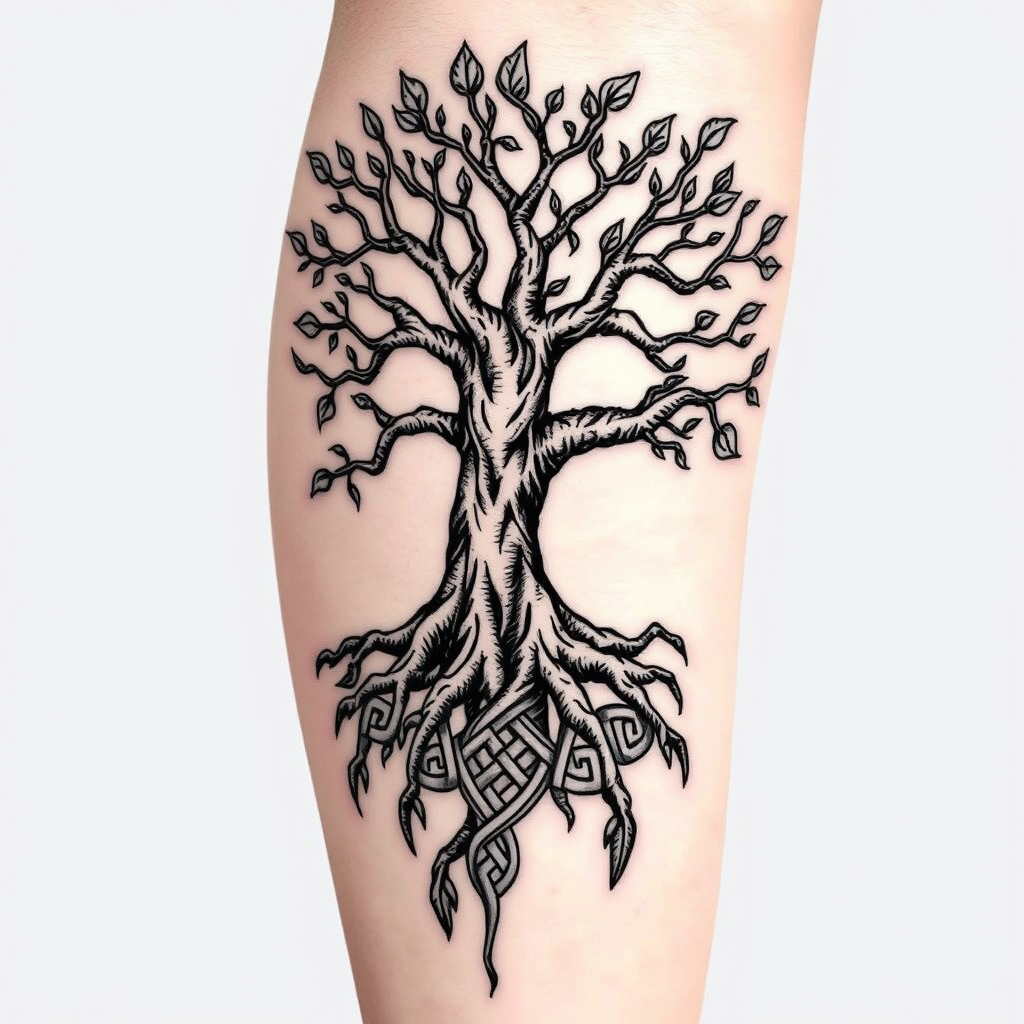
Create a tattoo design for the side of the upper leg featuring a stylized tree of life. The tree should have intricate roots that intertwine and branch out, symbolizing growth and connection. Use a blend of realistic and traditional artistic styles, emphasizing detailed textures in the bark and leaves. The tattoo should be medium to large in size, allowing for a striking visual impact. Opt for a black and white color palette to enhance the intricate patterns, with shading to add depth. Incorporate subtle Celtic knot motifs within the roots to reflect cultural significance. The overall mood should evoke a sense of harmony and balance, celebrating nature's beauty and the interconnectedness of life.
Análisis detallado del prompt de imagen de Flyne AI
Analiza el prompt detallado utilizado para generar la imagen con Flyne AI Image Generator.
Explorar Mensajes para Flux IA
Cómo generar imágenes con Flyne AI Image Generator
Sigue estos cuatro sencillos pasos para crear la imagen que deseas.
Paso 1: Ingresa tu texto (No dudes en refinar tu prompt para mejores resultados)
Paso 2: Elige la relación de aspecto de la imagen
Paso 3: Selecciona tu modelo de imagen:
Paso 4: Haz clic en el botón Generar y espera unos segundos para tu imagen
Herramientas Flyne AI relacionadas con prompts de generación de imágenes
Descubre herramientas avanzadas de Flyne AI para potenciar tu flujo de trabajo creativo.