Neon Shadows: Data Dreams - Flux.1 dev
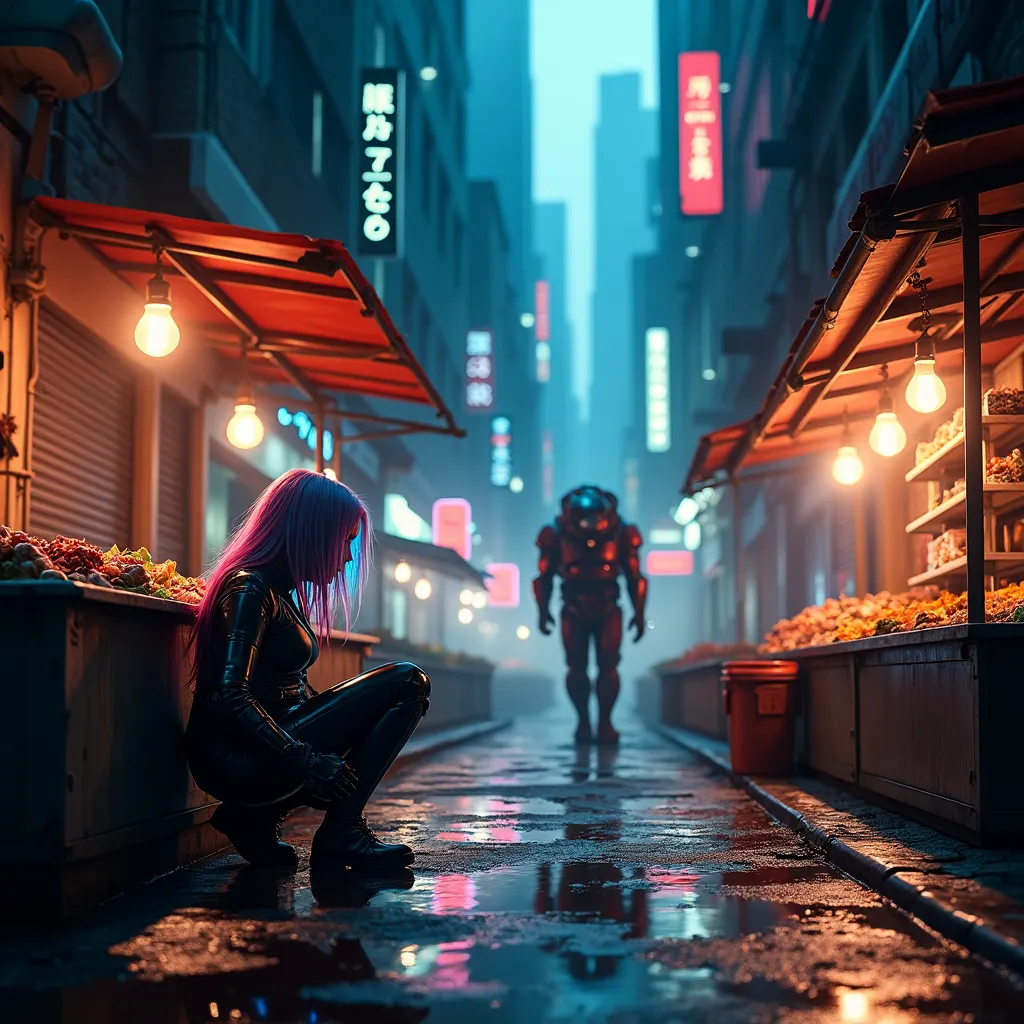
prompt
A dimly-lit alleyway in a sprawling megacity, bathed in the eerie glow of holographic advertisements. Neon-rimmed puddles reflect fractured images of towering skyscrapers above. In the foreground, a rogue data courier crouches beside a rusted dumpster, her cybernetic arm interfacing with a hidden access port. Her iridescent hair shimmers as she downloads stolen memories, her eyes flickering with streams of binary code. Nearby, a street vendor's stall overflows with black market neural chips and bio-engineered organs, illuminated by the warm glow of old-fashioned incandescent bulbs. In the background, a hulking cyborg enforcer patrols the street, its chrome exoskeleton gleaming under the harsh neon lights. Wisps of steam rise from sewer grates, mingling with the acrid smoke of illicit substances. The scene is a chaotic blend of high-tech and grime, where the boundaries between flesh and machine, reality and virtuality, blur into a neon-soaked tapestry of urban decay and technological advancement.
Analisis Terperinci Prompt Gambar Flyne AI
Analisis prompt terperinci yang digunakan untuk menghasilkan gambar dengan Flyne AI Image Generator.
Jelajahi Prompt Flux untuk Generator Gambar AI Flux
Cara menghasilkan gambar dengan Flyne AI Image Generator Flux.1 dev
Ikuti empat langkah sederhana ini untuk membuat gambar yang Anda inginkan.
Langkah 1: Masukkan Teks Anda (Silakan sempurnakan prompt untuk hasil yang lebih baik)
Langkah 2: Pilih Rasio Aspek Gambar
Langkah 3: Pilih Model Gambar Anda:
Langkah 4: Klik Tombol Buat dan Tunggu Beberapa Detik untuk Gambar Anda
Alat Flyne AI terkait untuk prompt pembuatan gambar Flux.1 dev
Temukan alat-alat canggih dari Flyne AI untuk meningkatkan alur kerja kreatif Anda.