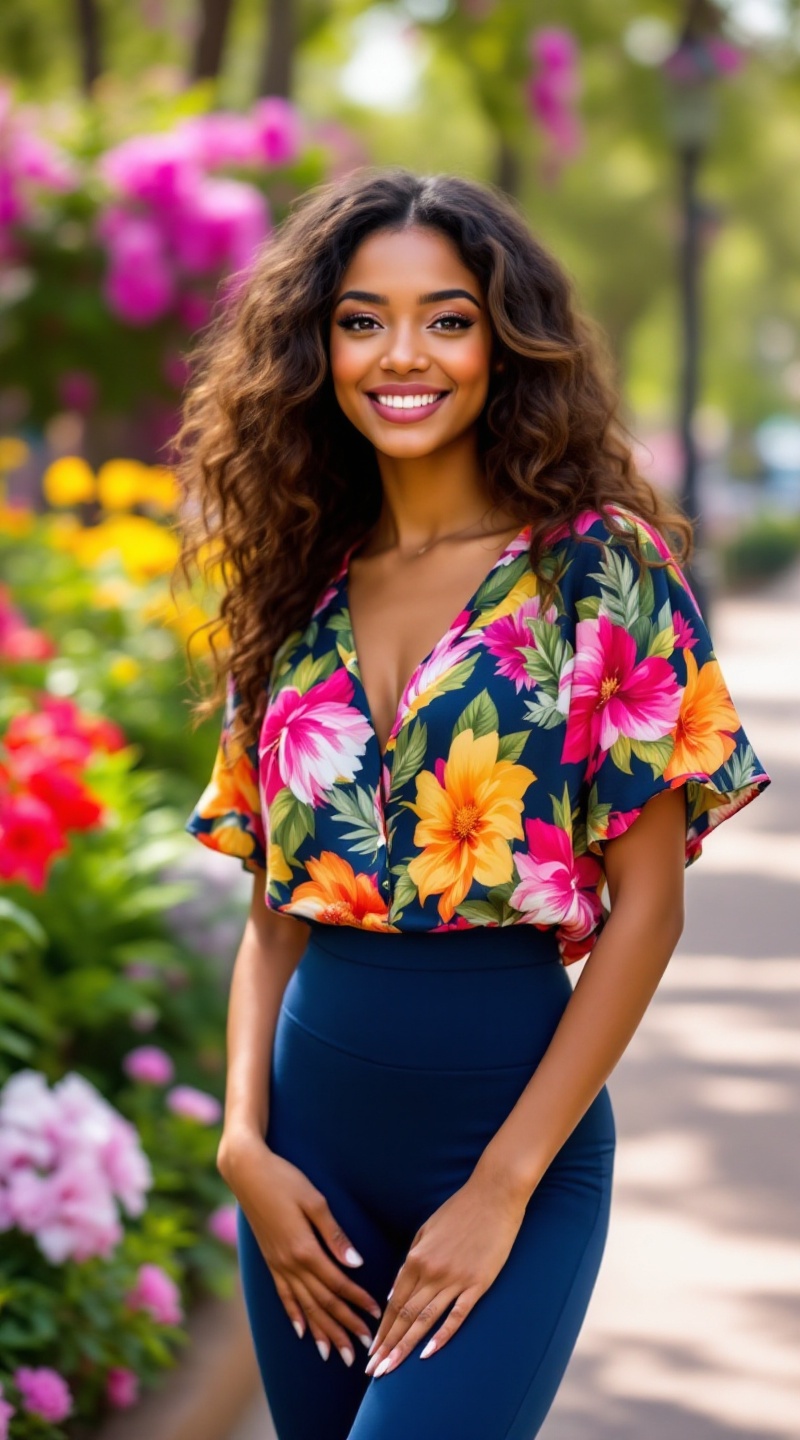
Radiant Confidence in Bloom - Flux.1.1 pro
prompt
A petite woman stands confidently, her warm caramel skin glowing under the soft sunlight. She has bright, expressive hazel eyes framed by long, dark lashes and a delicate nose. Her hair is a cascade of loose, bouncy curls, falling just past her shoulders, with sun-kissed highlights. She wears a vibrant floral blouse, rich in colors like deep pink, bright yellow, and lush green, with short sleeves and a slightly loose fit that accentuates her slender frame. Her leggings are form-fitting, a deep navy blue that contrasts beautifully with her top. With a cheerful smile, she leans slightly to the side, hands on her hips, exuding confidence and joy. In the background, a lively park setting is visible, with blooming flowers and tall trees, adding to the vibrant atmosphere of a sunny day.
Detailed Analysis of the Flyne AI Image Prompt
Analyze the detailed prompt used to generate the image with Flyne AI Image Generator.
Explore AI Image Prompts with Flyne AI Image Generator
How to generate image by Flyne AI Image Generator
Follow these four simple steps to create your desired image.
Step 1: Enter Your Text (Feel free to refine your prompt for better results)
Step 2: Choose Image Aspect Ratio
Step 3: Select Your Image Model:
Step 4: Click the Generate Button and Wait a Few Seconds for Your Image
Related Flyne AI tools for prompts about image generation
Discover advanced tools from Flyne AI to boost your creative workflow.