Making TikTok-style UGC videos with AI works best when the result feels like a creator made it for the feed, not like a polished studio ad. For beginners, the easiest workflow is to start with Flyne AI’s AI Talking Avatar Generator for creator-style talking clips, then use Flyne’s AI Video Generator, Product to Video, AI Text to Video Generator, and Photo to Video tools when you need product shots, lifestyle motion, or prompt-only video concepts.
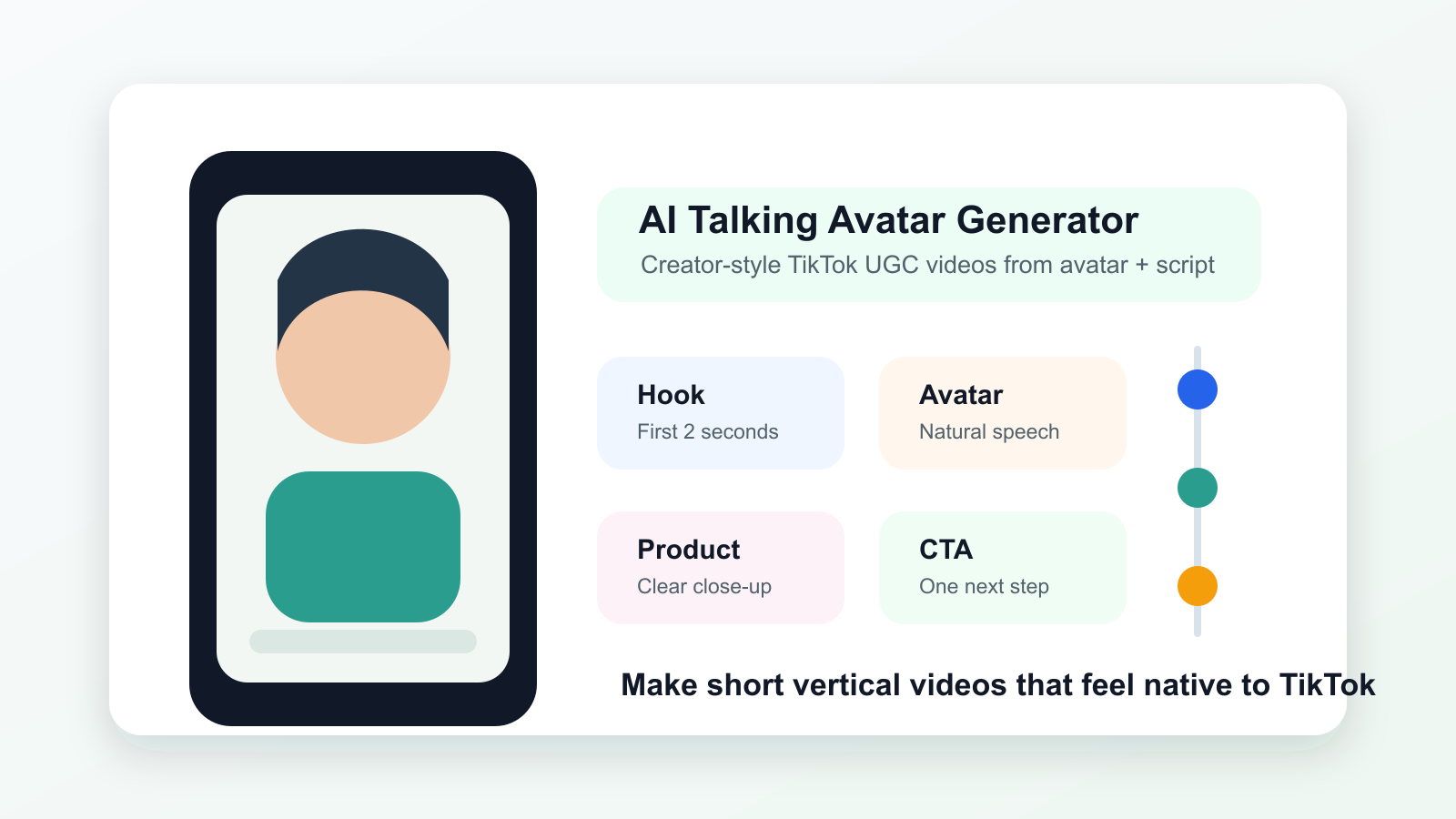
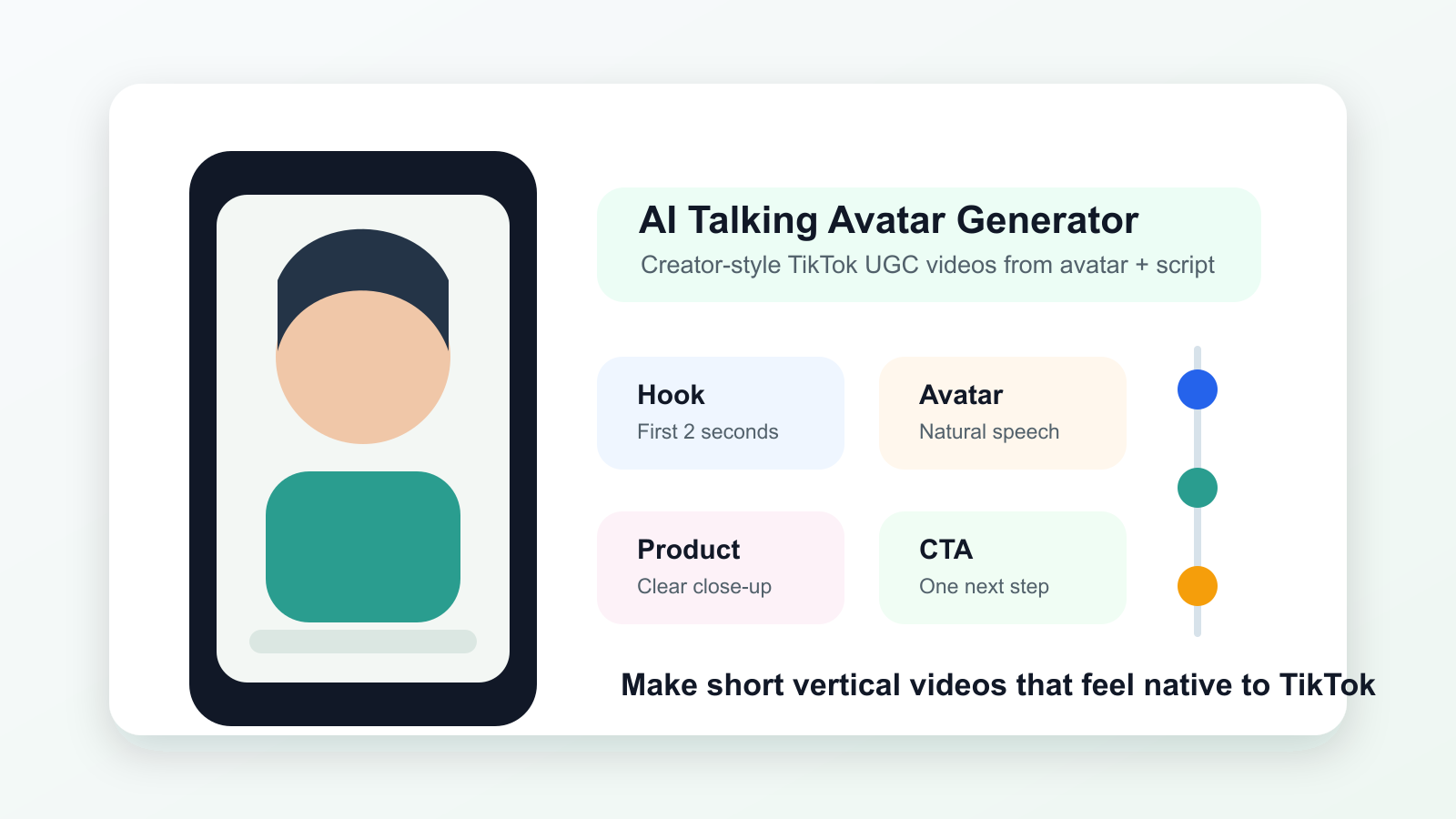
The goal is simple: create short vertical videos that feel native to TikTok. That means a strong hook in the first 2 seconds, close framing, natural speech, clear product visibility, and a direct CTA that sounds like something a real creator would say.
Quick Summary
Use AI Talking Avatar Generator when you want an AI talking avatar for TikTok UGC videos, especially creator-style product demos, testimonials, reactions, and short ad scripts. Use AI Video Generator for broader social media content, Product to Video to turn product photos into UGC videos, and AI Text to Video Generator when you want a TikTok UGC prompt to video workflow from text only.
Why TikTok UGC Videos Need a Different AI Workflow
TikTok UGC videos need to feel direct, casual, and fast. A viewer usually decides almost immediately whether a video belongs in the feed, so the first frame and first sentence matter more than cinematic polish.
For creators, small brands, e-commerce sellers, and marketers, the practical challenge is making videos that look human without becoming messy. AI can help with speed, but the workflow still needs creative judgment. A good AI video generator for TikTok ads should help you produce a short clip, test a hook, show the product clearly, and create variations without making every video look like a generic commercial.
That is why Flyne AI’s AI Talking Avatar Generator is useful as the main tool for UGC ads. It can turn an uploaded avatar image plus audio or a prompt into a talking video, which fits common UGC formats such as “I tried this,” “Here is why I switched,” “This fixed my problem,” or “Three things I noticed after using it.”
Step 1: Choose a TikTok UGC Angle Before You Generate
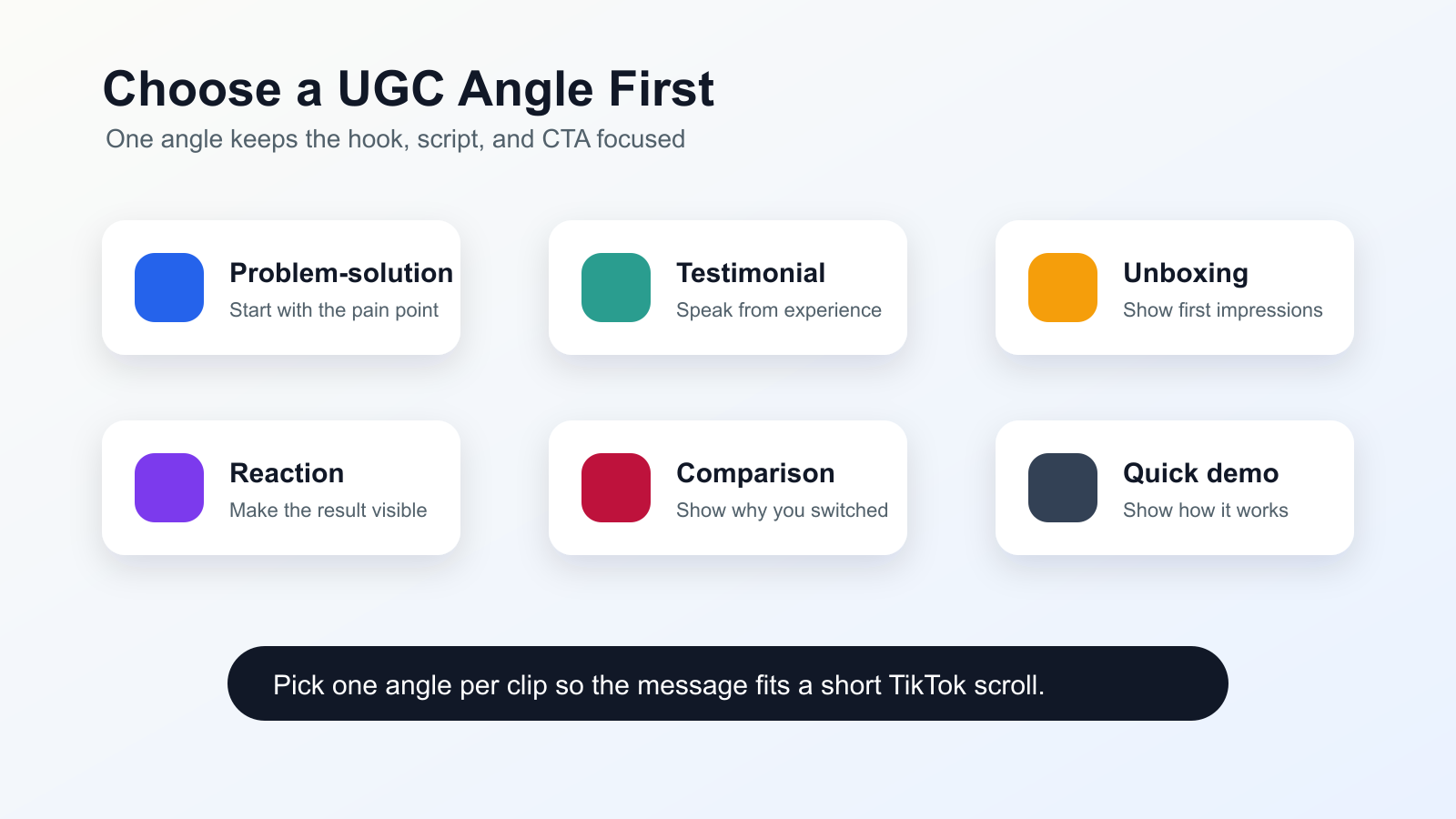
Choose the UGC angle before opening the generator because the angle controls the script, visuals, pacing, and CTA. Beginners often start by asking AI to “make a TikTok ad,” but that is too broad. Pick one simple viewing promise first.
Use one of these UGC angles:
| UGC angle | Best for | Example hook |
|---|---|---|
| Problem-solution | Skincare, home goods, apps, tools, supplements, services | “I was wasting so much time on this one thing.” |
| Testimonial | Products with visible benefits or repeat-use value | “I did not expect to like this as much as I did.” |
| Unboxing | Physical products, bundles, gifts, beauty, tech accessories | “Let’s see if this is actually worth the hype.” |
| Reaction | Trend-led products, surprising features, before/after moments | “Wait, this actually worked better than I thought.” |
| Comparison | Alternatives, upgrades, product switches | “I used to use this, but now I use this.” |
| Before/after | Cleaning, beauty, organization, editing tools, fitness products | “Here is the before, and here is what changed.” |
| Quick demo | Products that need one clear use case | “Here is exactly how I use it in 10 seconds.” |
For most beginners, problem-solution and quick demo angles are the easiest. They force the video to be clear: name the pain point, show the product, show the result, and tell viewers what to do next.
Step 2: Write a TikTok Hook for the First 2 Seconds
The first 2 seconds should tell the viewer why they should keep watching. A TikTok hook does not need to be loud, but it should be specific, visual, or emotionally familiar.
Good hooks usually do one of five things:
- Name a problem: “If your product photos look boring, try this.”
- Challenge an assumption: “You do not need a full shoot to make a decent product ad.”
- Create curiosity: “I tested this with one product photo.”
- Show a result: “This turned a flat product image into a short ad.”
- Speak to a clear audience: “Small shop owners, this is the faster way to make UGC clips.”
For AI talking avatar videos, keep the first line short enough to say naturally. A hook like “Here is how I made a product ad from one image in under a minute” is easier to deliver than a long marketing sentence. If the opening feels like a brand slogan, rewrite it as something a creator would actually say.
Try this simple hook formula:
If you [specific problem], try [simple action or product angle].
Examples:
- “If your TikTok ads look too polished, try filming them like a quick product reaction.”
- “If you only have one product photo, you can still make a short UGC-style ad.”
- “If people keep scrolling past your product, start with the problem first.”
Step 3: Create a Talking-Avatar UGC Clip with Flyne AI
Use Flyne AI’s AI Talking Avatar Generator when the video needs a creator speaking directly to the viewer. This is the most natural fit for create UGC ads with AI talking avatars because the format mirrors common TikTok creator ads: face on screen, simple message, quick product mention, and a clear next step.
A beginner-friendly workflow looks like this:
- Choose or upload an avatar image that fits the brand and audience.
- Write a short UGC script with a hook, product benefit, proof point, and CTA.
- Add the script as a prompt or use audio when you already have a voice direction.
- Keep the clip short and focused on one idea.
- Export or continue editing in a vertical 9:16 workflow for TikTok.
For a creator-style UGC ad, write like a person talking to a friend. Use simple phrases, short sentences, and one clear claim. Avoid stuffing in every feature. One strong benefit is usually easier to believe than a rushed list of benefits.
Here is a basic script structure:
Hook: “I did not think one product photo could become a real TikTok ad.”
Context: “But for small stores, filming new clips every week takes too much time.”
Product moment: “I used Flyne AI to turn the product image into a short creator-style video.”
Benefit: “Now I can test hooks, demos, and angles before planning a full shoot.”
CTA: “Try it with your best product photo first.”
This makes the AI avatar video generator for product demos more useful because the avatar is not just reading copy. It is guiding the viewer through a familiar creator story.
Step 4: Turn a Product Photo into a Short TikTok Ad
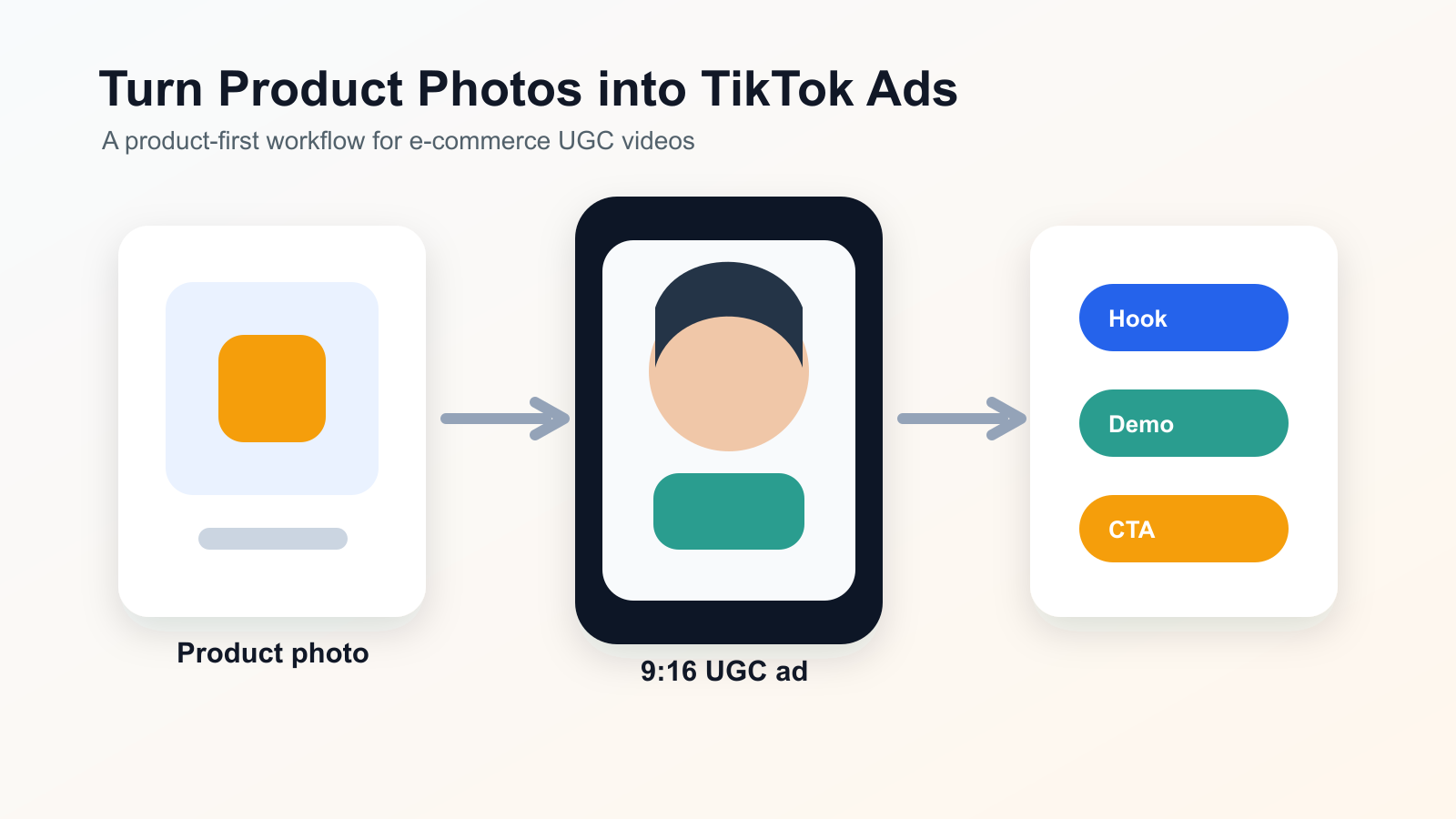
Use Product to Video when the product image should be the center of the ad. This is especially useful for e-commerce sellers who have product photos but do not have enough lifestyle footage, creator clips, or demo videos.
The product to video AI for TikTok ads workflow should stay simple:
- Choose one clean product photo with the product clearly visible.
- Decide the video angle: unboxing, quick demo, before/after, or comparison.
- Ask for a short vertical ad with close framing and natural movement.
- Keep the background simple so the product remains readable on a phone screen.
- Pair the product video with a talking-avatar intro, caption, or voiceover if needed.
For example, a skincare brand could use Product to Video to show the jar, texture, bathroom counter, and hand-held product moment. A phone accessory seller could show the case on a desk, in a hand, and next to a phone. A home product seller could show the product before and after use. The key is to make the product obvious before the viewer scrolls.
If you need broader scene generation, use Flyne’s AI Video Generator as an AI video generator for social media content. If you only have an idea and no product image yet, use AI Text to Video Generator for a text to video AI for UGC ads workflow.
Step 5: Use 9:16, Close Framing, Simple Backgrounds, and Natural Speech
TikTok-style UGC usually works better when it feels close, vertical, and easy to read. The format should look like it belongs on a phone, not on a homepage banner.
Use these creative rules:
- 9:16 vertical format: Build for TikTok, Reels, Shorts, and mobile feeds from the start.
- Close framing: Keep the face, product, or demo action large enough to understand quickly.
- Simple backgrounds: Avoid busy scenes that compete with the product or avatar.
- Natural speech: Use contractions, short phrases, and casual transitions.
- Clear product visibility: Show the product early, especially for e-commerce videos.
- One idea per clip: Do not explain the whole brand story in one short ad.
Natural speech is especially important for AI talking avatars. Instead of “This innovative solution transforms your daily routine,” try “This made my morning routine way easier.” The second version sounds closer to UGC and is easier for viewers to process quickly.
Step 6: Write Prompts for Creator-Style Realism
Good prompts for UGC video should describe the camera, mood, product role, speech style, and platform format. Do not only describe the product. Describe how the video should feel.
Use this prompt pattern for talking-avatar clips:
Create a vertical 9:16 TikTok-style UGC video. A friendly creator speaks directly to camera in natural language. The tone is casual, not overproduced. Start with a strong 2-second hook about [problem]. Mention [product] as the simple solution. Keep the background clean, framing close, and pacing quick. End with a short CTA: [CTA].
Use this prompt pattern for product-to-video clips:
Create a short vertical TikTok ad from this product photo. Show the product clearly in close framing with simple lifestyle motion. The style should feel like creator UGC, not a glossy commercial. Start with a visual problem, then show the product as the fix. Use natural pacing, simple background, and a clear final product shot.
Use this prompt pattern for AI Text to Video Generator:
Create a 9:16 TikTok UGC concept for [audience]. The video opens with [hook], shows [product or situation], includes one quick demo moment, and ends with [CTA]. Make it feel casual, realistic, and filmed for a social feed.
These prompts work because they give the AI video generator for TikTok ads a creative direction, not just a product name.
Best Flyne AI Tools for TikTok UGC Video Workflows
Flyne AI works best when you choose the tool based on the asset you already have. A beginner with only a script should not use the same workflow as a seller with product photos or a brand with avatar images.
| Flyne AI tool | Use it when | Best TikTok UGC use case |
|---|---|---|
| AI Talking Avatar Generator | You have an avatar image, script, audio, or prompt | Talking creator ads, testimonials, reactions, demos |
| AI Video Generator | You need broader text or image-to-video creation | Social content, short ads, lifestyle clips, concept testing |
| Product to Video | You have product photos | E-commerce ads, product demos, unboxing-style clips |
| AI Text to Video Generator | You have an idea but no assets | Prompt-only TikTok UGC concepts and ad tests |
| Photo to Video | You have lifestyle, creator, or product images | Animating stills into simple social video scenes |
For most creator-style ads, start with AI Talking Avatar Generator. For product-first ads, start with Product to Video. For testing lots of concepts quickly, start with AI Text to Video Generator or AI Video Generator.
Mistakes to Avoid When You Make Short-Form UGC Videos with AI
The most common AI UGC mistake is making the video too polished. TikTok ads can be well-made, but they should not feel like a corporate explainer unless that matches the brand.
Avoid these mistakes:
- Too polished: Perfect lighting, generic gestures, and ad-like copy can make the clip feel less native.
- Too slow: If the first sentence does not create interest, the viewer may scroll before the product appears.
- Too scripted: Avatar speech should sound conversational, not like a press release.
- Unclear product: Show the product early and make its role obvious.
- No hook: A video without a first-2-seconds hook has to work much harder.
- Weak CTA: End with a simple next step, such as “try it with your product photo,” “check the shade,” or “see the before and after.”
- Too many messages: One clip should sell one idea, not every feature.
The fix is usually subtraction. Cut the intro, simplify the claim, show the product sooner, and make the CTA easier to say out loud.
Recommended Articles
In-site articles:
- How to Generate AI Avatar Videos: A Complete Guide to Talking Avatars
- Flyne AI Video Generator Guide 2026: Best Models Compared and Ranked
- Product-to-Video with Higgsfield AI vs. Veo3: Difference & Alternative Workflow
- Vidu Q3 on Flux AI: A Practical Guide to Better AI Videos Fast & Cinematic
- Seedance 2.0 Video Generation Guide: How to Get Controlled, Consistent Results
People also read:
- How to Create TikTok Videos with HeyDream AI That Actually Feel Native to the Feed
- How to Use HeyDream AI’s Text-to-Video Generator: Model Comparison, Prompting Tips, and Workflows
- How to Use DreamMachine AI’s AI Video Generator: A Practical Guide for Text and Image Workflows
- Seedance 2.0 Video Generation Guide: Tutorial + Prompts
- SeaImagine AI Text-to-Video Guide: How to Choose Models and Create Better Clips
FAQ
What is the best Flyne AI tool for TikTok UGC videos?
For creator-style clips, start with AI Talking Avatar Generator because it can turn an uploaded avatar image plus audio or prompt into a talking video. For product-first ads, use Product to Video.
Can I create UGC ads with AI talking avatars without filming myself?
Yes. AI talking avatars are useful when you want a creator-style speaking clip without recording new footage. You still need a clear script, natural speech, and a product angle that feels believable.
What is the best TikTok UGC angle for beginners?
Problem-solution is usually the easiest angle. Start with a pain point, show the product or method, explain the result, and end with a direct CTA.
How do I turn product photos into UGC videos?
Use Product to Video or Photo to Video. Start with a clear product photo, choose a short ad angle, request vertical 9:16 framing, and keep the background simple.
Is AI Text to Video Generator useful for UGC ads?
Yes. AI Text to Video Generator is useful when you want to create short ad videos from text prompts before you have product footage or avatar assets.
Conclusion
The easiest way to make short-form UGC videos with AI is to think like a TikTok creator first and a video editor second. Choose one angle, write a hook for the first 2 seconds, keep the product visible, and use natural speech that feels native to the feed.
Flyne AI’s AI Talking Avatar Generator is the main tool to start with when you want talking creator ads, product demos, reactions, or testimonials. From there, use AI Video Generator, Product to Video, AI Text to Video Generator, and Photo to Video to create broader TikTok ad variations for social media content and e-commerce marketing.
SEO Title: Meta Description:
Tags: , , , , TikTok UGC videos, Flyne AI