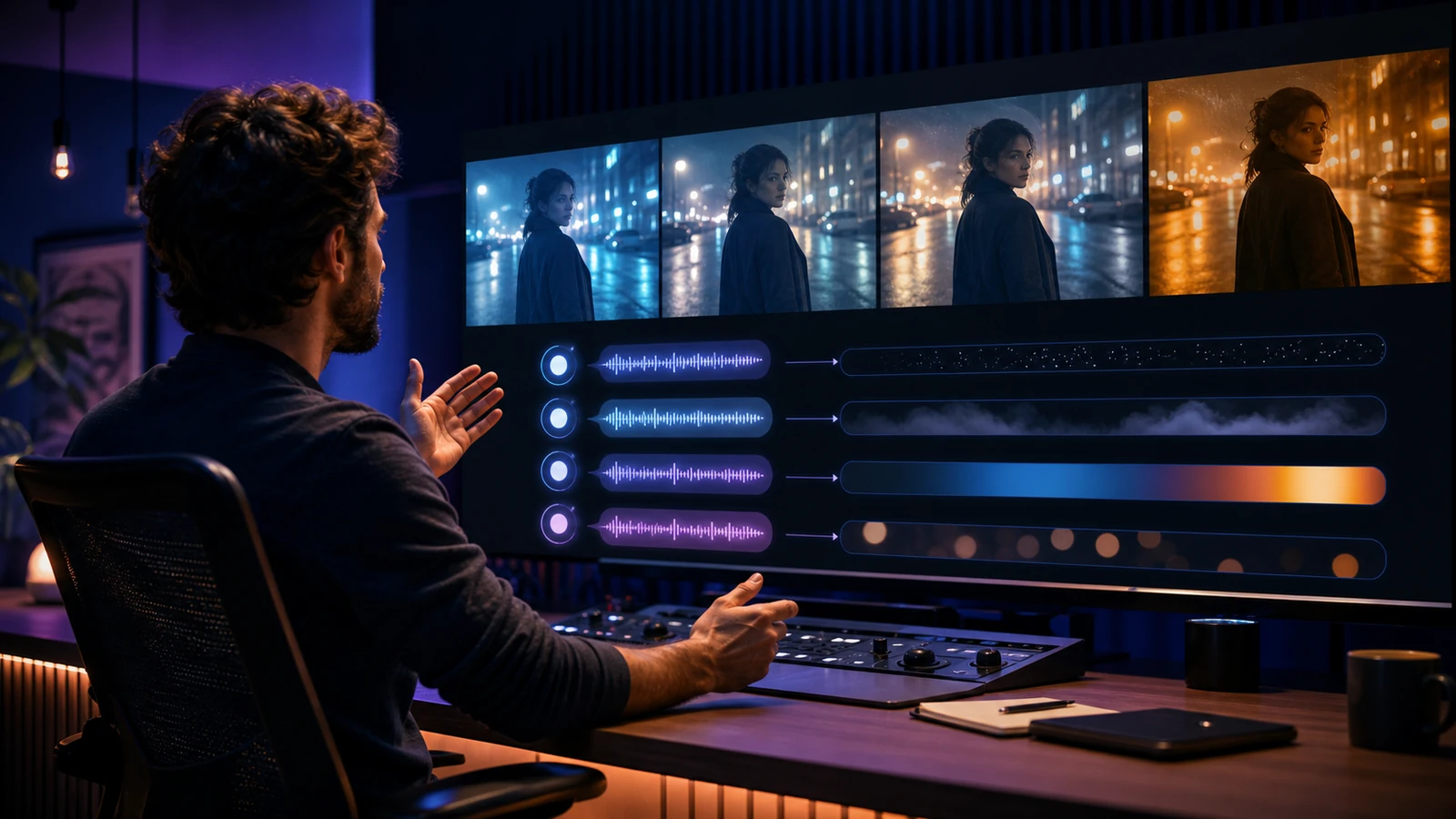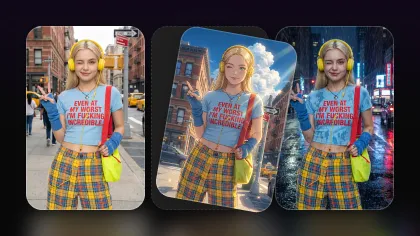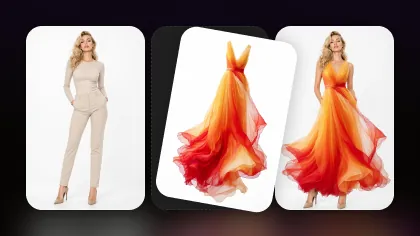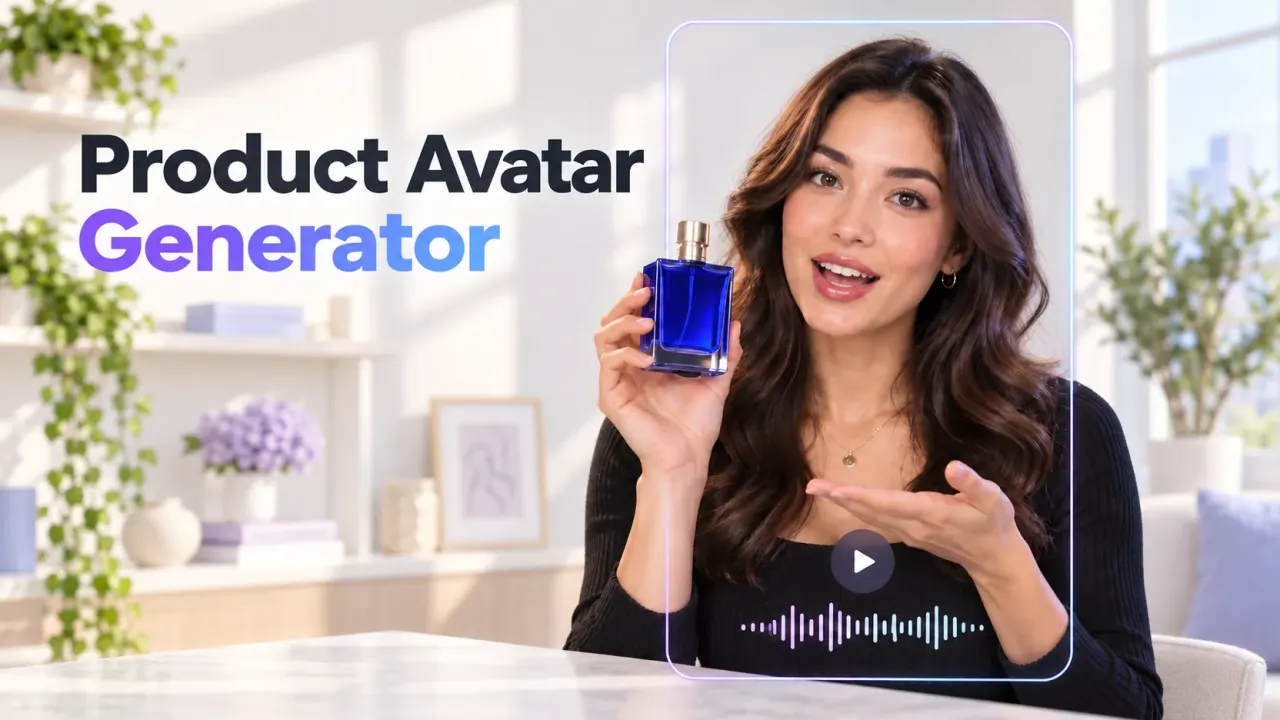
The Seedance 2.5 launch has moved from a model to watch to a tool creators can actually test: Seedance 2.5 is now available on Flyne AI. For marketers, UGC teams, and filmmakers, the important question is not whether it is universally “better” than FLUX 3. It is where Seedance 2.5 can deliver a more usable result for a specific brief—especially a human-led TikTok ad, product demo, creator testimonial, or short dramatic scene.
That distinction matters. A spectacular first generation is useful, but production value comes from the percentage of clips that survive review. Facial continuity, product identity, controlled camera movement, correct aspect ratio, and fewer regenerations can matter more than a single headline feature.
This guide compares the two workflows using their currently visible Flyne AI and Flaq AI options as of August 10, 2026. It also shows how to use Seedance 2.5 for real-person video responsibly, where FLUX 3 remains the stronger choice, and how to turn one successful concept into a repeatable social-video system.

Seedance 2.5 Launch: What Is Available on Flyne AI?
The live Flyne AI model page currently presents Seedance 2.5 as a text-to-video and image-to-video generator for launches, advertisements, social posts, cinematic previews, and reference-guided short videos. Its visible workflow accepts a prompt and optional product, portrait, character, style, video, or audio references. Creators can then choose output ratio, duration, and resolution before generating an MP4.
The page headline promotes up to 30-second HD video with audio, while the starting configuration visible during this review was 480p, 5 seconds, 16:9 for 500 credits. Treat the first preset as an entry point rather than the complete capability ceiling, and always confirm the selected resolution, duration, audio option, and displayed credit cost before generating.
That live browser workflow is different from the developer endpoint. The recommended Seedance 2.5 Text-to-Video API on Flaq AI currently displays Coming Soon, with controls prepared for 4–15-second output, ratio, resolution, fixed camera, seed, and optional sound. In other words:
- Creators can use Seedance 2.5 on Flyne AI now.
- Developers can bookmark the Flaq AI endpoint and recheck its status before planning a production integration.
- A live model page does not automatically mean every API route has launched at the same time.
This status split is worth stating clearly because an honest launch article should help a reader choose a usable path today—not turn a prepared API page into a promise of immediate availability.
Seedance 2.5 vs FLUX 3: Which Produces the Better Video?
For human-led, reference-rich, short-form production, Seedance 2.5 is the better first test. For a longer image-led shot that needs native audio, higher visible resolution choices, or start-and-end-frame control, FLUX 3 may be the better tool.
The FLUX 3 Video Generator on Flyne AI supports text, image, and planned start/end frames; 5–20-second durations; 720p or 1080p output; and native audio. Black Forest Labs describes FLUX 3 as spanning image, video, audio, and action prediction. That makes it a broad audiovisual system, not a weak alternative.
The practical comparison is therefore about fit:
| Decision factor | Seedance 2.5 | FLUX 3 | Better first choice |
|---|---|---|---|
| Human-led UGC and presenter shots | Portrait and character references fit a consistency-first workflow | Can animate people and portraits with expressive motion | Seedance 2.5 for reference-rich human briefs |
| Text-first ideation | Direct prompt-to-video plus optional references | Text-to-video is available alongside image and keyframe inputs | Seedance 2.5 for fast social concepts |
| Opening-frame animation | Supports image-to-video references | Source image explicitly anchors the opening composition | FLUX 3 for a carefully art-directed first frame |
| Shot length | Flyne promotes up to 30 seconds; verify the active preset | 5–20 seconds is explicitly selectable | Depends on the active Seedance settings and brief |
| Resolution visible in the starting preset | 480p in the reviewed 5-second preset | 720p or 1080p | FLUX 3 when delivery resolution is the first constraint |
| Native audiovisual direction | Audio references and audio-capable positioning are shown | Native dialogue, effects, ambience, and music are core controls | FLUX 3 for sound-led scenes |
| Entry credit cost on Flyne AI | 500 credits for the reviewed 480p/5s preset | 850 credits for the reviewed 720p/5s preset | Seedance 2.5 for lower-cost exploration, with a resolution caveat |
| Start/end-frame control | Reference-guided workflow | Explicit start-and-end-frame workflow | FLUX 3 for planned transitions |

Better Human Detail Is About Continuity, Not Just Sharpness
“Detail” in an AI video is not only pixel count. For real-person or UGC-style content, review these five things:
- Does the face remain recognizable when the head turns?
- Do hands maintain believable anatomy while holding the product?
- Does the wardrobe preserve its color, texture, and fasteners?
- Does the product label, shape, and size remain stable?
- Does the performance end in the composition the editor needs?
Seedance 2.5’s reference-led workflow makes it a compelling first choice when those details define success. A lower-resolution preview with stable identity can be more valuable during concept selection than a sharper clip that changes the presenter or product halfway through. After the direction is approved, generate the delivery version at the highest appropriate setting or use an upscaling and finishing pass.
Price: Compare Cost per Usable Clip
The displayed Flyne AI presets provide a useful but imperfect cost signal. Seedance 2.5 showed 500 credits for 5 seconds at 480p, while FLUX 3 showed 850 credits for 5 seconds at 720p. Seedance’s entry preset therefore uses 350 fewer credits, or about 41% fewer credits, but it also starts at a lower resolution. This is not an apples-to-apples quality benchmark.
The fair production metric is:
Cost per usable clip = total credits spent on all attempts ÷ clips approved for editing
Suppose Seedance 2.5 needs three 500-credit attempts to produce one approved human UGC shot. Its usable-shot cost is 1,500 credits. If FLUX 3 needs two 850-credit attempts, its cost is 1,700 credits. Seedance remains cheaper in that example. If FLUX 3 succeeds on the first attempt and Seedance needs four, FLUX 3 wins. Run the same brief, reference assets, duration, and acceptance checklist before declaring a permanent winner.
For API budgeting, the currently live FLUX 3 Image-to-Video API on Flaq AI lists $0.17 per second at 720p and $0.29 per second at 1080p. The Seedance 2.5 API page does not yet publish a live price because it is marked Coming Soon. Do not invent a cross-platform dollar comparison; recheck both pages when the endpoint launches.
“Fewer Restrictions” Should Mean More Workflow Freedom
Creators often use “fewer restrictions” to mean they can try more useful formats and references—not that safety rules disappear. Seedance 2.5’s Flyne workflow offers broad creative freedom through text, image, portrait, character, style, video, and audio references, plus vertical, square, and widescreen delivery options. That flexibility reduces the need to rebuild a concept in separate tools.
It does not remove the need for:
- permission to use a real person’s face or voice;
- rights to product images, music, footage, and brand assets;
- truthful endorsements and sponsored-content disclosure;
- compliance with Flyne AI, advertising-platform, and social-network policies;
- clear AI disclosure when a synthetic performance could mislead viewers.
Use consenting adults, avoid impersonation, and obtain written approval for commercial likeness use. Responsible human video is a production requirement, not a creative limitation.
Why Seedance 2.5 Helps UGC and Social Video Creators
UGC production is a volume problem and a relevance problem. A performance team may need several hooks, presenters, offers, product angles, and pacing variations for one campaign. Seedance 2.5 can help by making the expensive part—the first believable motion concept—faster to test.
1. Create More Hook Variations Before the Shoot
Generate five different openings from one brief: a direct question, a surprising result, a relatable problem, a product close-up, and a reaction shot. Keep the body and call to action constant. This gives the team a cleaner test of the first two seconds instead of changing every creative variable at once.
2. Preserve a Presenter Across a Short Sequence
Attach a consented portrait, wardrobe reference, product packshot, and color board. Describe one action per shot. Shorter, single-purpose prompts usually make continuity easier to evaluate than one overloaded prompt that asks for a complete commercial.
3. Match the Channel at Generation Time
Use 9:16 for TikTok, Reels, and Shorts; 1:1 for feed placements; and 16:9 for YouTube, landing-page loops, or cinematic previews. Keep faces, captions, and products inside a safe central area so later platform overlays do not cover the message.
4. Turn a Winning Concept into a Creative Family
Once a shot works, vary only one element at a time: background, camera movement, hook, product color, ending, or pacing. This produces a coherent campaign instead of a folder of unrelated clips.
AI cannot guarantee views, completion rate, or conversions. It can, however, increase the number of relevant hypotheses a team can test within the same production budget. Better hooks, cleaner product clarity, and more disciplined iteration can improve the chance of finding a version audiences choose to watch.
How to Create a Seedance 2.5 Human UGC Video on Flyne AI
Use this repeatable workflow for a creator-style product video.
Step 1: Define One Measurable Job for the Clip
Choose one outcome: stop the scroll, demonstrate a feature, answer an objection, show a transformation, or deliver the call to action. A five-second hook and a fifteen-second product explanation are different shots and should not share the same prompt.
Step 2: Prepare Rights-Cleared References
Collect a front-facing portrait, a three-quarter portrait, the exact product packshot, wardrobe/color references, and an optional opening frame. Use images with consistent lighting and no conflicting accessories. Confirm the person has consented to the intended commercial and synthetic use.
Step 3: Write a Director-Style Prompt
Use this structure:
Adult presenter + location + one action + product interaction + camera move + expression + lighting + pace + aspect ratio + final composition.
Example:
A consenting adult skincare creator in a warm home studio holds the exact green serum bottle from the reference, looks into camera, applies one drop to the back of her hand, then smiles naturally. Slow handheld push-in, realistic skin texture, soft morning light, calm confident pacing, vertical 9:16, end on a clean product close-up with both hands visible.
Avoid stacking several locations, wardrobe changes, camera moves, and emotional beats into one short generation.
Step 4: Generate a Low-Cost Exploration Pass
Start with the least expensive setting that can answer the creative question. Review identity, hands, product fidelity, action, camera behavior, and ending. Do not pay for maximum resolution until the direction is worth keeping.
Step 5: Refine One Variable at a Time
If the face changes, strengthen the portrait reference and simplify the head movement. If the product warps, reduce hand interaction and request a stable closing frame. If the pacing is slow, shorten the action rather than adding vague words such as “viral” or “dynamic.”
Step 6: Finish for the Platform
Add accurate captions, licensed music, a truthful offer, brand-safe graphics, and an AI disclosure where appropriate. Review on a phone with sound on and off. Export a clean master before creating platform-specific versions.

Video Creation Use Cases Beyond UGC Ads
Seedance 2.5 is useful wherever a team needs to turn a visual brief into a reviewable motion concept quickly.
TikTok, Reels, and YouTube Shorts
Create vertical hooks, POV clips, quick demonstrations, fashion transitions, travel moments, educational scenes, and creator-style reactions. The TikTok Video Generator on Flyne AI is a useful companion when the workflow also needs short-form structure, captions, voiceover direction, music, and platform pacing.
Performance Advertising
Generate problem/solution openings, product benefits, founder-style explanations, lifestyle demonstrations, and localized creative variants. Use the AI UGC Video Generator on Flyne AI when the campaign starts from product details, scripts, images, or an avatar-style presenter brief.
E-commerce and Product Launches
Animate packshots into reveals, demonstrate scale and texture, place a product in different lifestyle environments, and create landing-page loops. Keep factual claims in the edit layer so legal and merchandising teams can verify them independently of the generated footage.
Short Drama and Previsualization
Test character blocking, camera direction, atmosphere, reaction shots, and transitions before a physical shoot. A sequence of controlled five-to-fifteen-second shots is easier to revise and edit than one long generation. Seedance 2.5 can accelerate storyboards; it does not replace production safety, actor agreements, or editorial judgment.
Music, Fashion, and Mood Films
Use style boards, wardrobe references, and movement cues to explore rhythm, lighting, and visual motifs. FLUX 3 may be the stronger option when native sound design or a planned start/end-frame transformation is central to the idea.
Training, Explainers, and Internal Pitches
Create presenter concepts, process visualizations, scenario previews, and stakeholder-friendly prototypes. Keep regulated, medical, financial, or safety-critical information in reviewed text and narration rather than relying on generated visuals as evidence.
Recommended AI Video APIs for Production Workflows
Browser tools are ideal for creative discovery. APIs are better when a team needs batch generation, job polling, retry logic, versioned prompts, asset storage, or integration with a creative-management system.
Seedance 2.5 Text-to-Video API
Bookmark the Seedance 2.5 Text-to-Video API for text-first cinematic generation. At the time of this review it is marked Coming Soon, so validate launch status, parameters, pricing, rate limits, and commercial terms before engineering against it.
MiniMax H3 Video API
Consider the MiniMax H3 Text-to-Video API for an additional model route and a useful A/B candidate when cinematic detail, motion, or audiovisual requirements differ from the winning Seedance prompt.
FLUX 3 Video API
Use the FLUX 3 Image-to-Video API when the opening frame must anchor composition and identity, or when optional native audio, 720p/1080p output, and 5–20-second duration fit the brief.
Best Image AI API Platform
Best Image AI provides a broader image-and-video model catalog for teams that want to test outputs, compare pricing, and connect multiple media-generation workflows through a unified platform.
For any provider, store the model name, endpoint version, prompt, seed, references, settings, price at request time, moderation response, and output URL. That audit trail turns experimentation into an accountable production pipeline.
A Practical Seedance 2.5 vs FLUX 3 Test Plan
Do not compare a polished Seedance result with a first-pass FLUX result. Run a controlled test:
- Use the same rights-cleared presenter and product references.
- Write one neutral shot brief and adapt only the syntax required by each tool.
- Match duration and aspect ratio; match resolution when both interfaces allow it.
- Give each model the same retry budget.
- Score face consistency, hands, product fidelity, prompt adherence, camera motion, audio, ending, and editability from 1–5.
- Record total credits or dollars, failed jobs, generation time, and approved outputs.
- Calculate cost per usable clip, not cost per button press.
Choose Seedance 2.5 when it produces the better human performance and reference consistency within budget. Choose FLUX 3 when its native audiovisual design, higher visible resolution, longer shot, or keyframe control removes more downstream work. A mature studio will often keep both.
Frequently Asked Questions
Is Seedance 2.5 available on Flyne AI now?
Yes. The Seedance 2.5 model page on Flyne AI is live and shows a working generation interface. Availability, presets, and prices can change, so confirm the current controls before spending credits.
Is the Seedance 2.5 API available now?
The recommended Flaq AI Seedance 2.5 text-to-video page was marked Coming Soon on August 10, 2026. The Flyne AI browser tool and the Flaq AI developer endpoint should be treated as separate launch states.
Is Seedance 2.5 better than FLUX 3?
It can be better for human-led UGC, text-first social concepts, and reference-rich short-form video. FLUX 3 can be better for image-anchored animation, native audio, 720p/1080p output, 5–20-second shots, or start/end-frame control. Test the same brief in both.
Can Seedance 2.5 create videos with real people?
Its Flyne AI workflow accepts portrait and character references, making it suitable for realistic presenter concepts and human-led scenes. Use only rights-cleared images of consenting adults, avoid deceptive impersonation, and follow platform disclosure rules.
Is Seedance 2.5 cheaper than FLUX 3?
The reviewed Flyne AI entry presets showed 500 credits for Seedance 2.5 at 480p/5s and 850 credits for FLUX 3 at 720p/5s. Seedance used about 41% fewer credits at entry, but the resolutions differed. Compare matched outputs and cost per usable clip.
Will AI-generated UGC get more views?
No tool can guarantee views. Seedance 2.5 can help a team test more hooks, settings, and visual directions, which may improve the odds of finding a stronger creative. Audience relevance, offer quality, disclosure, editing, posting strategy, and measurement still determine performance.
Recommended Reading
- Seedance 2.5 Release: What’s New and How It Compares with Seedance 2.0 on Flyne AI
- MiniMax H3 Video Generator: A Open-Source Model for AI Pet Video Maker
- Lower-Cost Veo 3.1 Video Generation: Create Cinematic AI Videos with Flyne AI
Final Verdict: Use Seedance 2.5 for the Brief It Wins
The Seedance 2.5 launch on Flyne AI gives video creators a practical new route for text-to-video, image-to-video, reference-guided human content, UGC ads, product launches, social clips, and short-drama previsualization. Its reviewed entry preset also costs fewer credits than the reviewed FLUX 3 preset, making it attractive for early exploration—provided creators account for the lower starting resolution.
Seedance 2.5 is the better first choice when believable people, consistent references, flexible social formats, and efficient iteration define the job. FLUX 3 remains valuable when a shot needs native sound, image-anchored composition, explicit start/end frames, longer duration, or higher visible resolution settings.
The strongest workflow is not model loyalty. It is a controlled brief, responsible references, a fixed acceptance checklist, and cost measured per usable result.