Reference to Video AI Generator
Use Reference to Video to turn one or multiple uploaded reference images into a smooth, consistent AI video. Upload reference images or videos and instantly create high-quality, coherent video clips.
Video Examples with Reference to Video AI Generator
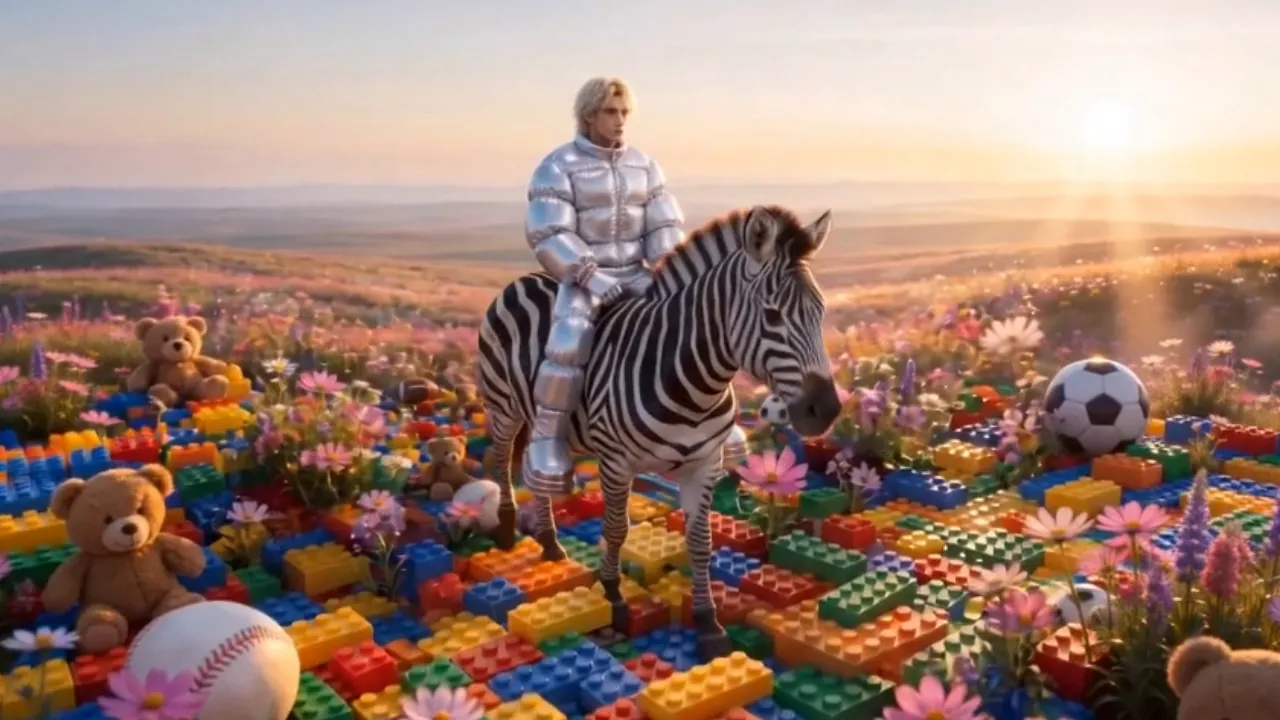
Explore how Reference to Video transforms portraits, character designs, product shots, object photos, fashion references, scene images, and style frames into dynamic AI videos. Create consistent talking avatars, product demos, UGC-style ads, social clips, cinematic story moments, brand visuals, animation previews, and reference-guided video concepts from one or multiple images.
Core Features of Reference to Video AI Generator
Reference to Video combines reference image guidance, consistent character generation, stable face preservation, natural motion, expression continuity, product detail control, and multi-reference video creation.
Reference Image to Video
Upload a reference image that defines the character, face, product, object, prop, or scene you want to preserve, then generate a video that follows your prompt while keeping the selected subject recognizable.
Consistent Face and Identity
Maintain facial features, clothing details, body cues, product structure, object shape, color direction, and visual style across frames so the subject does not drift during the video.
Natural Motion and Expression
Generate smooth gestures, walking, turning, talking moments, reactions, scene motion, and facial expressions so characters, products, and scenes feel more natural in motion.
Multi-Reference Story Creation
Use one or multiple reference images to guide characters, objects, products, backgrounds, and visual details, then combine them into a coherent AI video with stronger continuity.
Advantages of Reference to Video AI Generator
Reference to Video helps creators, marketers, ecommerce teams, designers, storytellers, agencies, and social media producers make reliable AI videos from reference images with less repeated shooting and less manual correction.
Fewer Reshoots and Revisions
Start from reference images instead of filming every variation again. Create fresh scenes, product moments, character actions, and talking clips while keeping the same visual identity.
Stable Visual Continuity
Keep people, avatars, products, props, outfits, backgrounds, and scene details aligned across the generated clip, making the result feel more coherent and less random.
Simple Creative Workflow
Upload reference images, write a prompt, describe action and style, choose video settings, and generate without manual animation, character rigging, complex masking, or repeated camera setup.
Flexible Video Results
Create consistent character videos, product scenes, social content, brand clips, UGC-style ads, cinematic concepts, animation previews, and reference-based visual experiments.
Use Cases for Reference to Video AI Generator
Reference to Video is useful for AI video workflows that need consistent characters, faces, products, objects, scenes, styles, and visual continuity across social, marketing, storytelling, ecommerce, and creative production.
Consistent Character Videos
Generate talking avatars, influencers, game characters, mascots, brand characters, and story roles that keep the same face, expression style, clothing, identity, and recognizable look while moving or speaking.
Product and Brand Videos
Turn product photos, packaging, brand props, fashion items, shop visuals, and campaign images into videos while preserving product appearance, logos, colors, and visual identity.
Social Media and UGC Ads
Create short videos for TikTok, Instagram Reels, YouTube Shorts, creator posts, product hooks, UGC-style campaigns, and social ads where character consistency and natural action improve trust.
Storyboards and Visual Concepts
Animate character references, concept art, product scenes, mood boards, game assets, and design previews into coherent video ideas before full filming, animation, or production begins.
Explore More social sharing about Reference to Video AI
Get the latest news, tips, and inspiration—join our Reference to Video AI community on social media.
How to Use Reference to Video AI Generator
Create a consistent AI video from reference images in three simple steps.
Upload one or multiple reference images for the character, product, object, or scene
Describe the action, expression, camera movement, scene, and visual style
Generate, preview, refine the prompt, and download your reference video
Reference to Video AI Generator FAQ
Discover More AI Video Tools & Resources for video creation
Browse additional AI video generators, guides, and creative resources to power up your content strategy.