AI Video to Video Generator: Motion Control Video Maker
Animate your image with your existing video for different visual styles while fully preserving the original motion and rhythm with Motion Control AI. Our efficient visual transformation tool helps creators quickly convert videos into new creative styles while maintaining the core dynamics of the source material.
Motion Control Video Examples of Video to Video Generator
Video to Video powered by Luma Modify combines temporal understanding and visual reconstruction technology to recreate visuals through simple prompts while preserving the original motion structure.
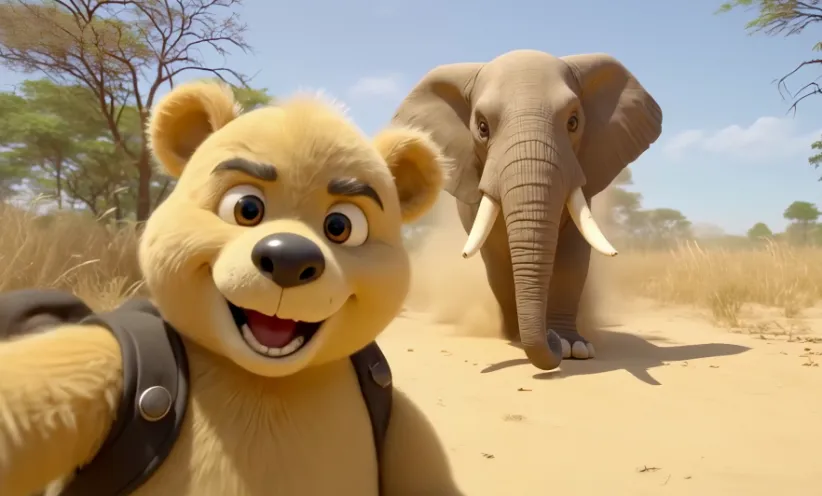
Core Features of Video to Video by Wan 2.2 Animate AI
Provides scene transformation, shot reconstruction and style transfer capabilities, balancing stability with creative expression.
Smooth Camera Motion Generation
Generate natural and smooth camera movements such as push, pull, and orbit from fixed angles or static footage.
Scene & Style Transformation
Transform everyday footage into cyberpunk, nostalgic, or animated styles without the need for reshooting.
Structure & Character Consistency
Maintain original character actions, expressions and rhythm during visual reconstruction, ensuring visual coherence without frame drops.
Specific Element Editing
Modify individual elements in the scene such as clothing, props, background or sky while preserving the overall structure.
Core Advantages of Video to Video AI
Achieve visual enhancements with minimal cost, perfect for rapid content creation and iterative creative workflows.
Reduced Production Costs
Modify visual style or angles without reshooting scenes, significantly reducing production resource investment.
Preserved Video Performance
Maintain motion, lighting and rhythm without requiring structural reconstruction.
Multi-Version Output for Iteration
Generate multiple style versions for style selection or content refinement.
Efficient Workflow
Quick adjustments and transformations enable rapid creative iterations and style exploration.
Application Scenarios of Video to Video AI
Suitable for various creative fields, enabling quick style adjustments and creative output for short videos.
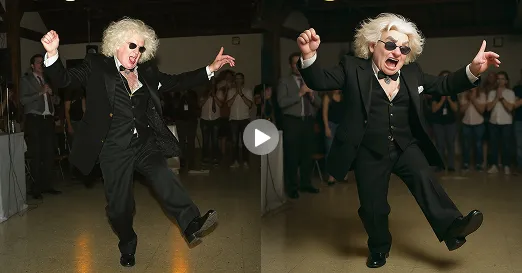
Social Media Stylized Shorts
Easily transform everyday footage into retro, cartoon, or futuristic styles perfect for social media sharing.
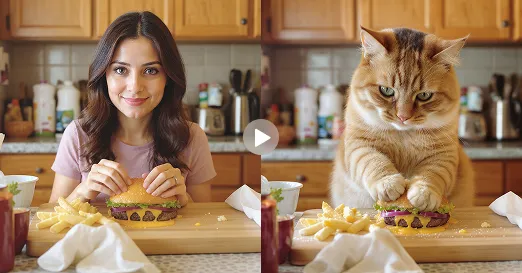
Concept Video Demonstration
Create visual story concepts from existing footage to support script development and shot previsualization.
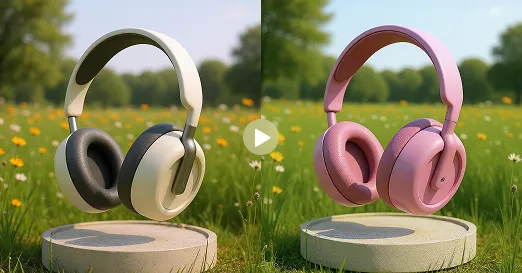
Brand Content Mockups
Adapt styles using existing materials to facilitate testing for advertisements or promotional videos.
Share Your Flux Video to Video Creations on Twitter
Transform videos with Flux AI's video to video generator and share them on Twitter to inspire others and discover creative transformations from the community.
How to Use the Flux Video to Video AI Generator
Follow these 3 simple steps to transform your videos
Upload your source video
Upload your image and prompt for animation effect
Generate your transformed video
FAQs about the Flyne Video to Video Generator
Explore More Advanced Flyne AI Tools for Video Creation
Discover our complete suite of AI-powered video creation and transformation tools.