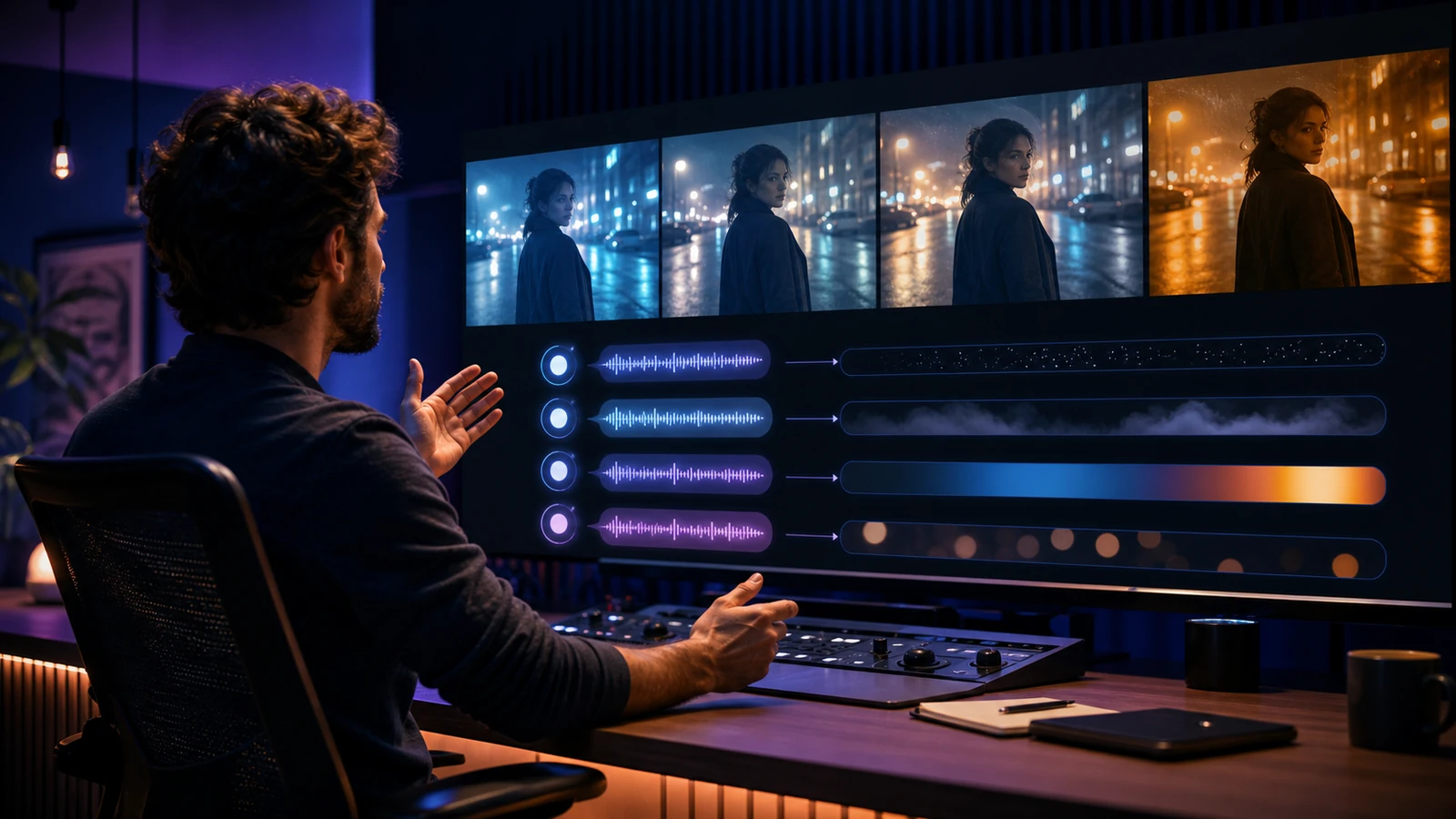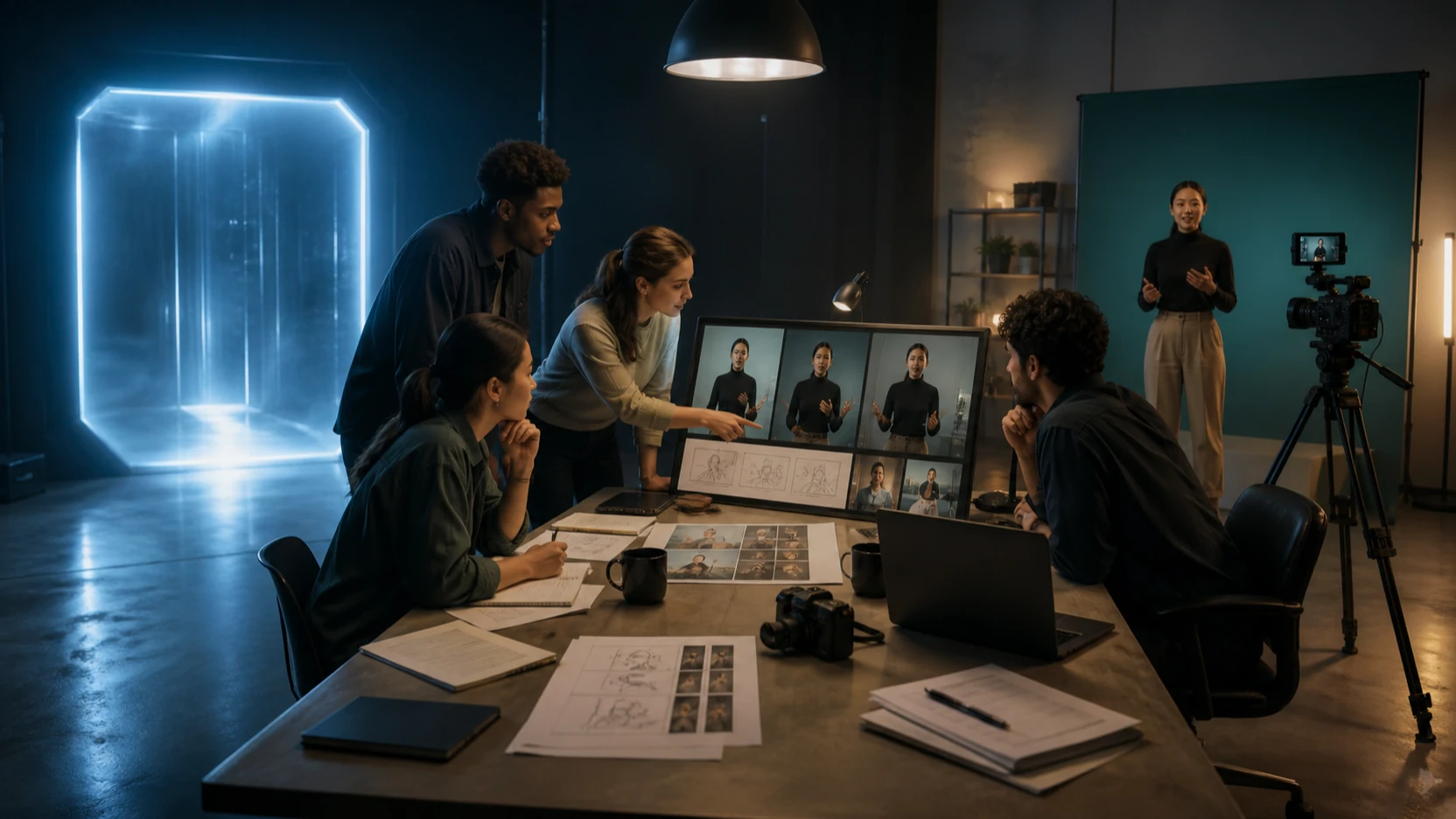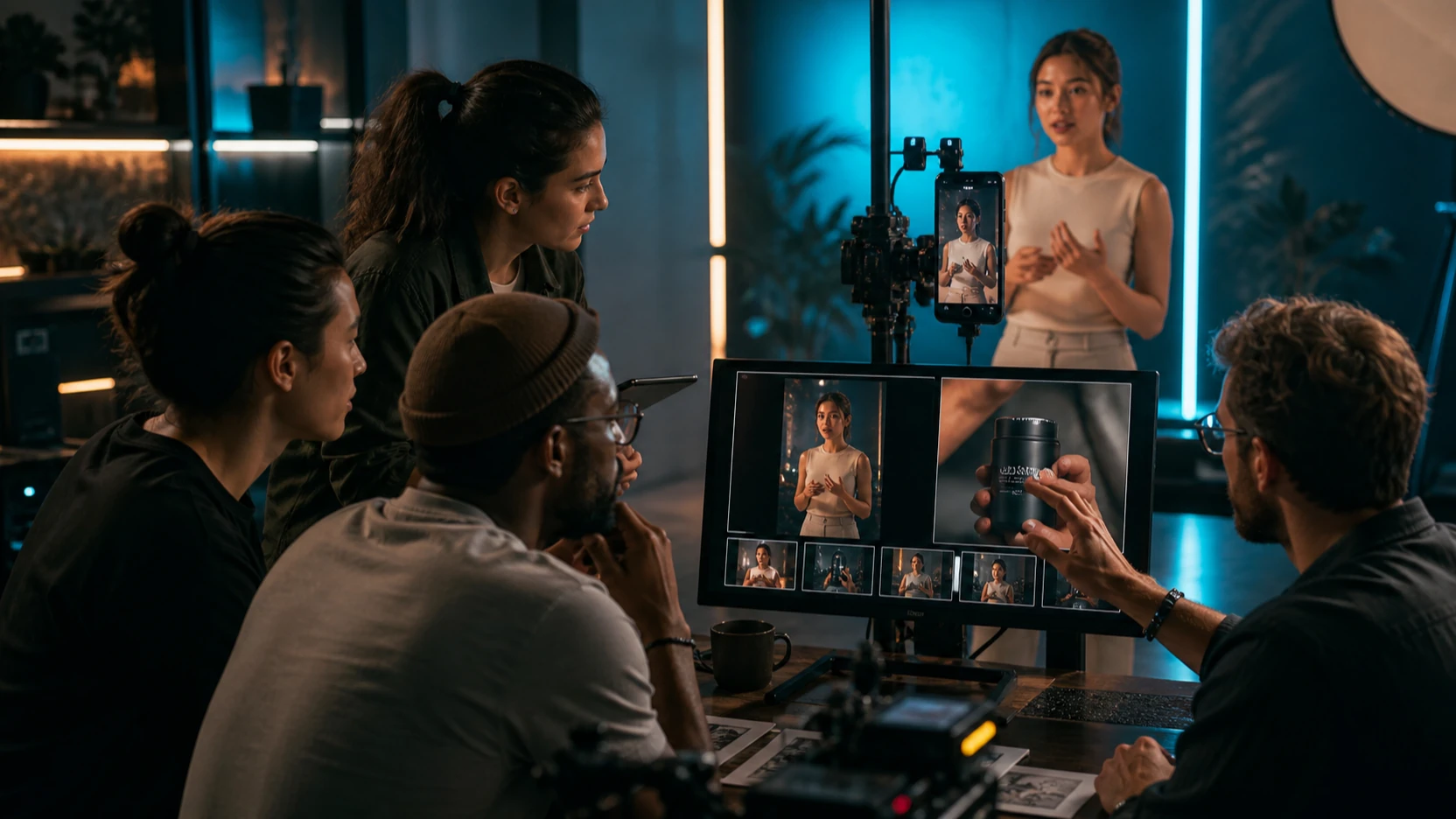
The generative-AI world loves a strange codename. A model name can appear in a dashboard, API log, Discord screenshot, or small platform listing, and within hours the community is trying to decode what it really means.
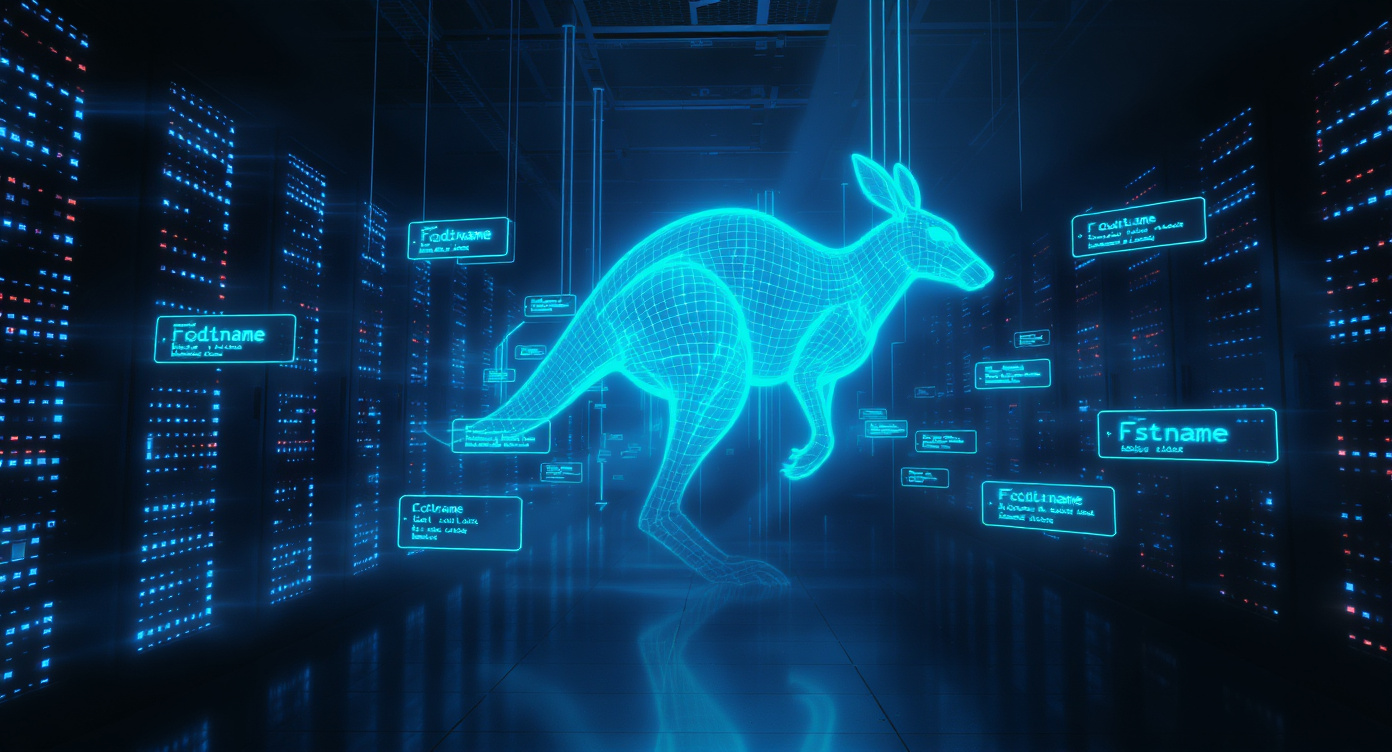
That is what happened with “krazy-kangaroo-1.” Early discussion framed it as a possible hidden codename for FLUX.2, the next-generation image model family from Black Forest Labs. At the time, the rumor was interesting because creators were trying to understand whether a new frontier image model was being tested quietly before an official release.
The story has now moved beyond pure speculation. Black Forest Labs has an official FLUX.2 model page, which means the useful question is no longer only “Is this real?” The better question for creators is: what does the new model era change, how should you evaluate early platform claims, and which tools are stable enough to use right now?
This article gives a practical breakdown for creators, marketers, AI artists, and model-watchers. It explains what the old codename rumor meant, what is now confirmed, how FLUX.2 compares with the current image-generation race, and why Flyne AI remains a useful place to test production-ready image workflows today.
From Codename Rumor to Official Model Era
The original “krazy-kangaroo-1” discussion began with scattered sightings across smaller AI platforms, model listings, and developer communities. Some users claimed they saw unusual output behavior from a model listed under that name. Others reported labels such as “powered by FLUX.2” or “also known as FLUX.2.”
Those claims were never enough to prove that the codename was official. A third-party platform can label a model in a confusing way, use a wrapper name, or mix marketing language with technical naming. That is why rumors around early AI model access should be handled carefully.
What changed is that FLUX.2 itself is now official. Black Forest Labs describes FLUX.2 as the next generation of its image-generation family, with variants aimed at top-tier quality, fast professional output, creative control, and open-weight deployment.
That means the article no longer needs to depend on the codename as proof. The codename remains part of the community history, but the real story is the arrival of a new generation of image models and how creators should evaluate it.
What FLUX.2 Means for Image Generation
FLUX.2 matters because Black Forest Labs has become one of the most important names in modern image generation. The earlier FLUX family was known for strong aesthetics, open-model culture, and creator-friendly visual quality. A major version update naturally raises expectations.
For creators, the most important possible improvements are practical:
- better realism and lighting behavior
- stronger prompt understanding
- cleaner anatomy and hand rendering
- better text rendering inside images
- stronger multi-reference workflows
- more consistent professional-grade output
- faster or more efficient generation at scale
These improvements matter because image generation is no longer only about making impressive one-off pictures. Many users need images for campaign assets, product visuals, posters, social media, character design, visual branding, and creative iteration. In those workflows, consistency and editability matter as much as raw beauty.
Why the Codename Rumor Spread So Quickly
The “krazy-kangaroo-1” rumor spread because it had the perfect ingredients for AI-community attention: a strange name, possible API clues, claimed output differences, and a well-known model family behind it.
When creators saw reports of improved eyes, stronger hair detail, higher contrast realism, and better multi-reference handling, the rumor became more believable to some observers. Those traits matched what many people expected from a next-generation image model.
Still, the important lesson is caution. Output quality alone cannot prove model identity. A model wrapper, fine-tune, private deployment, or unrelated experimental system can look similar to an expected release. Even when a rumor turns out to point toward something real, individual screenshots and platform labels should not be treated as final evidence.
A responsible creator-facing article should separate three things:
- what the community claimed
- what official sources later confirmed
- what users can actually access and use today
That separation keeps the article exciting without turning speculation into false certainty.
The Competitive Pressure Around Nano Banana Pro
The timing of the FLUX.2 conversation also matters because the image-generation market has become much more competitive. One of the most visible pressure points is Nano Banana Pro, which has become widely discussed for high-quality image creation and editing workflows.
On Flyne AI, Nano Banana Pro is positioned as a powerful image model for professional-grade image generation and editing. It is especially relevant for creators who want strong portraits, polished social visuals, expressive edits, and high-quality image transformation from natural-language instructions.
That makes the comparison between FLUX.2 and Nano Banana Pro strategically interesting. FLUX.2 represents the next stage of a major image model family. Nano Banana Pro represents a premium creator-facing workflow that many users can try now.
For creators, this competition is good news. It means better models, faster iteration, stronger editing tools, and more practical choices across different visual tasks.
What Creators Should Watch in FLUX.2
If you are evaluating FLUX.2 or any platform claiming access to it, focus on real workflow behavior rather than hype.
1. Prompt Adherence
Does the model follow detailed instructions, or does it only respond to broad style cues? A strong modern image model should handle layout, subject placement, style, mood, background, and negative instructions with reasonable consistency.
2. Text Rendering
Text inside images remains a major differentiator. If FLUX.2 improves readable typography, poster design, label accuracy, and UI-style text, it becomes much more useful for marketers and designers.
3. Reference Image Control
Multi-reference workflows are increasingly important. Creators want to preserve character identity, product shape, wardrobe, lighting style, or brand direction across variations.
4. Editing Reliability
A model becomes more valuable when it can revise an image without destroying the parts that are already correct. Strong editing means: keep X, change Y, do not alter Z.
5. Commercial Usefulness
Beautiful output is only one part of the job. Commercial users also need clean composition, stable details, realistic lighting, usable aspect ratios, and predictable revision behavior.
What to Use on Flyne AI Right Now
While the industry continues comparing new models, creators still need dependable tools today. Flyne AI offers practical image workflows that fit different levels of creative work.
Use Nano Banana Pro for Polished Creative Images
If you need strong image quality, expressive portraits, stylized visuals, or polished creator-facing edits, Nano Banana Pro is one of the most practical places to start.
It is especially useful for:
- lifestyle photography
- portrait editing
- creator branding
- commercial visuals
- social media assets
- product-inspired images
- fantasy and character visuals
- mood-heavy campaign imagery
Nano Banana Pro is a strong choice when you need attractive output quickly and want the model to understand natural-language editing instructions.
Use Flyne AI Image Generator for Broader Model Testing
If you want to compare different image styles and model behaviors, start with the Flyne AI Image Generator. It works as a broader image-generation hub and is useful when you are still deciding which model fits your project.
This is a better starting point when you need:
- concept art
- creative illustrations
- stylized portraits
- brand visuals
- poster drafts
- product image ideas
- social media graphics
- visual moodboards
The advantage is flexibility. You can test different approaches without rebuilding your workflow around a new platform every time.
Use Image-to-Image for Controlled Revisions
When you already have a source image, use the Image to Image AI editor. This is the better path for revisions, transformations, reference-based editing, or visual refinement.
A strong image-to-image prompt should separate preservation from change:
Preserve the subject identity, pose, and camera angle. Replace the background with a clean studio setting, improve lighting, sharpen details, and keep the image realistic. Do not add extra text or objects.
This kind of prompt is more useful than simply asking the model to “make it better.”
How to Evaluate a New Image Model Without Getting Misled
When a new model name appears, use a simple testing checklist.
First, run the same prompt across multiple models. This shows whether the new model is truly better or just different.
Second, test difficult categories: hands, text, faces, product labels, reflections, fine fabric, complex backgrounds, and multi-subject scenes.
Third, test revision prompts. Ask the model to preserve most of the image while changing one detail. Many models can generate impressive first images but fail at controlled editing.
Fourth, compare cost and speed. A model that looks slightly better but takes much longer or costs much more may not be the best daily workflow choice.
Finally, look for official documentation. Community screenshots are useful signals, but official model pages, release notes, and provider documentation are stronger evidence.
Practical Prompt Examples
Commercial Product Image
A premium product photo of a glass skincare bottle on a clean beige background. Soft studio lighting, realistic reflections, sharp label area, subtle shadow, high-end e-commerce style, no extra text.
Portrait Editing
Preserve the person’s face, hairstyle, and pose. Add warm cinematic lighting, smooth background bokeh, natural skin texture, soft contrast, polished editorial portrait style.
Poster Concept
A cinematic poster concept for a futuristic city at night. Clear empty space at the top for headline, central hero silhouette, neon reflections, fog, dramatic rim light, clean composition, no readable text.
Image Revision Prompt
Keep the subject, pose, clothing, and camera angle unchanged. Replace the background with a minimal studio setting, improve lighting balance, reduce clutter, and preserve realistic detail.
Multi-Reference Style Prompt
Use the first image for character identity and the second image for color style. Keep the face and outfit consistent, apply the same lighting mood, and create a polished campaign-ready portrait.
Recommended Workflow for Creators
The best workflow is not to chase every rumor. A better approach is to build a stable testing process.
Start with a clear goal. Decide whether you need a portrait, product image, poster, character design, social asset, or campaign visual.
Choose a reliable tool. Use Nano Banana Pro when polished creative output matters. Use Flyne AI Image Generator when comparing models. Use Image to Image when revising an existing visual.
Generate a small batch. Do not judge a model from one image. Test three to five outputs using the same prompt style.
Edit with constraints. Use “preserve,” “change,” and “do not change” language.
Save the best prompt. A good reusable prompt is often more valuable than one lucky output.
Final Verdict
The “krazy-kangaroo-1” discussion was a fascinating example of how fast the AI community reacts to possible hidden model deployments. It showed how closely creators watch API labels, platform listings, and output behavior when a major model family is expected to evolve.
Now that FLUX.2 has an official presence, the better conversation is practical rather than purely speculative. Creators should focus on what the model can actually do, how it compares with leading image tools, and whether it improves real workflows like editing, typography, product visuals, portraits, and multi-reference generation.
For now, the safest creator move is simple: test new models carefully, avoid treating rumors as proof, and keep using stable tools for production work. On Flyne AI, Nano Banana Pro is a strong choice for polished creative output, while the Flyne AI Image Generator and Image to Image AI editor give you broader workflows for experimentation and refinement.
The model race will keep changing. The winning workflow is the one that lets you evaluate new tools clearly, create usable images now, and upgrade when a better model genuinely improves your results.
Recommended Tools
- Nano Banana Pro Image Generator
- Flyne AI Image Generator
- Image to Image AI Editor
- GPT Image 2 AI Image Generator
- Qwen Image Edit
- Recraft AI Image Generator
- Krea AI Image Generator
- Image to Prompt AI Generator
Related Articles
- FLUX.2 Pro vs Nano Banana Pro: Which AI Model Is Better for Image Editing?
- How to Use FLUX.2 Edit: Pro, Dev, and Flex Compared
- Nano Banana Pro Guide: 10 Best Image Prompts for Expert Use Cases
- Creating 4K High-Quality Images with Nano Banana Pro AI: A Practical Editor’s Guide
- Qwen Image vs Nano Banana 2: The Practical Creator’s Guide to Editing, Text, and Consistency
- GPT Image 2 Explained: What’s New, and How It Compares With Nano Banana Pro
People Also Read
- Nano Banana 2 vs Qwen Image 2.0 vs Seedream 5.0: Which Model Fits Your Workflow?
- HeyDream AI Image Generator Guide: Best Models for Text-to-Image and Image-to-Image
- Nano Banana 2 vs Nano Banana Pro: What Changed and Which One Fits Your Workflow?
- How to Use Nano Banana 2 for AI Image Generation and Editing
- VideoWeb AI Image Generator 2026: The Fast-to-Final Model Map
- Nano Banana 2 vs Seedream 5.0: A Practical Comparison Guide
- The Seedream 5.0 AI Image-to-Image Analysis Guide 2026