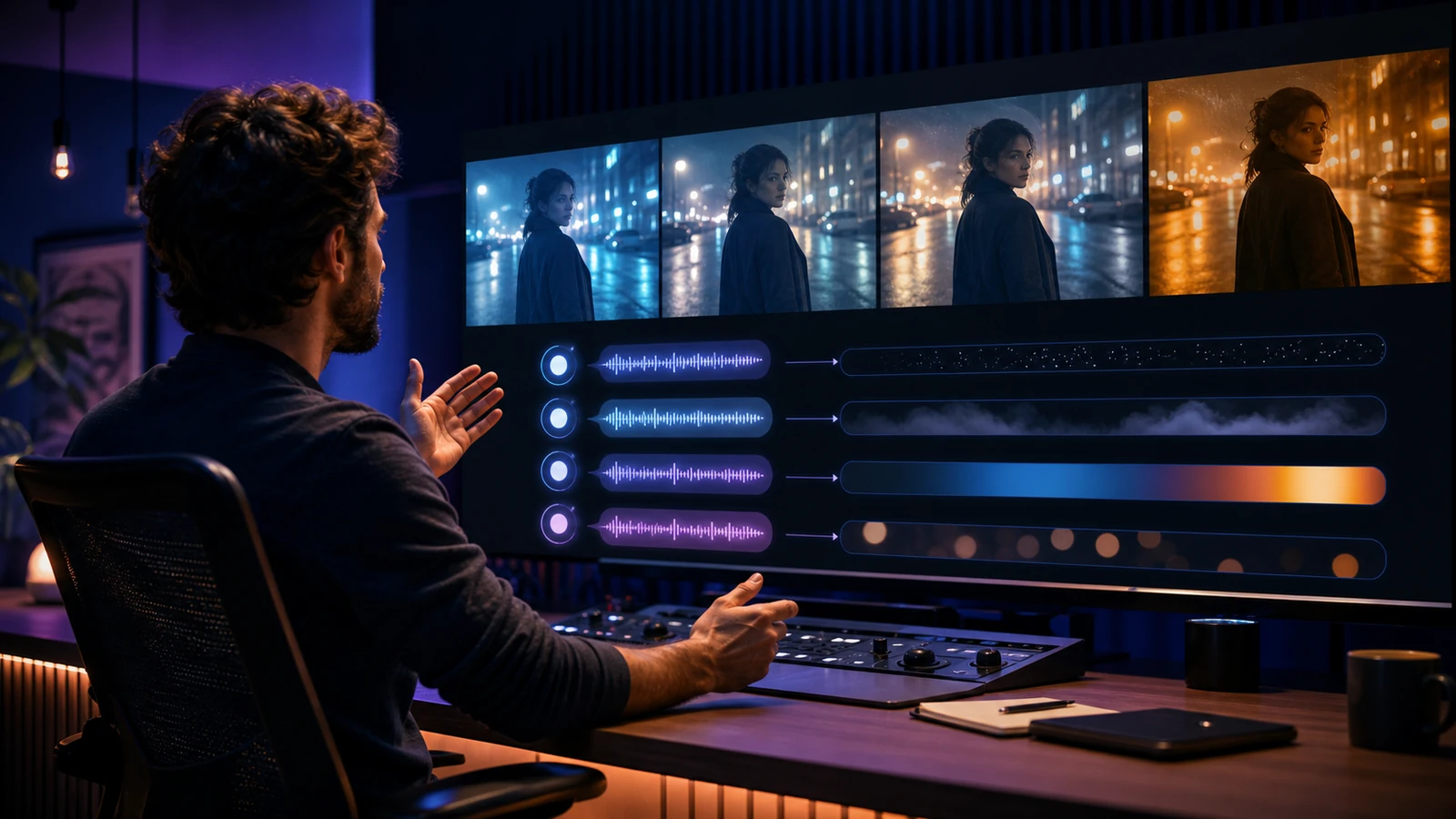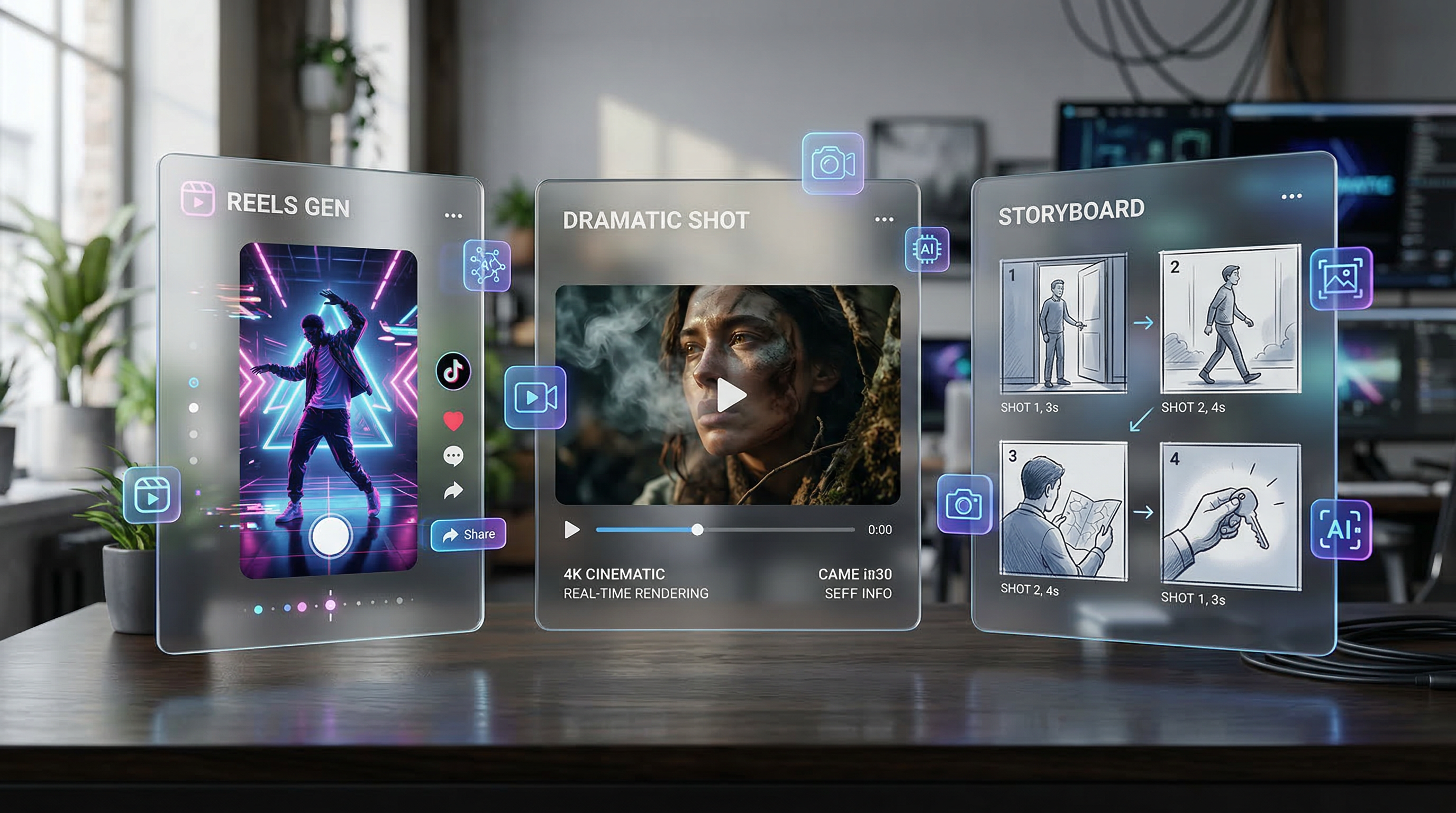
The AI video space is moving fast, and creators now have more than one serious option when they want cinematic motion, cleaner prompt response, and faster results. That is why comparing Vidu Q3 AI, Veo 3.1, and Seedance 2.0 matters.
These models are not trying to solve the same problem in exactly the same way. Vidu Q3 is appealing when you want short, polished clips without a heavy setup process. Veo 3.1 is stronger when you care about premium realism, scene logic, and audio-visual completeness. Seedance 2.0 is useful when structure, multi-shot thinking, and controlled video generation matter more than one flashy first result.
For most users, the bigger question is not which model sounds the most advanced. It is which one fits the kind of AI video generation workflow they actually need. If you are making social clips, product teasers, cinematic test shots, or storyboard-like sequences, the best choice depends on your preferred balance of speed, realism, control, and iteration.
A practical way to compare them is to use one shared hub instead of jumping between separate tools. Flyne AI gives creators a central place to test multiple video models, compare motion behavior, and decide which model feels strongest for a real project.
Why These Three Models Keep Coming Up
Vidu Q3, Veo 3.1, and Seedance 2.0 appear in the same conversation because each one represents a different strength in modern AI video creation.
Vidu Q3 AI is often appealing to creators who want quick cinematic output without too much setup. It feels approachable, fast, and well suited to short-form storytelling or social-friendly content. If your goal is to get from prompt to polished-looking clip quickly, Vidu Q3 is easy to understand.
Veo 3.1 is usually the model people bring up when they care about stronger realism, stable scene logic, and higher-end outputs. On Flyne AI, it is presented around video stability, semantic structure, narrative continuity, and audio-visual integration, making it a strong fit for polished commercial or cinematic prompts.
Seedance 2.0 stands out for control and structure. It is a strong option for creators who care about multi-shot thinking, organized sequences, and a cleaner sense of progression from one scene to the next. It is less about flashy first impressions and more about repeatable, directed results.
That is why a real comparison matters. These tools overlap, but they do not feel identical in practice.
What to Compare Before Choosing a Model
A lot of AI video comparisons focus too much on model names and not enough on workflow. A better way to judge these tools is to compare five practical factors.
First, look at motion quality. Does the clip feel natural, or does movement become floaty, jittery, or overly synthetic?
Second, look at prompt adherence. When you describe a scene, camera move, visual tone, or subject action, how closely does the result follow your intent?
Third, consider consistency. Can the model maintain a coherent subject, composition, color mood, and motion direction across longer or more structured outputs?
Fourth, think about speed. Fast generation is not everything, but it matters when you need several drafts before choosing a final direction.
Fifth, compare the total workflow. A model may be excellent on paper but still feel slow if the surrounding interface makes testing and iteration difficult.
This is exactly why a shared AI video generation hub is useful. The easier it is to test results side by side, the easier it becomes to see which model actually helps you work faster.
Vidu Q3: Best for Fast Cinematic Drafts
For many creators, Vidu Q3 makes the strongest first impression because it feels built for quick, usable short clips. It is well suited to visual storytelling beats, brand showcases, social posts, and fast idea validation.
If you want a five-second or eight-second scene that already feels polished enough to review, Vidu Q3 AI is a compelling place to start. It works best when the shot is focused: one subject, one action, one mood, and one clear camera idea.
Its biggest strength is accessibility. You do not need to over-engineer every prompt to get something useful. That makes it attractive for social creators, ad teams, and anyone who prefers generating several strong variations instead of spending all their time on one perfect render.
Vidu Q3 also works well as a benchmark model. Generate one version quickly, check the energy and visual appeal, then decide whether the project needs a more premium model or a more controlled sequence model.
The limitation is structure. Vidu Q3 is usually strongest when the scene is short and focused. It may not be the first model to choose for longer, tightly planned sequences where every shot must fit into a larger narrative structure.
Veo 3.1: Best for Realism and Premium-Looking Output
Veo 3.1 is the model to consider when visual polish matters most. On Flyne AI, Veo 3.1 is framed around stable video output, semantic modeling, scene memory, multi-shot narrative support, and intelligent audio-visual integration.
If Vidu Q3 is the fast cinematic drafter, Veo 3.1 feels more like the quality-first option. It is a strong candidate for creators who want dramatic visual storytelling, polished brand clips, narrative video drafts, or image-to-video outputs that feel more refined right away.
This does not mean Veo 3.1 automatically wins every comparison. Quality comes with tradeoffs. Some users may prefer Seedance 2.0 for structure or Vidu Q3 for speed. A premium-looking result is valuable only if it fits the production need.
Still, Veo 3.1 is hard to ignore when the goal is impressive motion, richer atmosphere, stronger visual logic, and a clip that feels closer to a final piece than a rough draft. If your benchmark is “which model looks the most expensive,” Veo 3.1 belongs near the top of the test list.
Seedance 2.0: Best for Control and Multi-Shot Thinking
Where Vidu Q3 feels fast and Veo 3.1 feels premium, Seedance 2.0 feels organized. It is especially useful when you want to build scenes with stronger structure rather than chase a single beautiful clip.
Seedance 2.0 is a strong fit for storyboard-driven projects, multi-shot planning, and workflows where consistency matters as much as visual excitement. Creators making brand explainers, sequence-based promos, creator series, or tightly directed short videos may find this especially valuable.
That is why Seedance 2.0 often appeals to users who think like editors or directors. They do not only want a pretty generation. They want something they can shape into a coherent sequence.
On Flyne AI, Seedance 2.0 is easy to recommend when your priority is controlled results, especially if your prompts involve multiple beats, transitions, or clear narrative planning.
Comparison Chart: Vidu Q3 vs Veo 3.1 vs Seedance 2.0
| Category | Vidu Q3 | Veo 3.1 | Seedance 2.0 |
|---|---|---|---|
| Best For | Fast cinematic drafts | Premium realism and polished output | Controlled sequences and structured workflows |
| Main Strength | Speed and approachable short clips | Visual polish, scene logic, audio-visual completeness | Multi-shot control and consistency |
| Best User | Social creators, ad teams, fast testers | Brands, filmmakers, commercial creators | Editors, directors, storyboard-driven creators |
| Prompt Style | Simple shot prompts | More detailed cinematic prompts | Structured sequence prompts |
| Ideal Workflow | Generate quick variants, pick the best | Build polished clips from strong prompts | Plan scenes with continuity and structure |
| Main Limitation | Less ideal for complex long sequences | May be more than needed for quick drafts | Less flashy as a first-result model |
Which One Should You Use?
Choose Vidu Q3 AI if you want quick, creator-friendly, cinematic drafts and value speed more than deep structure.
Choose Veo 3.1 if you want a premium visual feel, stronger realism, audio-visual support, and a model that is easier to justify for high-impact scenes.
Choose Seedance 2.0 if you want more controlled sequencing, better multi-shot planning, and a workflow that feels steadier from shot to shot.
The smartest move is not treating this as a universal winner-takes-all comparison. Run the same idea through multiple models inside Flyne AI, then compare the outputs based on cleanup time, consistency, prompt accuracy, and how close each result gets to your actual goal.
Why Flyne AI Makes Sense for This Comparison
A comparison like this becomes much more useful when all three models can be tested in one place. That is the practical reason to use Flyne AI for AI video generation. Instead of signing up for disconnected tools and rebuilding your workflow every time, you can compare style, motion, and control with less friction.
This matters even more when you want to go beyond the three main models in this article. For example, Kling 3.0 is another strong option if you want cinematic storytelling, stable output, and audio-visual synchronization. It makes sense as a fourth benchmark for users who want to test an additional premium model before settling on a workflow.
In other words, Flyne AI is not useful only because it hosts models. It is useful because it lowers the cost of comparison.
Other Flyne AI Tools Worth Trying
Try the Flyne AI Video Generator if you want a central place for text-to-video and image-to-video testing.
Try Kling 3.0 if you want another premium benchmark with strong cinematic storytelling and synchronized audio-visual output.
Try Product to Video if your focus is e-commerce, product showcases, or ad-ready visuals built from product photos.
Try the AI Text to Video Generator if you want to start from pure prompt-driven scene generation rather than an image reference.
Try the Flyne AI Image Generator if you want to create stronger source frames before converting them into motion.
Final Thoughts
Vidu Q3, Veo 3.1, and Seedance 2.0 are all worth serious attention in 2026, but they shine for different reasons. Vidu Q3 is fast and creator-friendly. Veo 3.1 pushes toward premium realism and audio-visual polish. Seedance 2.0 is especially useful when structure and control matter.
The best choice depends less on which model sounds most advanced and more on the kind of work you want to produce. If you test them inside Flyne AI, the differences become clearer very quickly. That makes the platform a practical place not only to generate videos, but also to decide which generation style actually fits your workflow.
Recommended Tools
- Vidu Q3 AI Video Generator
- Google Veo 3.1 AI Video Generator
- Seedance 2.0 AI Video Generator
- Flyne AI Video Generator
- AI Text to Video Generator
- Photo to Video AI Generator
- Product to Video AI Generator
- Kling 3.0 AI Video Generator
- Hailuo 2.3 AI Video Generator
- Luma Modify Video
Related Articles
- Vidu Q3 vs Veo 3.1 vs Seedance 2.0: Which AI Video Model Fits Your Workflow?
- Seedance 2.0 Video Generation Guide: How to Get Controlled, Consistent Results
- How to Use Seedance 2.0 With Free Trials and Video Generation Workflows
- AI Video Model Guide 2026: Best Models Compared and Ranked
- Best AI Video Models 2026: The Ultimate Guide to Image-to-Video Generation
- Kling 3.0 Is Here: Is It Worth Using?
People Also Read
- Vidu Q3 AI vs Kling 3.0: Which AI Video Model Should You Use?
- Which Vidu Model Is Best? Q1 vs Q2 vs Q3 Explained
- Veo 3.1 Video Generation Guide: How to Create Cinematic Clips
- Seedance 2.0 Prompt Tips for More Human, Realistic AI Video
- How to Use HeyDream AI’s Text-to-Video Generator
- Sora 2 Alternatives for Creators: Veo 3.1, Seedance 2.0, Vidu Q3, and More