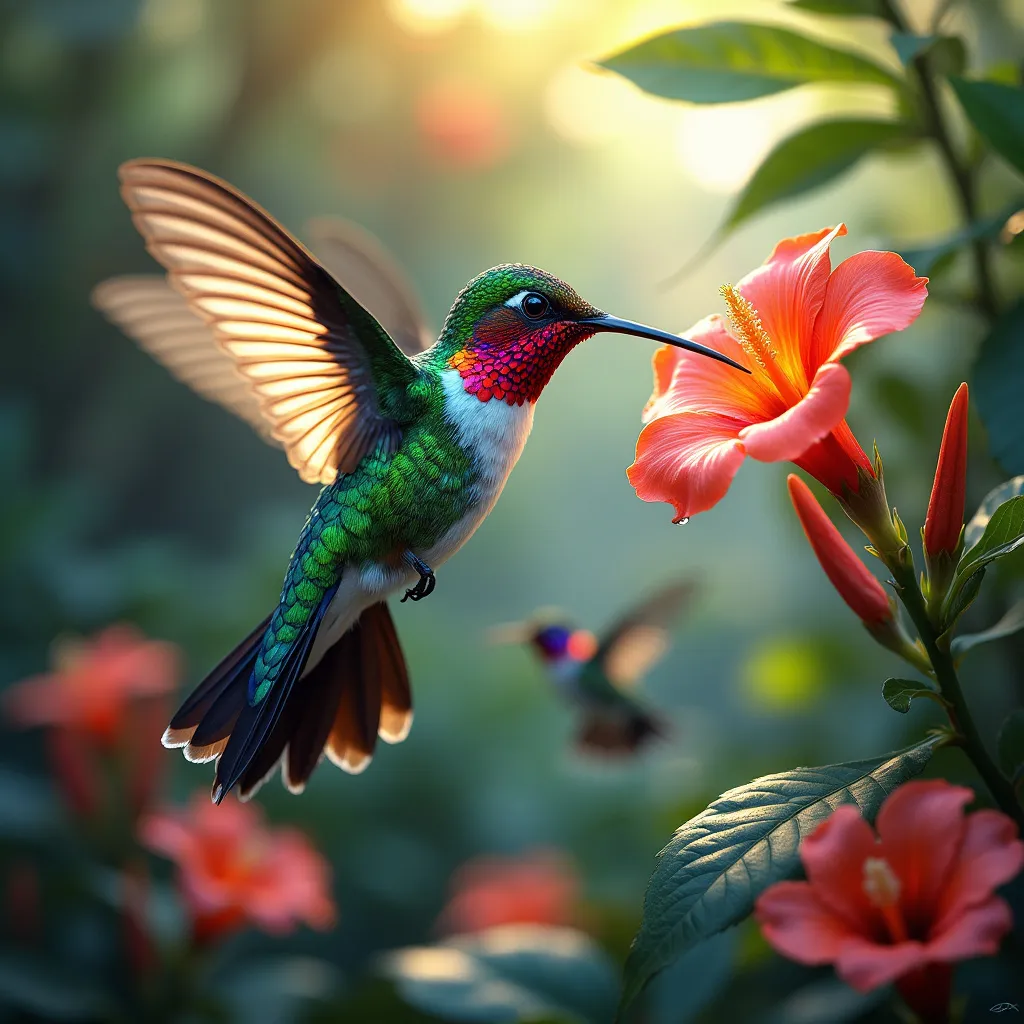
Hummingbird - Flux.1 pro
prompt
A vibrant hummingbird hovers mid-air, its iridescent emerald and sapphire feathers glistening in dappled sunlight. Its long, slender beak probes a exotic, trumpet-shaped flower bursting with nectar. Gossamer wings blur with rapid motion, creating a misty aura. The bird's ruby-red throat patch flashes brilliantly. Surrounding the hummingbird, a lush tropical garden teems with colorful blooms and verdant foliage. Soft bokeh effect in background. Art style: Hyperrealistic digital painting with elements of magical realism. Lighting: Warm, golden hour sunlight filtering through leaves, creating a dreamy atmosphere. Color palette: Rich jewel tones - emerald, sapphire, ruby, amethyst - contrasted with soft pastels. Mood: Serene yet energetic, capturing the delicate beauty and frenetic energy of the hummingbird. Camera angle: Close-up macro shot, slightly off-center composition following the rule of thirds. Additional elements: Tiny water droplets suspended in air, refracting light into miniature rainbows. A second, blurred hummingbird visible in the background, suggesting movement and depth.
Detailed Analysis of the Flyne AI Image Prompt
Analyze the detailed prompt used to generate the image with Flyne AI Image Generator.
Explore AI Image Prompts with Flyne AI Image Generator
How to generate image by Flyne AI Image Generator Flux.1 pro
Follow these four simple steps to create your desired image.
Step 1: Enter Your Text (Feel free to refine your prompt for better results)
Step 2: Choose Image Aspect Ratio
Step 3: Select Your Image Model:
Step 4: Click the Generate Button and Wait a Few Seconds for Your Image
Related Flyne AI tools for prompts about image generation Flux.1 pro
Discover advanced tools from Flyne AI to boost your creative workflow.