Shinobu Kocho - Flux.1.1 pro
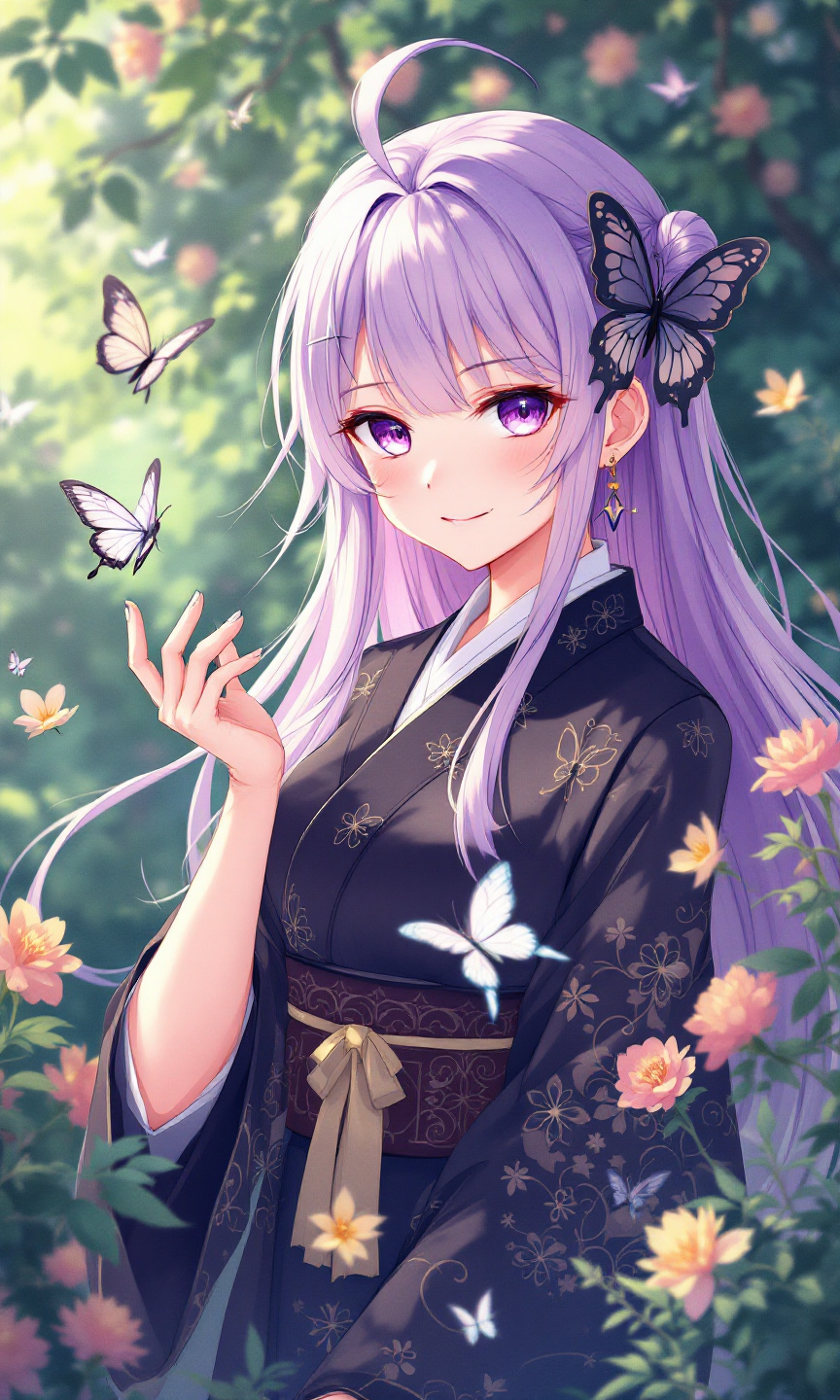
prompt
Generate an image of Shinobu Kocho from "Demon Slayer," capturing her ethereal beauty and unique traits. Emphasize her long, flowing lavender hair with butterfly-themed accents, and her striking violet eyes. She wears a traditional Demon Slayer uniform, featuring a dark haori adorned with intricate butterfly patterns and a white, high-collared shirt underneath. Her expression should reflect a serene yet slightly mischievous demeanor, with a gentle smile playing on her lips, showcasing her calm nature. Pose her gracefully, perhaps with one hand extended as if summoning a butterfly, embodying her connection to insects. Set the background in a lush, vibrant garden filled with blooming flowers and fluttering butterflies, enhancing her insect-themed aesthetic. Use a soft, pastel anime art style with clean lines and vibrant colors, capturing the whimsical essence of her character, while incorporating her signature Nichirin blade, subtly glinting in the light.
Detailed Analysis of the Flyne AI Image Prompt
Analyze the detailed prompt used to generate the image with Flyne AI Image Generator.
Explore AI Image Prompts with Flyne AI Image Generator
How to generate image by Flyne AI Image Generator Flux.1.1 pro
Follow these four simple steps to create your desired image.
Step 1: Enter Your Text (Feel free to refine your prompt for better results)
Step 2: Choose Image Aspect Ratio
Step 3: Select Your Image Model:
Step 4: Click the Generate Button and Wait a Few Seconds for Your Image
Related Flyne AI tools for prompts about image generation Flux.1.1 pro
Discover advanced tools from Flyne AI to boost your creative workflow.