Neon Alchemy: Secrets Unveiled - Flux.1 dev
prompt
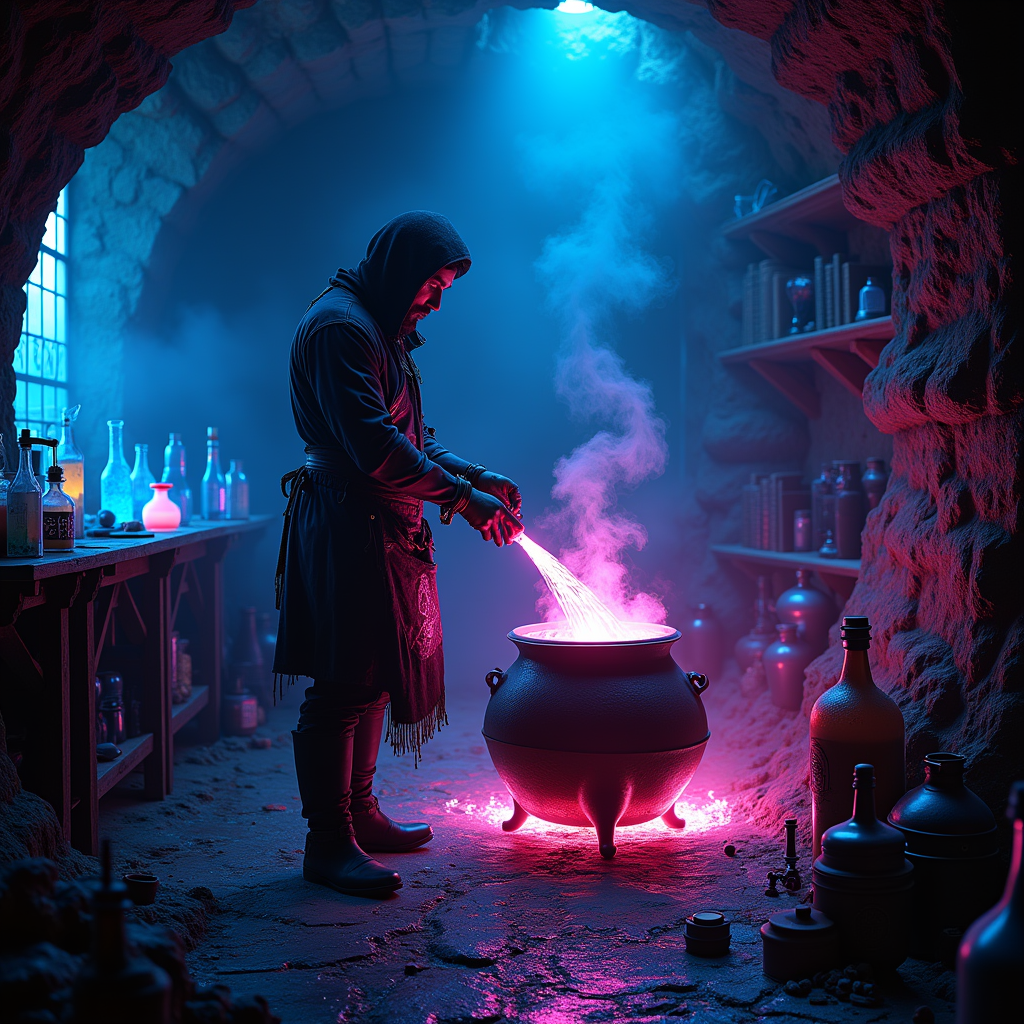
In a dimly lit underground lair, a rogue alchemist stands amidst a chaotic array of bubbling vials and glowing ingredients, their silhouette framed by the flickering neon lights that cast vibrant hues of electric blue and radiant magenta across the stone walls. Shadows twist and sway, animated by the pulsating glow of luminescent potions, each emitting an otherworldly shimmer that dances in the air like ethereal fireflies. The alchemist, clad in a tattered leather apron adorned with arcane symbols, meticulously stirs a cauldron filled with a swirling, iridescent liquid that reflects the neon glow, creating a mesmerizing kaleidoscope of colors. Wisps of steam rise, illuminated by the neon glow, while shelves lined with ancient tomes and peculiar artifacts loom in the background, adding an air of mystery to the scene. The atmosphere is thick with anticipation, as if the very air crackles with the promise of forbidden knowledge and untold power.
Detailed Analysis of the Flyne AI Image Prompt
Analyze the detailed prompt used to generate the image with Flyne AI Image Generator.
Explore AI Image Prompts with Flyne AI Image Generator
How to generate image by Flyne AI Image Generator Flux.1 dev
Follow these four simple steps to create your desired image.
Step 1: Enter Your Text (Feel free to refine your prompt for better results)
Step 2: Choose Image Aspect Ratio
Step 3: Select Your Image Model:
Step 4: Click the Generate Button and Wait a Few Seconds for Your Image
Related Flyne AI tools for prompts about image generation Flux.1 dev
Discover advanced tools from Flyne AI to boost your creative workflow.