Vengeance in Neon Shadows - Flux.1.1 pro
Indicador
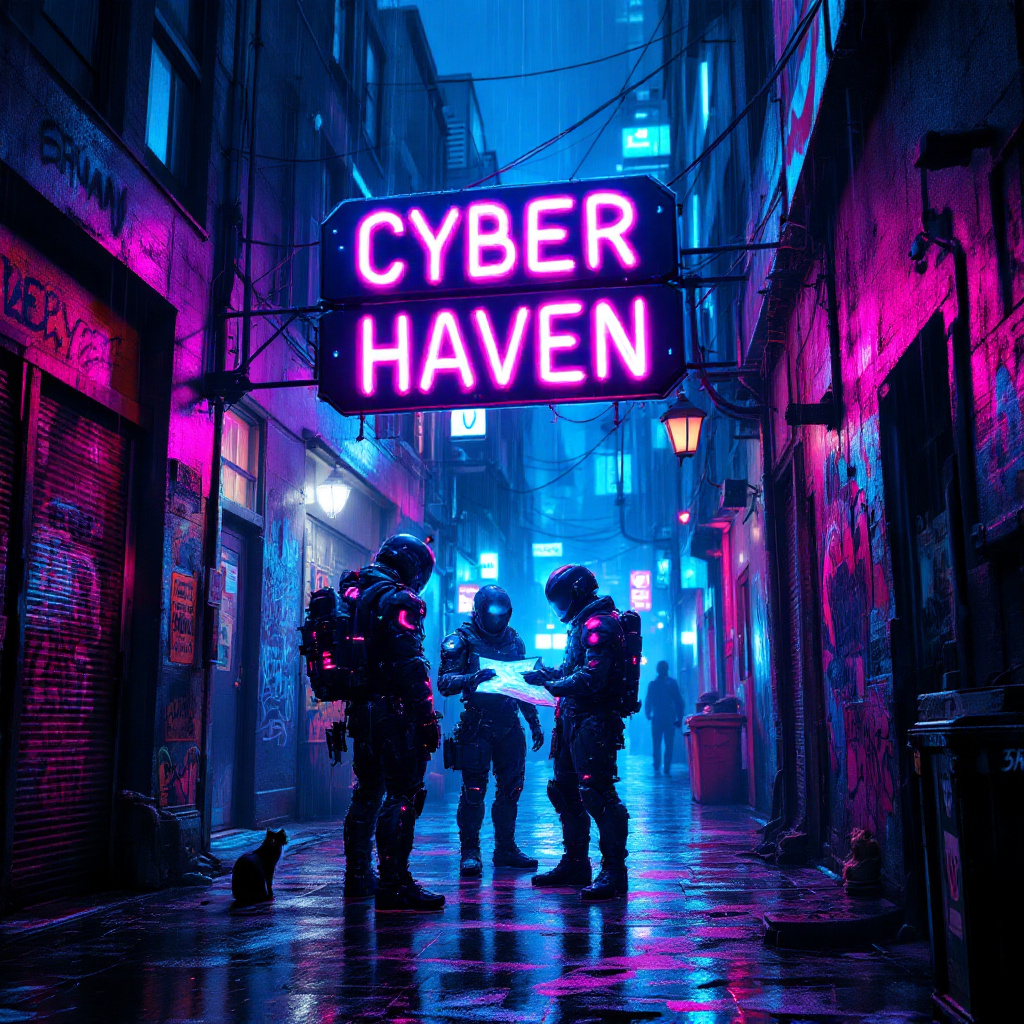
In a dimly lit, rain-soaked alleyway, neon lights flicker and glow in vibrant hues of electric blue, hot pink, and acid green, casting a surreal glow on the slick pavement. Shadows dance as augmented mercenaries, clad in high-tech armor adorned with glowing circuitry, huddle beneath a flickering neon sign that reads "Cyber Haven." Their cybernetic enhancements glint under the rain, while one figures pulls a holographic map from their forearm, illuminating their determined faces with a ghostly light. The air is thick with the scent of rain and ozone, punctuated by distant sirens and the hum of drones overhead. Graffiti-covered walls loom around them, depicting rebellious art and warnings about the corporate overlords. A stray cat, its eyes glowing like tiny headlights, watches from a nearby dumpster, adding an eerie sense of life to the otherwise tense atmosphere. The scene captures the essence of a gritty, futuristic world where vengeance brews in the shadows.
Análisis detallado del prompt de imagen de Flyne AI
Analiza el prompt detallado utilizado para generar la imagen con Flyne AI Image Generator.
Explorar Mensajes para Flux IA
Cómo generar imágenes con Flyne AI Image Generator
Sigue estos cuatro sencillos pasos para crear la imagen que deseas.
Paso 1: Ingresa tu texto (No dudes en refinar tu prompt para mejores resultados)
Paso 2: Elige la relación de aspecto de la imagen
Paso 3: Selecciona tu modelo de imagen:
Paso 4: Haz clic en el botón Generar y espera unos segundos para tu imagen
Herramientas Flyne AI relacionadas con prompts de generación de imágenes
Descubre herramientas avanzadas de Flyne AI para potenciar tu flujo de trabajo creativo.