Vengeance in Neon Shadows - Flux.1.1 pro
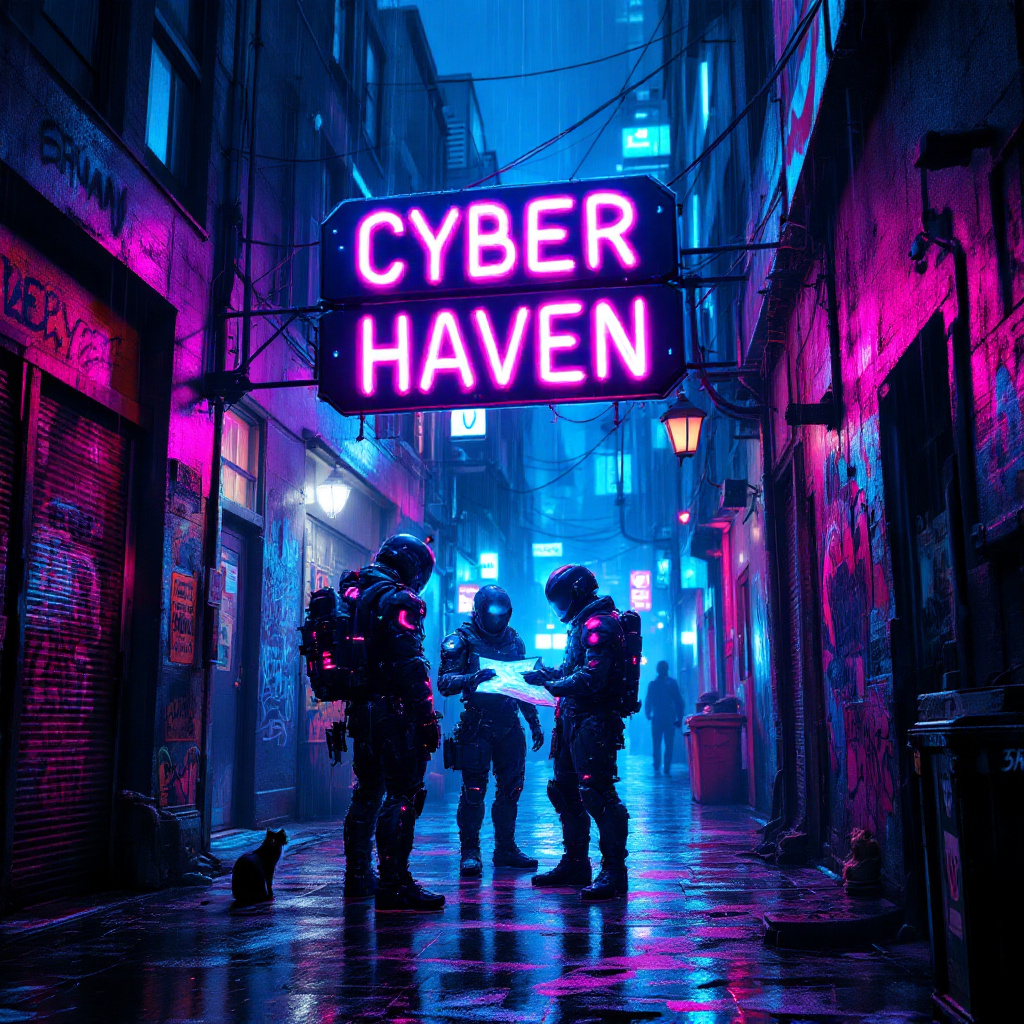
prompt
In a dimly lit, rain-soaked alleyway, neon lights flicker and glow in vibrant hues of electric blue, hot pink, and acid green, casting a surreal glow on the slick pavement. Shadows dance as augmented mercenaries, clad in high-tech armor adorned with glowing circuitry, huddle beneath a flickering neon sign that reads "Cyber Haven." Their cybernetic enhancements glint under the rain, while one figures pulls a holographic map from their forearm, illuminating their determined faces with a ghostly light. The air is thick with the scent of rain and ozone, punctuated by distant sirens and the hum of drones overhead. Graffiti-covered walls loom around them, depicting rebellious art and warnings about the corporate overlords. A stray cat, its eyes glowing like tiny headlights, watches from a nearby dumpster, adding an eerie sense of life to the otherwise tense atmosphere. The scene captures the essence of a gritty, futuristic world where vengeance brews in the shadows.
Analisi dettagliata del prompt immagine Flyne AI
Analizza il prompt dettagliato utilizzato per generare l'immagine con Flyne AI Image Generator.
Esplora i Prompt Flux per il Generatore Immagini Flux AI
Come generare immagini con Flyne AI Image Generator
Segui questi quattro semplici passaggi per creare l'immagine desiderata.
Passaggio 1: Inserisci il Tuo Testo (Sentiti libero di perfezionare il prompt per risultati migliori)
Passaggio 2: Scegli le Proporzioni dell'Immagine
Passaggio 3: Seleziona il tuo modello immagine:
Passaggio 4: Clicca il Pulsante Genera e Attendi Alcuni Secondi per la Tua Immagine
Strumenti Flyne AI correlati ai prompt per la generazione di immagini
Scopri strumenti avanzati di Flyne AI per potenziare il tuo flusso di lavoro creativo.