Neon Shadows: Hunt in the Haze -
Indicador
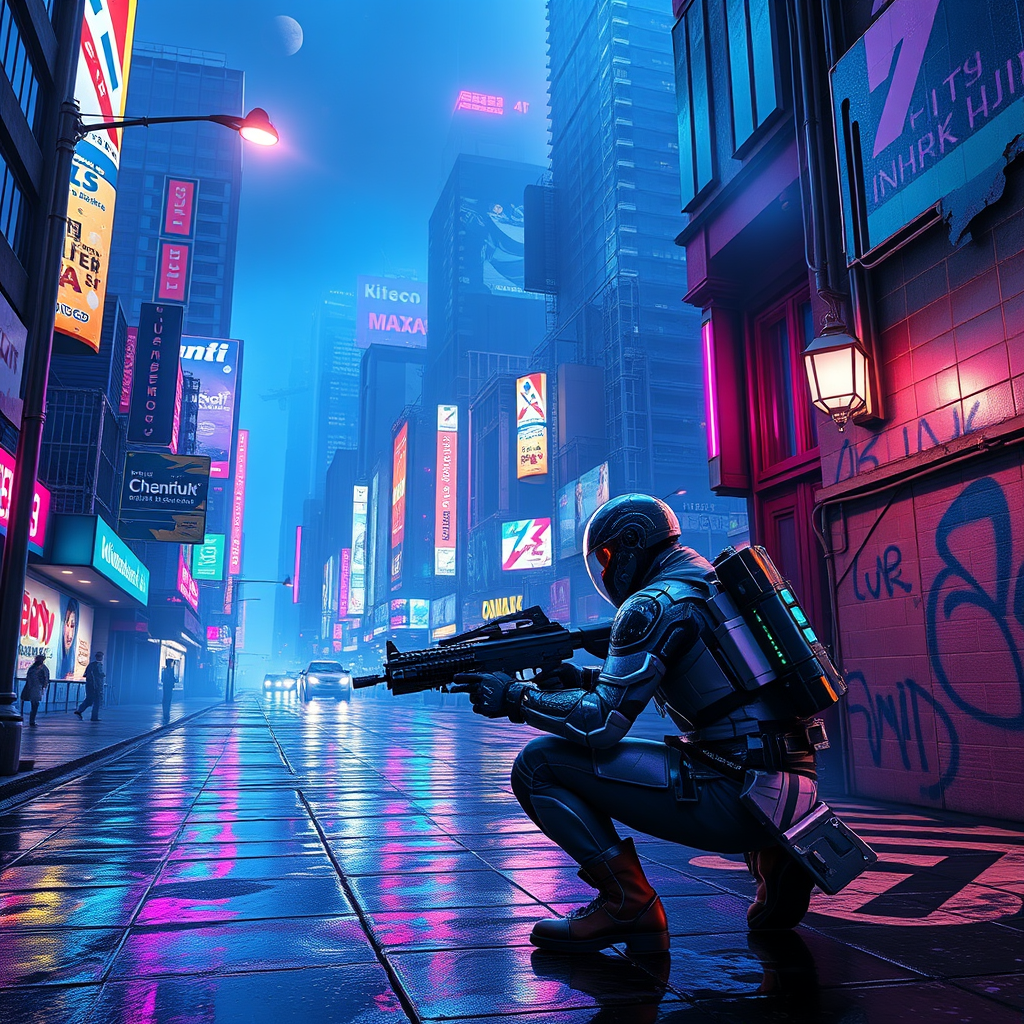
In a sprawling cyberpunk metropolis, neon-lit streets pulse with vibrant hues of electric blue and hot pink, reflecting off rain-slicked pavement as a light drizzle falls. Towering skyscrapers adorned with holographic advertisements loom overhead, their flickering lights casting an otherworldly glow. Augmented bounty hunters, clad in sleek, armored exosuits shimmering with iridescent circuitry, navigate the chaotic urban landscape, their visors scanning for elusive data phantoms—ethereal wisps of digital information that dart through the air like fireflies. The atmosphere is thick with a haze of smoke and the distant hum of hovercraft, while graffiti art, glowing in phosphorescent greens, adorns crumbling walls. A flickering streetlamp illuminates a dark alley where shadows dance, hinting at hidden dangers. In the foreground, a hunter crouches, poised and alert, with a futuristic weapon in hand, eyes glinting with determination as they prepare to capture their elusive target amidst the vibrant chaos.
Análisis detallado del prompt de imagen de Flyne AI
Analiza el prompt detallado utilizado para generar la imagen con Flyne AI Image Generator.
Explorar Mensajes para Flux IA
Cómo generar imágenes con Flyne AI Image Generator
Sigue estos cuatro sencillos pasos para crear la imagen que deseas.
Paso 1: Ingresa tu texto (No dudes en refinar tu prompt para mejores resultados)
Paso 2: Elige la relación de aspecto de la imagen
Paso 3: Selecciona tu modelo de imagen:
Paso 4: Haz clic en el botón Generar y espera unos segundos para tu imagen
Herramientas Flyne AI relacionadas con prompts de generación de imágenes
Descubre herramientas avanzadas de Flyne AI para potenciar tu flujo de trabajo creativo.