Neon Shadows: Hunt in the Haze -
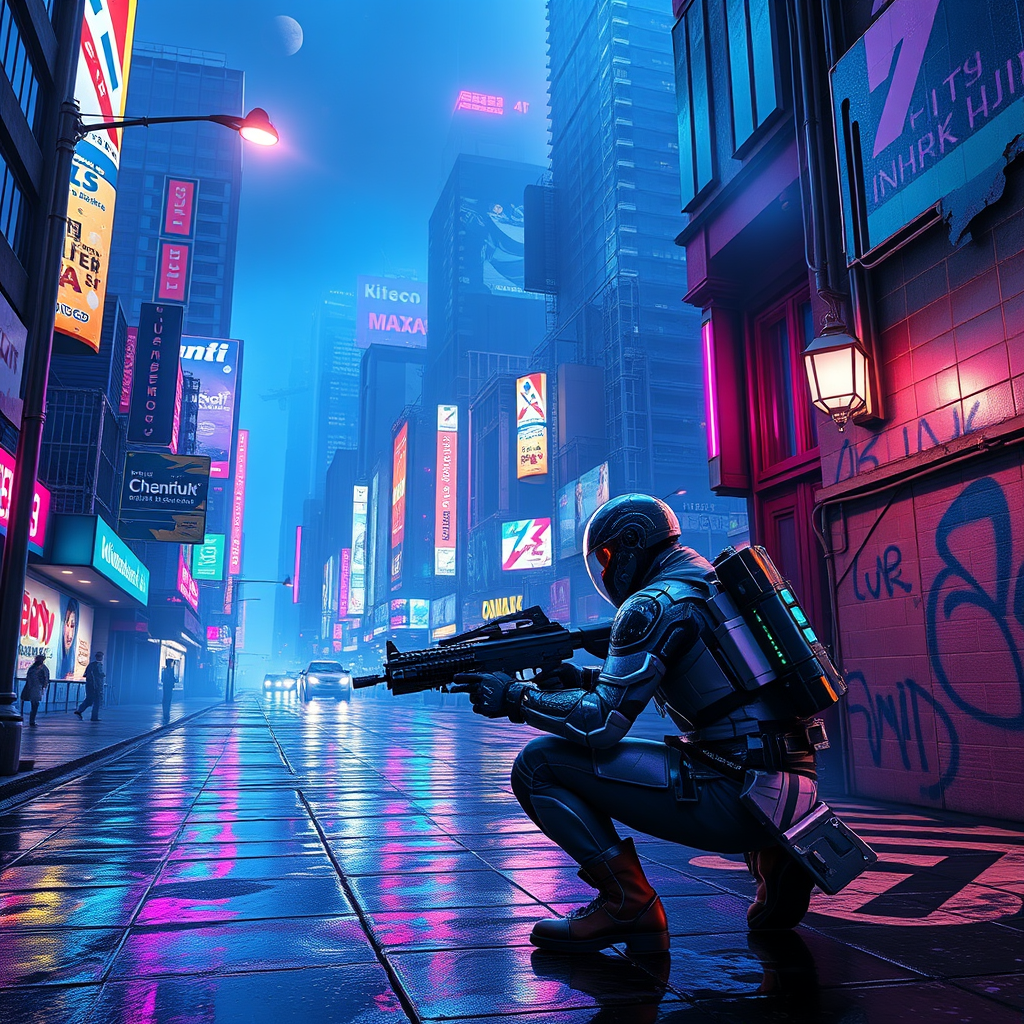
prompt
In a sprawling cyberpunk metropolis, neon-lit streets pulse with vibrant hues of electric blue and hot pink, reflecting off rain-slicked pavement as a light drizzle falls. Towering skyscrapers adorned with holographic advertisements loom overhead, their flickering lights casting an otherworldly glow. Augmented bounty hunters, clad in sleek, armored exosuits shimmering with iridescent circuitry, navigate the chaotic urban landscape, their visors scanning for elusive data phantoms—ethereal wisps of digital information that dart through the air like fireflies. The atmosphere is thick with a haze of smoke and the distant hum of hovercraft, while graffiti art, glowing in phosphorescent greens, adorns crumbling walls. A flickering streetlamp illuminates a dark alley where shadows dance, hinting at hidden dangers. In the foreground, a hunter crouches, poised and alert, with a futuristic weapon in hand, eyes glinting with determination as they prepare to capture their elusive target amidst the vibrant chaos.
Analisi dettagliata del prompt immagine Flyne AI
Analizza il prompt dettagliato utilizzato per generare l'immagine con Flyne AI Image Generator.
Esplora i Prompt Flux per il Generatore Immagini Flux AI
Come generare immagini con Flyne AI Image Generator
Segui questi quattro semplici passaggi per creare l'immagine desiderata.
Passaggio 1: Inserisci il Tuo Testo (Sentiti libero di perfezionare il prompt per risultati migliori)
Passaggio 2: Scegli le Proporzioni dell'Immagine
Passaggio 3: Seleziona il tuo modello immagine:
Passaggio 4: Clicca il Pulsante Genera e Attendi Alcuni Secondi per la Tua Immagine
Strumenti Flyne AI correlati ai prompt per la generazione di immagini
Scopri strumenti avanzati di Flyne AI per potenziare il tuo flusso di lavoro creativo.