Ryu's Hadouken: Urban Showdown - Flux.1 dev
prompt
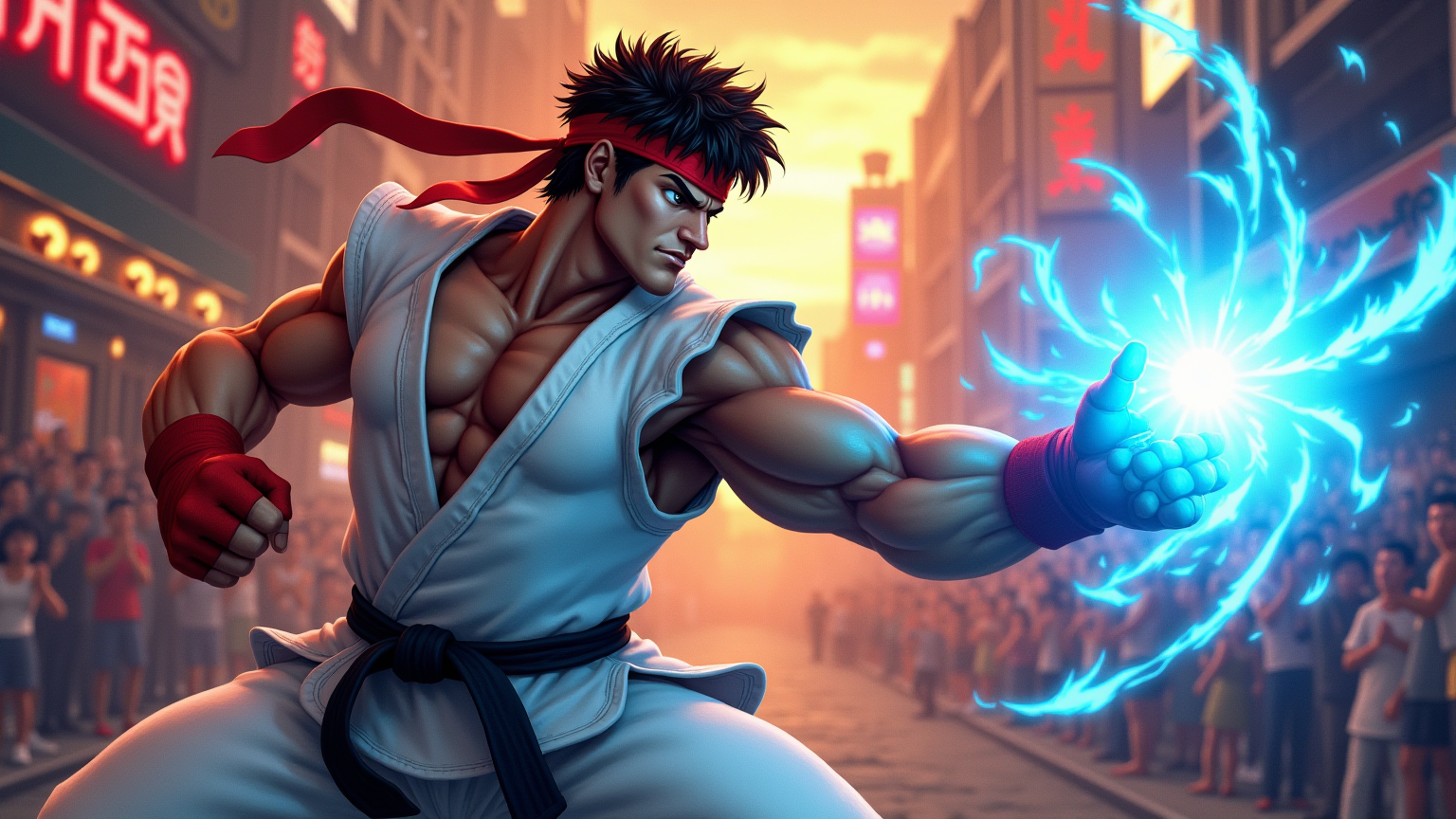
Create a dynamic, action-packed scene inspired by the classic fighting game "Street Fighter II." Focus on Ryu, a muscular martial artist with a determined expression, wearing his signature white gi and red headband, showcasing his iconic Hadouken energy attack. Capture the intensity of his stance, with one fist drawn back and a glowing blue sphere of energy forming in his palm. The background features a vibrant urban setting, with neon lights and graffiti-covered walls, reminiscent of a bustling street in Tokyo. Include cheering spectators and a colorful sunset sky, enhancing the atmosphere of excitement and competition. The overall mood should be electrifying and filled with anticipation, highlighting the spirit of fierce battles and the thrill of martial arts mastery.
Detailed Analysis of the Flyne AI Image Prompt
Analyze the detailed prompt used to generate the image with Flyne AI Image Generator.
Explore AI Image Prompts with Flyne AI Image Generator
How to generate image by Flyne AI Image Generator
Follow these four simple steps to create your desired image.
Step 1: Enter Your Text (Feel free to refine your prompt for better results)
Step 2: Choose Image Aspect Ratio
Step 3: Select Your Image Model:
Step 4: Click the Generate Button and Wait a Few Seconds for Your Image
Related Flyne AI tools for prompts about image generation
Discover advanced tools from Flyne AI to boost your creative workflow.