Sushi Burrito - Flux.1 dev
prompt
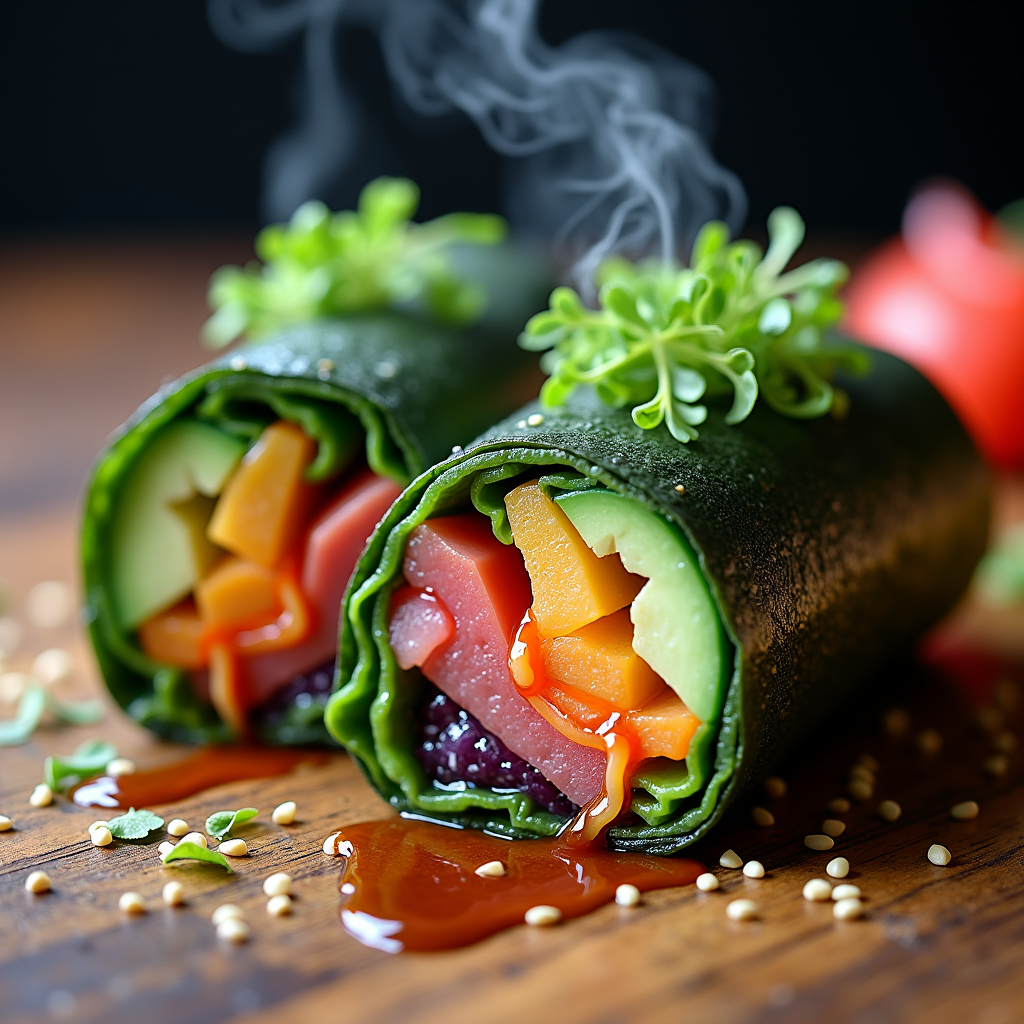
A vibrant sushi burrito, wrapped in a seaweed sheet, bursts with colors—vivid greens from fresh avocado and crisp cucumber, bright orange from spicy tuna, and deep purple from pickled radish. The burrito is artfully sliced in half, revealing a rainbow of ingredients, glistening with a drizzle of sesame soy sauce. Set against a rustic wooden table, the scene is enhanced by soft, natural lighting that highlights the textures of the ingredients, casting gentle shadows. The composition is a close-up macro shot, focusing on the intricate layers of the burrito, with a sprinkle of sesame seeds and microgreens scattered around for added flair. Steam gently rises from the freshly made burrito, inviting the viewer to experience the umami aroma and the satisfying crunch of fresh vegetables.
Detailed Analysis of the Flyne AI Image Prompt
Analyze the detailed prompt used to generate the image with Flyne AI Image Generator.
Explore AI Image Prompts with Flyne AI Image Generator
How to generate image by Flyne AI Image Generator
Follow these four simple steps to create your desired image.
Step 1: Enter Your Text (Feel free to refine your prompt for better results)
Step 2: Choose Image Aspect Ratio
Step 3: Select Your Image Model:
Step 4: Click the Generate Button and Wait a Few Seconds for Your Image
Related Flyne AI tools for prompts about image generation
Discover advanced tools from Flyne AI to boost your creative workflow.