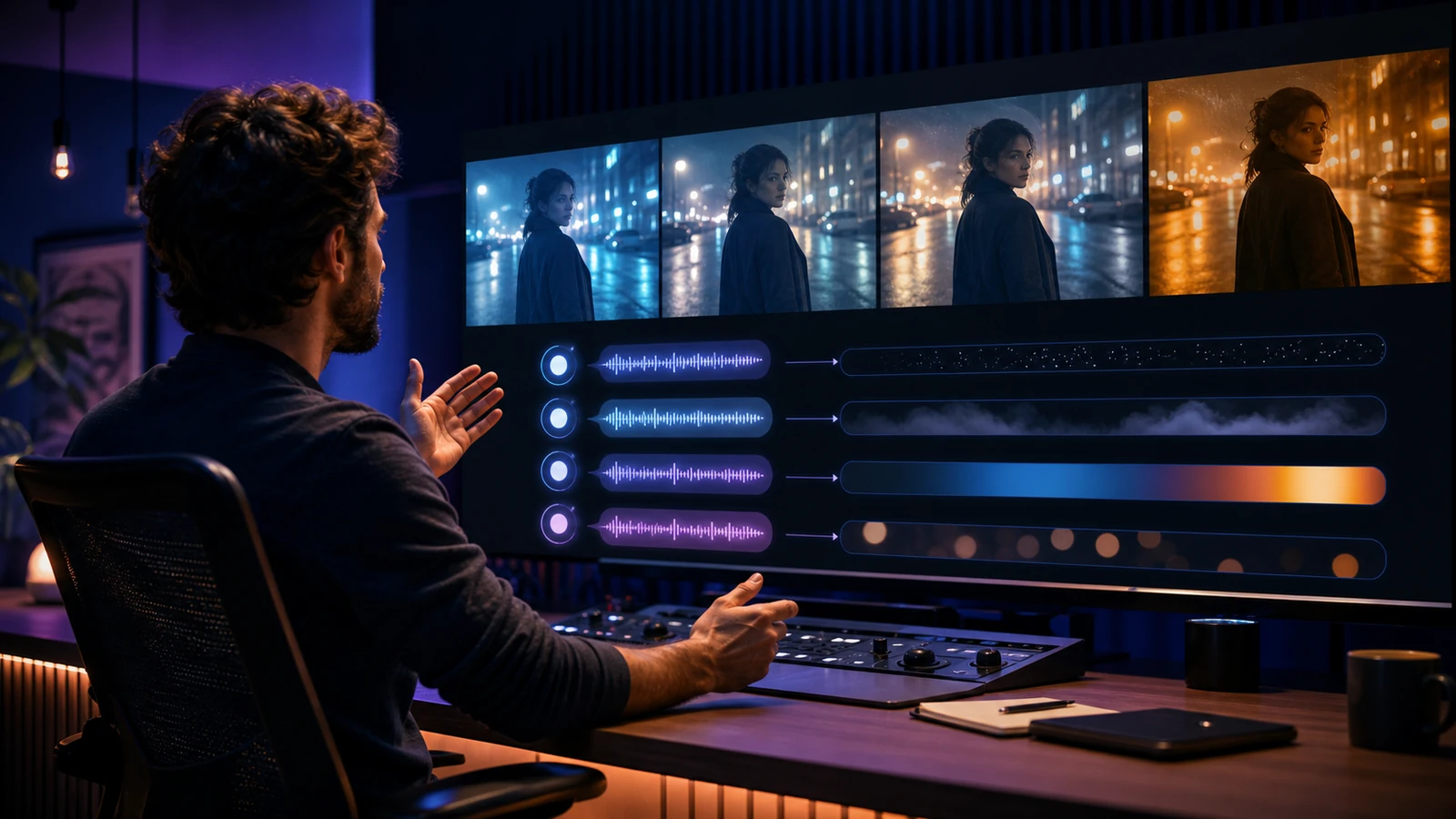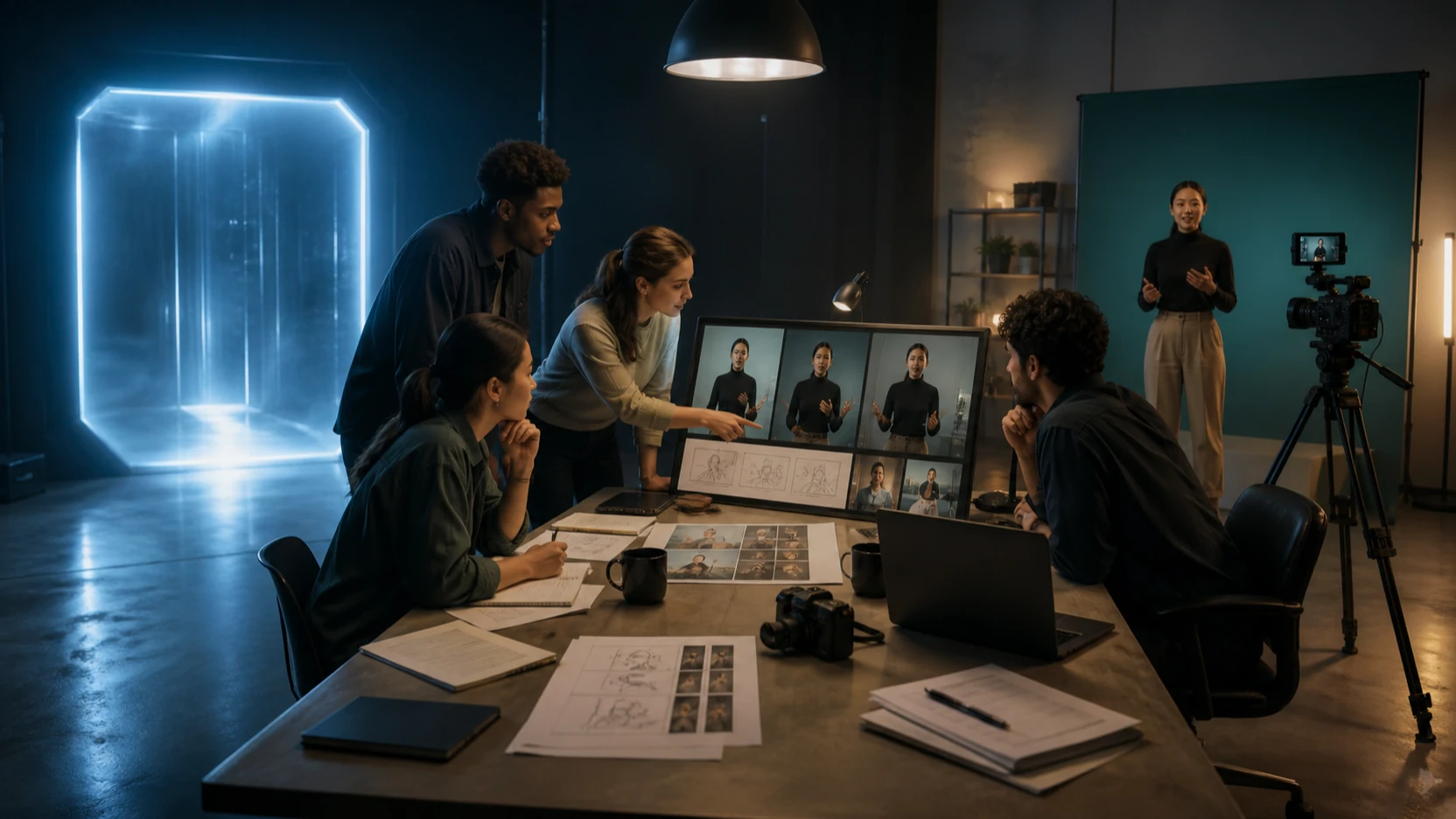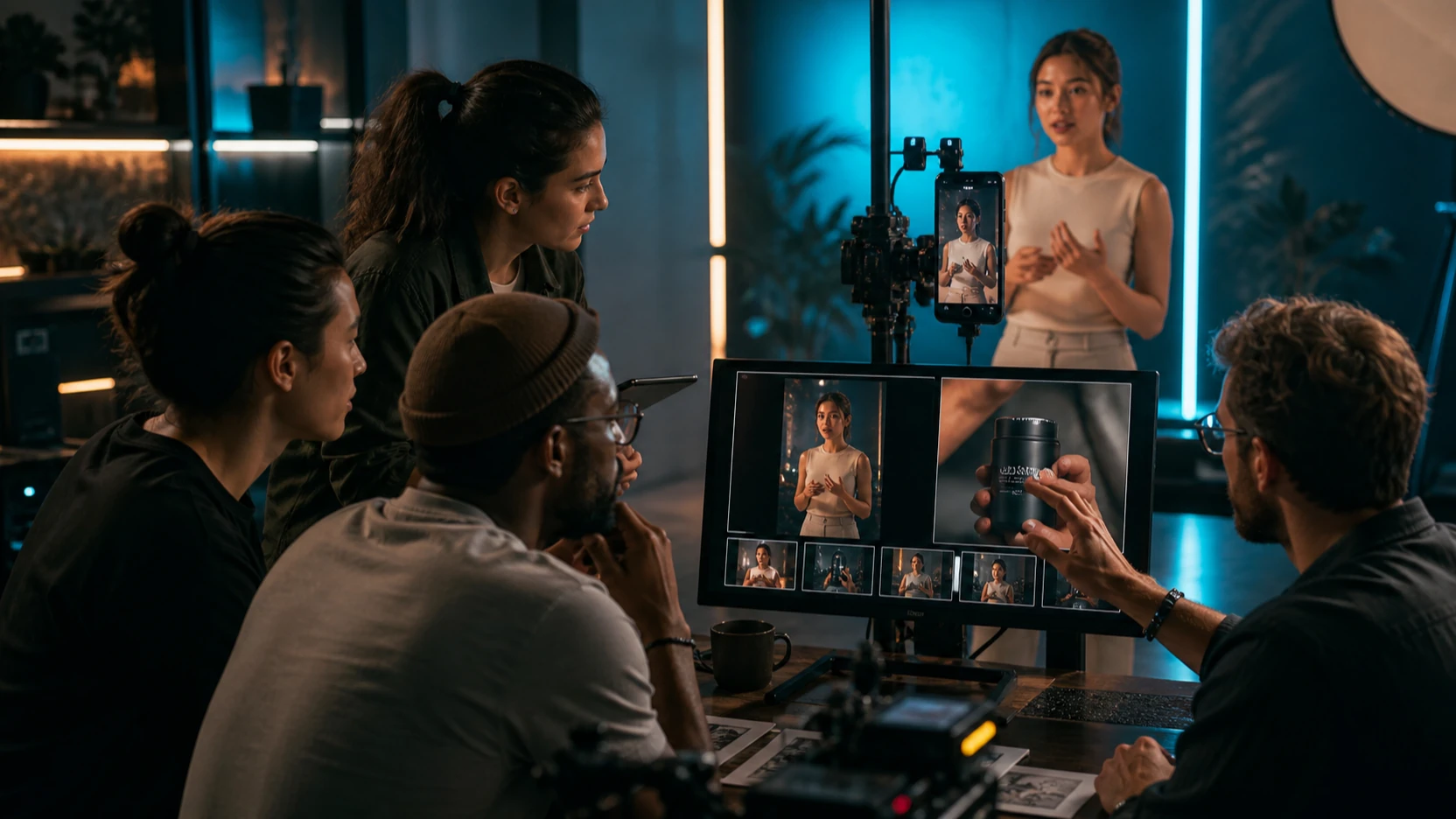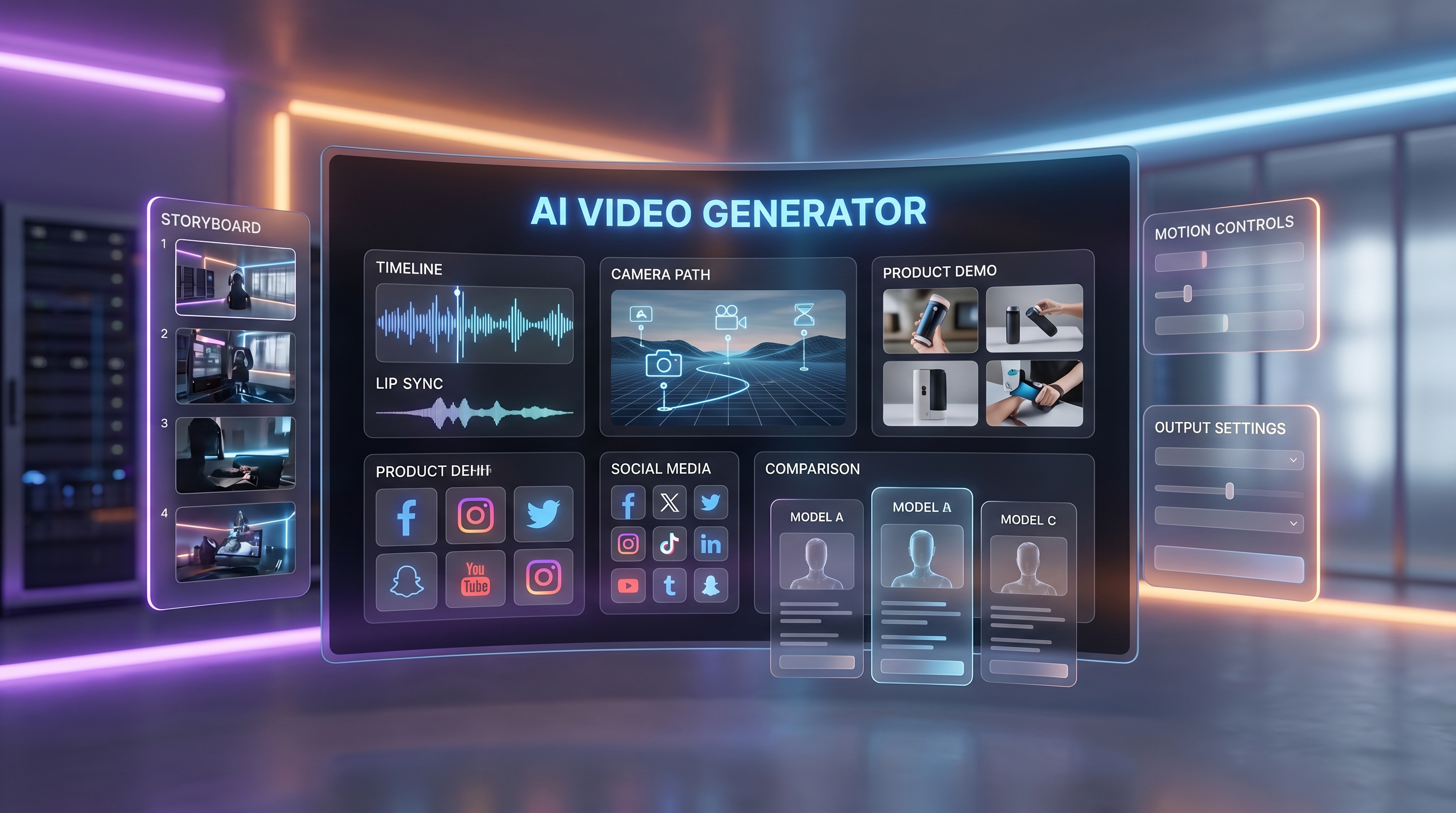
The AI video market is moving so quickly that even experienced creators can feel behind. One month, the discussion is about better frame consistency. The next, a new model arrives with stronger motion, native audio, better lip-sync, and more practical text-to-video control.
That is why Wan 2.6 deserves attention. It is not just another incremental video model update. It makes the Wan family feel much closer to a real production tool, especially for creators who care about prompt accuracy, image-to-video stability, talking scenes, and audio-visual coherence.
But this review should not be treated as a hype piece. Wan 2.6 is strong, but it is not the best choice for every workflow. Veo 3.1 still has advantages for cinematic interpretation. Kling, Seedance, Vidu, Happy Horse, Grok Imagine, PixVerse, and newer Wan 2.7 workflows may be better depending on your goal.
This article reviews Wan 2.6 honestly, compares it with Veo 3.1, recommends alternatives by use case, and explains why the easiest practical access path is using the Wan AI suite through Flaq AI.
Quick Verdict
Wan 2.6 is a strong AI video model for creators who want practical production value: cleaner motion, better prompt following, improved image-to-video stability, and more usable audio-video alignment.
It is especially good for:
- Social video clips
- Product demos
- Talking-head concepts
- Short ads
- Creator explainers
- Image-to-video animation
- Performance-style scenes with audio
Veo 3.1 is still better when you want premium cinematic atmosphere, richer film language, and more interpretive visual storytelling. Wan 2.6 feels more direct and practical; Veo 3.1 feels more cinematic and expressive.
The best recommendation is not to choose one forever. Use Wan 2.6 when you want reliable daily production, test Wan 2.7 when you want the newer workflow path, and use Veo 3.1 when cinematic polish matters most.
What Is Wan 2.6?
Wan 2.6 is an Alibaba AI video model designed for high-quality text-to-video and image-to-video generation. The model is interesting because it improves several areas that previously limited AI video production: motion coherence, character stability, audio alignment, lip-sync, and prompt interpretation.
On Flaq AI, creators and developers can access it through two core paths:
- Wan 2.6 Text-to-Video API — best when you want to generate video from a written prompt.
- Wan 2.6 Image-to-Video API — best when you already have a source image and want to animate it with natural-language motion instructions.
That split matters. Text-to-video is better for original scenes. Image-to-video is better for product shots, character portraits, campaign visuals, and controlled animation from existing assets.
Wan 2.6 Review: What It Does Well
1. Better Prompt Interpretation
Wan 2.6 is noticeably stronger when prompts include structured action, camera movement, scene context, and emotional tone. Earlier video models often reacted to isolated keywords. Wan 2.6 feels better at reading a full prompt as a scene brief.
It handles prompts such as:
A young teacher explains a science concept in a bright classroom, natural speaking motion, subtle hand gestures, soft daylight, clean background, educational video style, realistic lip-sync.
Instead of creating only a vague classroom scene, Wan 2.6 is more likely to preserve the educational tone, character motion, and video purpose.
This makes it useful for ads, tutorials, explainers, product demos, and social videos where the model needs to follow instructions rather than simply improvise a cinematic mood.
2. Stronger Image-to-Video Stability
The image-to-video workflow is one of Wan 2.6’s biggest strengths. If you start from a strong still image, the model can animate it with better identity retention than many older systems.
This matters for:
- Product videos
- Portrait animation
- Fashion clips
- Character concepts
- Cosplay transformations
- E-commerce motion ads
A common problem in image-to-video is that the subject starts to drift: faces change, product edges melt, clothing morphs, or background objects behave strangely. Wan 2.6 is not immune to these issues, but it is more stable than earlier generations in many practical cases.
Use Wan 2.6 Image-to-Video API when the source image already has a strong composition and you want to add motion without rewriting the whole scene.
3. Native Audio and Lip-Sync Improvement
One reason Wan 2.6 has received attention is its stronger audio-video alignment. For creators, this is a meaningful upgrade because audio has often been the weak link in AI video workflows.
Wan 2.6 is useful when a video depends on:
- Speaking characters
- Performance clips
- Voiceover-style scenes
- Music-linked motion
- Short explainer videos
- Social videos with dialogue
The model can still require testing and revision, especially for longer or more complex speech. But compared with earlier AI video workflows that required multiple separate tools for image, video, voice, and lip-sync, Wan 2.6 feels more production-friendly.
4. Practical Motion for Everyday Creator Work
Wan 2.6 is not only for cinematic demos. Its biggest value may be everyday creator production.
It works well for:
- A product slowly rotating under studio light
- A creator avatar speaking to camera
- A fashion model turning slightly in place
- A food shot gaining steam and camera movement
- A tutorial clip with subtle presenter gestures
- A short brand visual with light motion and atmosphere
The best results usually come from controlled motion. Ask for a slow push-in, subtle turn, light wind, blinking, gentle hand movement, or soft product rotation before attempting complex dance, combat, sports, or multi-character choreography.
Where Wan 2.6 Still Has Limits
Wan 2.6 is powerful, but it is not perfect.
You may still see issues with:
- Long multi-character action scenes
- Very precise hand-object interactions
- Complex camera movement and fast subject motion at the same time
- Product labels under extreme motion
- Exact lip-sync across longer scripts
- Highly stylized scenes with many visual constraints
The model performs best when the prompt is clear, the scene goal is focused, and motion is physically plausible. If the prompt asks for too many changes at once, even a strong model can become unstable.
Wan 2.6 vs Veo 3.1
Wan 2.6 and Veo 3.1 are both strong video models, but they have different personalities.
| Category | Wan 2.6 | Veo 3.1 |
|---|---|---|
| Best overall role | Practical production and controlled creator workflows | Cinematic storytelling and premium visual direction |
| Prompt behavior | Literal, structured, instruction-friendly | Expressive, cinematic, interpretive |
| Audio-video use | Strong for talking, dialogue, and practical sync | Strong for cinematic sound-aware output |
| Image-to-video use | Good for product, portrait, and controlled animation | Strong when the image supports cinematic movement |
| Best users | Marketers, creators, educators, product teams | Filmmakers, brand storytellers, premium content teams |
| Main weakness | Less atmospheric than top cinematic models | May be more costly or more interpretive than needed for daily content |
Choose Wan 2.6 When You Need Practical Output
Wan 2.6 is the better pick when the project needs to be clear, reliable, and production-friendly. It is strong for social clips, talking content, product demos, and structured prompt-based generation.
Use it for:
- Product explainers
- Short ads
- Educational clips
- Daily creator content
- Talking-head concepts
- Image-to-video animation from stable keyframes
Choose Veo 3.1 When You Need Cinematic Polish
Veo 3.1 is stronger when you want a video to feel like a polished film scene. It tends to shine with lighting, mood, camera language, and dramatic visual atmosphere.
Use it for:
- Brand films
- Cinematic product reveals
- Concept trailers
- Mood-driven scenes
- High-end storytelling clips
- Premium text-to-video experiments
If Wan 2.6 is the dependable production assistant, Veo 3.1 is the more cinematic director.
Best Use Cases for Wan 2.6
Social Media Videos
Wan 2.6 is a strong option for TikTok, Reels, Shorts, and social ad experiments. It is useful when creators need clear movement, quick prompt testing, and audio-supported clips without overbuilding the workflow.
Product Demonstrations
The image-to-video workflow is especially useful for product shots. Upload a product image, describe a subtle camera move, and keep the product shape stable. This can help e-commerce teams create motion assets without running a full photoshoot.
Talking-Head and Educational Clips
Wan 2.6 is useful for short presenter-style clips, course previews, corporate training snippets, and business explainers. Keep scripts short, facial motion natural, and background simple.
Character and Cosplay Animation
When the source image is clean, Wan 2.6 can animate stylized characters, cosplay portraits, or fantasy designs with improved identity retention. Avoid extreme motion at first; test subtle head turns, breathing, blinking, fabric movement, and camera push-ins.
Recommended Access: Use the Wan AI Suite via Flaq AI
The best practical recommendation is to access the Wan AI suite through Flaq AI because it gives creators and developers a unified place to test and integrate multiple Wan workflows.
Start with these pages:
- Wan 2.6 Text-to-Video API — best for prompt-first video generation.
- Wan 2.6 Image-to-Video API — best for animating source images, product shots, portraits, and campaign visuals.
- Wan 2.7 Text-to-Video API — best for testing the newer text-to-video generation path.
- Wan 2.7 Image-to-Video API — best when you want a newer image-to-video option with more advanced animation controls.
Why use Flaq AI instead of scattered access paths?
- You can test models in a hosted environment.
- You can compare Wan with other video APIs on the same platform.
- You can move from browser testing to API integration more smoothly.
- You can use alternative models when one model is not the best fit.
- You avoid building a workflow around only one model generation.
For creators, this means faster testing. For developers, it means a clearer path toward scalable video generation features.
Alternative Recommendations: What to Use Instead
Wan 2.6 is strong, but the best model depends on the project. Here are the alternatives worth considering.
Best Cinematic Alternative: Veo 3.1
Use Veo 3.1 Text-to-Video API when you want film-like output, richer atmosphere, and more expressive visual interpretation.
Use Veo 3.1 Fast Image-to-Video when you want a faster image-to-video path with Google-style cinematic behavior.
Best for:
- Premium brand films
- Cinematic ads
- Story-driven scenes
- Mood-heavy visuals
- Higher-end creative prototypes
Best Motion Alternative: Kling 3.0 and Kling O3
Use Kling 3.0 Standard Text-to-Video when you need strong motion and solid physical coherence.
Use Kling O3 Standard Image-to-Video when you want to animate an existing image with natural-language motion prompts.
Best for:
- High-motion scenes
- Dynamic character action
- Product or fashion motion tests
- Short video clips with visible movement
Best Social Production Alternative: Seedance 2.0
Use Seedance 2.0 Text-to-Video API when you want built-in sound support and social-friendly text-to-video production.
Use Seedance 2.0 Fast Reference-to-Video when your workflow includes reference video guidance.
Best for:
- Social video campaigns
- Short-form ads
- High-volume creative testing
- Creator workflows that need speed and sound
Best Fast Creative Alternative: Vidu Q3
Use Vidu Q3 Turbo Text-to-Video when you need fast, cost-conscious video generation with flexible creative output.
Best for:
- Rapid concept testing
- Social content drafts
- Music-style clips
- Short-form creative experiments
Best Experimental Alternative: Grok Imagine Video
Use Grok Imagine Text-to-Video when you want a flexible high-speed model for creative experimentation.
Use Grok Imagine Image-to-Video when your workflow begins from a source image.
Best for:
- Experimental content
- Fast creative drafts
- Multi-style video concepts
- High-volume testing
Best Alibaba Ecosystem Alternative: Happy Horse 1.0
Use Happy Horse 1.0 Text-to-Video when you want another Alibaba video option for scalable prompt-to-video creation.
Best for:
- Creative prototyping
- Short ads
- Alternative Alibaba-model testing
- Comparing different model personalities within one ecosystem
Best Volume Alternative: PixVerse V6
Use PixVerse V6 Text-to-Video or PixVerse V6 Image-to-Video when you want broad video testing with optional sound and production-friendly output options.
Best for:
- Social media volume
- Creator experiments
- Fast image-to-video tests
- Campaign variations
Workflow Recommendation
Use this practical workflow when testing Wan 2.6 or alternatives on Flaq AI:
- Define the output. Is the clip a product demo, talking-head video, cinematic scene, social ad, or animation from a still image?
- Choose the model by job. Use Wan for practical production, Veo for cinema, Kling for motion, Seedance for social workflows, and Vidu or PixVerse for fast testing.
- Start simple. Test one subject, one action, one camera move, and one atmosphere.
- Compare before polishing. Run the same prompt across two or three models before committing.
- Refine only the winner. Do not waste time polishing weak generations.
- Move to API only after validating prompts. Browser testing first, integration second.
Prompt Examples for Wan 2.6
Text-to-Video Prompt
A clean product demo video for a premium wireless speaker on a modern desk. Slow camera push-in, soft morning light, subtle reflections, realistic shadows, calm music mood, product remains stable and clearly visible, no distortion.
Image-to-Video Prompt
Animate this product image with a slow rotating camera move. Keep the product shape, logo area, and packaging details unchanged. Add soft studio reflections, gentle background motion, and premium commercial lighting.
Talking-Head Prompt
A friendly presenter explains a new app feature in a clean studio. Natural blinking, subtle head movement, realistic lip-sync, calm hand gestures, soft lighting, professional tutorial style, stable face identity.
Final Verdict
Wan 2.6 is one of the most practical AI video models for creators who want reliable motion, better audio-video alignment, stronger image-to-video performance, and clearer prompt following. It is not always the most cinematic option, but it may be one of the easiest models to use for daily production.
Veo 3.1 remains the stronger recommendation for cinematic storytelling. Kling is worth testing for high-motion scenes. Seedance is strong for social video workflows. Vidu, Grok Imagine, PixVerse, and Happy Horse are useful alternatives depending on speed, budget, and creative style.
The best next step is to test the Wan AI suite through Flaq AI. Start with Wan 2.6 for proven production workflows, test Wan 2.7 when you want the newer generation, and compare against Veo, Kling, Seedance, Vidu, Grok Imagine, PixVerse, or Happy Horse when the project calls for a different strength.
Recommended Tools
- Wan 2.6 Text-to-Video API — best for prompt-first video generation with practical production value.
- Wan 2.6 Image-to-Video API — best for animating product images, portraits, and source visuals.
- Wan 2.7 Text-to-Video API — useful for testing the newer text-to-video workflow.
- Wan 2.7 Image-to-Video API — useful for newer image-led animation workflows.
- Veo 3.1 Text-to-Video API — best for cinematic scenes, premium motion, and expressive visual direction.
- Veo 3.1 Fast Image-to-Video — useful for faster image-to-video testing.
- Kling 3.0 Standard Text-to-Video — strong for motion-heavy video generation.
- Seedance 2.0 Text-to-Video API — useful for social content and built-in sound workflows.
- Vidu Q3 Turbo Text-to-Video — useful for fast creative testing and social drafts.
- Grok Imagine Text-to-Video — useful for experimental video generation and high-volume testing.
- Happy Horse 1.0 Text-to-Video — worth testing as another Alibaba video option.
- PixVerse V6 Text-to-Video — useful for scalable text-to-video production.
Related Articles
- Flaq AI Video Models Review: Which Video API Should You Use?
- Wan 2.7 API Guide: How to Use It on Flaq AI
- Is Wan 2.7 Open-Source, API-Only, or Platform-First?
- Google Veo 3.1 API on Flaq AI: Features, Pricing, and How to Use It
- Kling 3 API Guide: Standard vs Pro, Pricing, and How to Use It on Flaq AI
- Seedance 2.0 API Guide: How to Use Flaq AI for Faster Text-to-Video Workflows
- How to Use Grok Imagine Text-to-Video API on Flaq AI
- Alibaba HappyHorse AI: A Practical New Video Model for Creators and API Builders
People Also Read
- Wan 2.6 vs Wan 2.5: What’s Really Improved in the New Release
- WAN 2.6 vs WAN 2.5: What’s New, What’s Better, and Which One to Use
- The 2026 Image-to-Video Guide for Sea Imagine AI: Best Models and Prompts
- Veo 3.1 API Guide: How to Use Google’s Premium Video Model on Flaq AI
- Wan 2.7 Prompt Tips: How to Make AI Videos Feel More Human and Realistic
- SeaImagine AI Text-to-Video Guide: How to Choose Models and Create Better Clips